


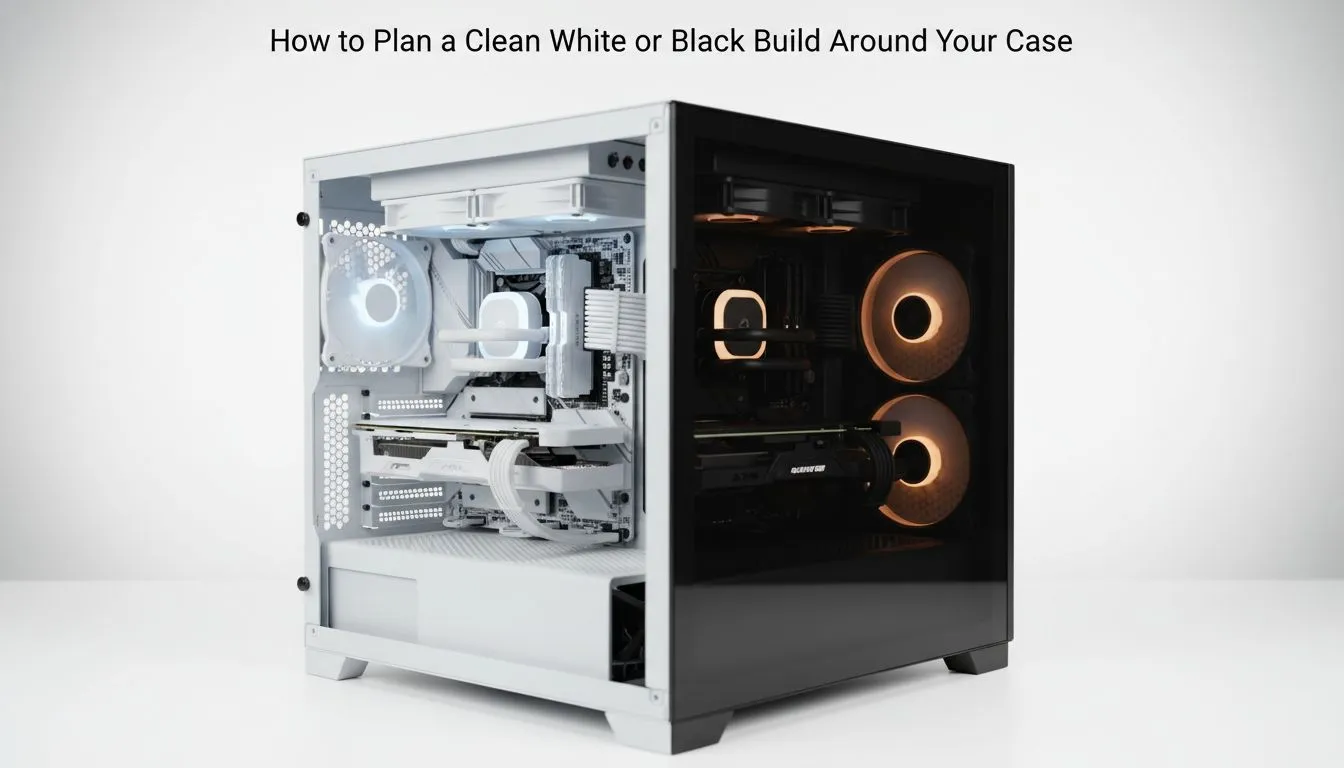
Building a new rig in South Africa isn’t just about the FPS anymore. Whether you are aiming for a clinical, medical-grade clean white PC build or a stealthy, midnight-black setup, the aesthetic defines your workspace. With component prices fluctuating, planning your theme early saves you from a mismatched mess that looks like a R20,000 accident. Let’s get your dream system on track. 🚀
Starting Your Clean White PC Build: Plan a Sleek White or Black System
The first step in any build is deciding on the "canvas". Your chassis dictates the airflow, the component clearance, and the overall vibe of your room. When you begin to plan a clean white PC build: plan a sleek white or black system, you must consider how light interacts with the surfaces. White builds reflect RGB beautifully... black builds absorb it for a more subtle, professional look.
To start, browse through a broad selection of computer cases to see which form factor fits your desk. Remember that white components often carry a small "colour premium" in the South African market. Planning your budget around this is essential.
Choosing the Foundation for Your Aesthetic 🔧
If you want that ultra-clean, minimalist Scandinavian look, few do it better than Fractal. Their design language focuses on silence and clean lines. Choosing Fractal Design PC cases is a popular move for those who want their PC to look like a piece of high-end furniture rather than a glowing spaceship.
Cable Management Pro Tip ⚡
When building in a white case, use white cable extensions rather than standard black PSU cables. Even "hidden" cables can peek through. Using white zip ties or velcro straps against a white chassis makes your cable routing almost invisible to the naked eye.
The Challenge of Colour Matching Components
A common mistake is mixing "cool white" and "warm white" components. Some motherboards have a silver tint... others are pure snow white. If you are going for a clean white PC build, try to stick to one or two brands for your GPU and motherboard. This ensures the whites match under your LED strips.
For those who prefer a more aggressive, gamer-centric aesthetic without breaking the bank, Gamdias gaming cases offer excellent tempered glass options. These are perfect for showing off your internal components while maintaining high airflow.
Budgeting for Your Dream Build ⚡
You don't need to spend a fortune to get a sleek look. High-quality aesthetics are becoming more accessible in South Africa. You can find several stylish cases under R1,500 that still offer modern features like power supply shrouds. These shrouds are vital... they hide the messy "spaghetti" of cables at the bottom of your build, keeping your interior looking professional and tidy. ✨
Ready to Build Your Masterpiece? Whether you want a snow-white sanctuary or a blackout beast, the right parts make all the difference. Explore our massive range of computer cases and start planning your perfect build today.











