


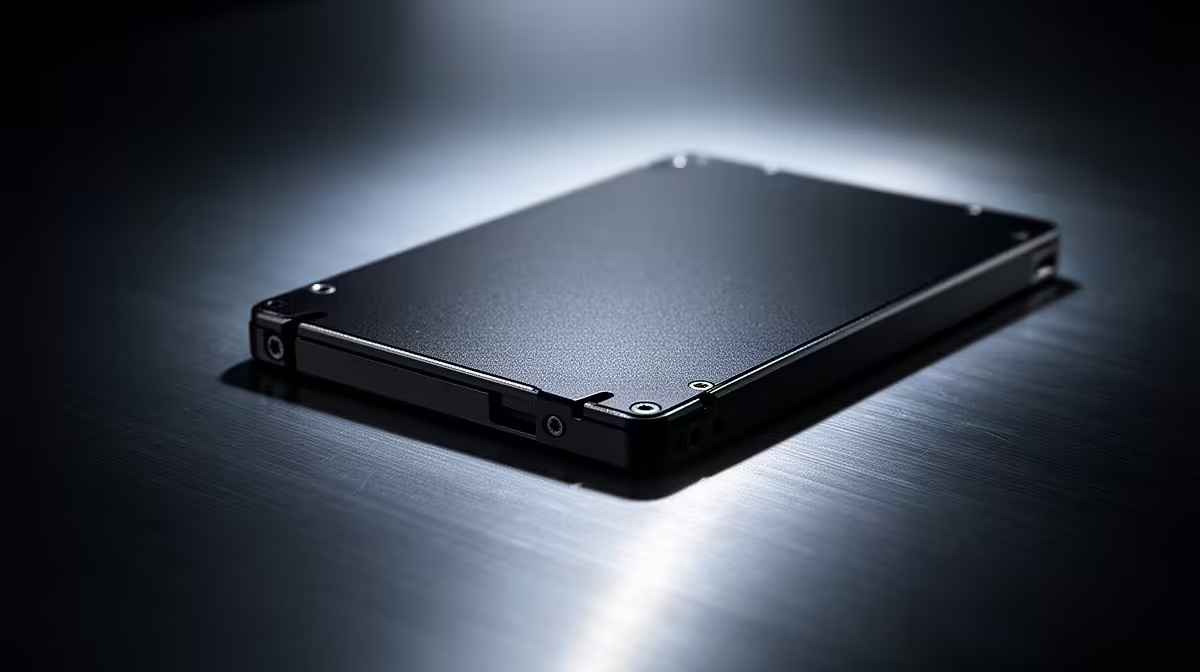
The clone finished without an error, yet the new SSD drops you into BIOS. Keep the old drive untouched. Most cloned SSD boot problems come from the firmware choosing the old Windows Boot Manager, a missing EFI system partition or a mismatch between UEFI and Legacy boot modes.
Quick Answer
Shut down, disconnect the old system drive and select Windows Boot Manager for the new SSD in UEFI boot order. If no entry appears, check whether the clone copied the EFI partition along with Windows and use Windows recovery to rebuild startup files or clone again. At R1,599 in Evetech's July 2026 snapshot, the 512GB ADATA SU650 shows why destination size matters; preserve the source disk until the new copy boots and your files open.
🔒 Protect the source before changing anything
Power the PC down and label both drives. Remove the data or power connection from the old system disk, leaving the clone installed. This prevents the firmware from booting the old EFI entry while Windows happens to run from files on the new drive.
Do not format the source. Keep it as your rollback until the clone has started several times and your applications, documents plus recovery key are present.
If BitLocker or device encryption protects the source, save the recovery key outside both drives before cloning. Suspend protection only through the documented Windows process if the cloning tool requires it. A missing key can turn a successful hardware migration into an account-recovery problem.
Evetech's SSD range can help you match SATA, M.2 SATA or NVMe before cloning; drives that share the M.2 shape can still use different interfaces.
🥾 Choose the new Windows Boot Manager
Enter BIOS and open the boot page. In a UEFI installation, choose the Windows Boot Manager entry associated with the new SSD, not the bare drive name under a legacy list. Move it to the first position and save.
Check the storage page if the SSD does not appear at all. Reseat an M.2 drive, confirm the SATA data and power cables, and read the motherboard manual for slots disabled by shared lanes.
🧩 Confirm the EFI partition crossed over
A working UEFI Windows disk includes a small FAT32 EFI system partition that holds boot files. Some cloning jobs copy only the main C: partition and leave that system partition behind.
Compare the complete source and destination layouts in the cloning tool. Recovery, EFI and Microsoft Reserved partitions may sit before or after C:. The destination can be larger or smaller, but the used data must fit and the tool needs a plan for every boot partition.
Boot from Windows installation media, open the recovery tools and try Startup Repair. If it cannot find a bootable installation, inspect the partitions from recovery or reconnect the old drive as a secondary disk after booting another environment. Reclone with every required system partition selected when the layout is incomplete.
⚙️ Keep UEFI and disk layout aligned
A modern Windows installation normally uses UEFI firmware with a GPT disk. A clone converted between MBR and GPT, or a BIOS switched to Legacy or Compatibility mode, can lose its expected boot path. Restore the firmware mode used by the source installation.
If Windows starts only while the old drive is connected, the clone may still depend on the old EFI partition. Disconnect it and repair the new disk's boot files before trusting the migration.
Once the clone works, reconnect the source as a secondary drive and confirm boot order again. Open personal files, launch key programs and restart twice. The SSD best-seller list provides another capacity option if the clone failed because the destination was too small.
Windows may assign a new letter to the old system partition after reconnection. Do not delete it on the first successful day. Use the machine for a week, confirm backups and then wipe or repurpose the source through a deliberate storage plan.
Frequently Asked Questions
Why will a cloned SSD not boot Windows?
Common causes include the wrong boot entry, a missing EFI partition, an incomplete clone or mismatched firmware mode.
How do you fix boot order after cloning?
Disconnect the old disk, enter BIOS and place the new drive's Windows Boot Manager first in the UEFI list.
What is the EFI system partition?
It is a small FAT32 partition that stores the boot files UEFI firmware uses to start Windows.
Should a clone use UEFI or Legacy mode?
Use the mode that matches the Windows installation and disk layout. Modern GPT installations use UEFI.
Can you fix a missing EFI partition without cloning again?
Windows recovery tools can rebuild boot files when a suitable partition exists. Recloning all system partitions may be easier and safer.
Does removing the old drive help after cloning?
Yes. It proves whether the new SSD can boot without borrowing the old disk's EFI files.
Choosing the destination for an SSD clone? Compare compatible drives at Evetech by interface and capacity, then keep the original disk unchanged until the new Windows installation passes several restarts.











