


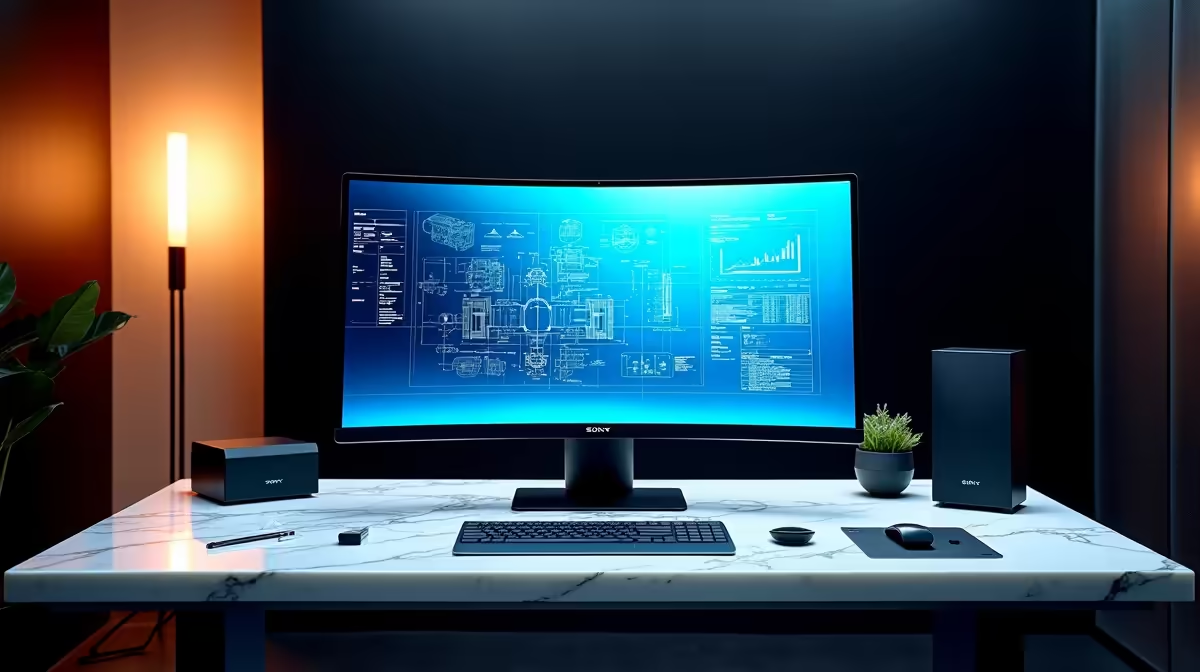
The MSI PRO MP275W at R1,850 suits a creator desk where the screen has to make camera framing, chat, and scenes feel easier to judge on a dependable monitor. For most streamers, colour accuracy is worth paying attention to, but it does not mean overspending. A practical 27in FHD or 23.8in FHD display can be the better choice if your main goal is cleaner production control while running OBS.
What matters more than fancy colour claims
The Dell SE2726H 27in FHD 144Hz at R1,797 is the strongest value pick if you want a larger preview area and smoother desktop motion. Its 27in size helps when you are watching a live preview, browser source, and chat panel without constantly dragging windows around.
The Dell SE2426H 23.8in FHD at R1,532 is better for a tighter desk where you still want a full HD control screen. A 23.8in FHD panel is sensible for stream controls, audio levels, and reference windows because it keeps everything readable without taking over the whole setup.
Creator desk setup for SA streaming
The Dahua LM27 100Hz at R1,500 makes sense when budget is tight but you still want a 27in display. Its 100Hz spec is useful for a smoother desktop feel, and the bigger screen helps you spot small changes in scenes before viewers notice them.
The MSI PRO MP275W at R1,850 is the one to choose when you want the most polished desk feel from this list. It keeps the recommendation simple: spend on a stable screen first, then improve lighting, camera placement, and audio.
Pro Tip ⚡
Ready to choose the right monitor? Compare the listed monitor range and pick the size, refresh rate, and price that fits your desk.










