


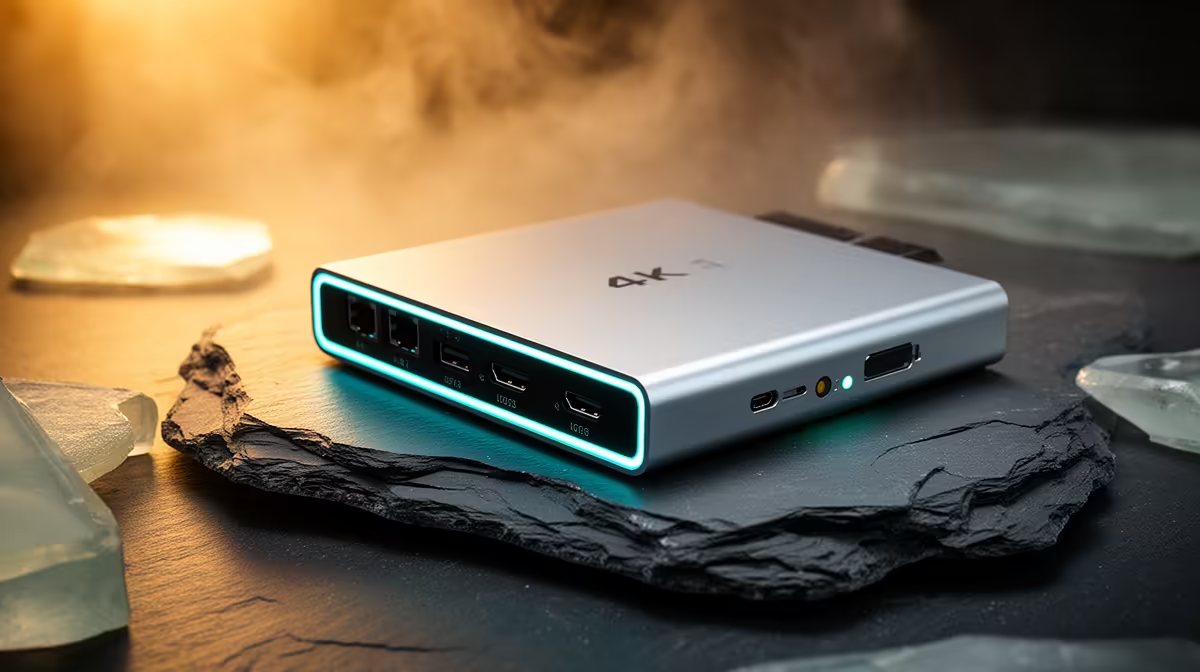
Common capture card problems include a black preview, missing audio, wrong resolution, USB bandwidth limits and delayed monitoring. Fix them by testing the signal path one stage at a time. The supplied factpacks do not verify a capture card or price.
Start with a known-good signal
Connect the console or camera directly to the display and confirm its output mode. Then add the capture device with known-good cables, selecting a supported resolution and refresh rate. Protected content may intentionally block capture; use only authorised sources and never attempt to bypass protection.
For a black screen, disable unsupported high-refresh, HDR or variable-refresh modes temporarily and retest. For stutter, connect directly to a suitable USB port instead of an unpowered hub, close other high-bandwidth devices and verify recording-drive speed. For missing sound, select the capture input inside the application and check whether the player sends audio over HDMI. Monitor through the supported low-latency path rather than adding software delay.
The Palit GeForce RTX 5060 8GB graphics card is a verified encoding reference at R4,800, subject to application and complete-system support. It cannot correct a capture-device handshake or cable fault. Update drivers and firmware through authorised providers, change one setting at a time and save the working profile. Record a ten-minute private sample with game, voice and camera active, then inspect synchronisation and dropped frames. If failure follows the card across two supported systems, use its warranty or technical support rather than endlessly changing the PC.
Pro Tip ⚡
Building a game-capture PC? > Ask Evetech to verify encoding components while diagnosing capture hardware separately.











