


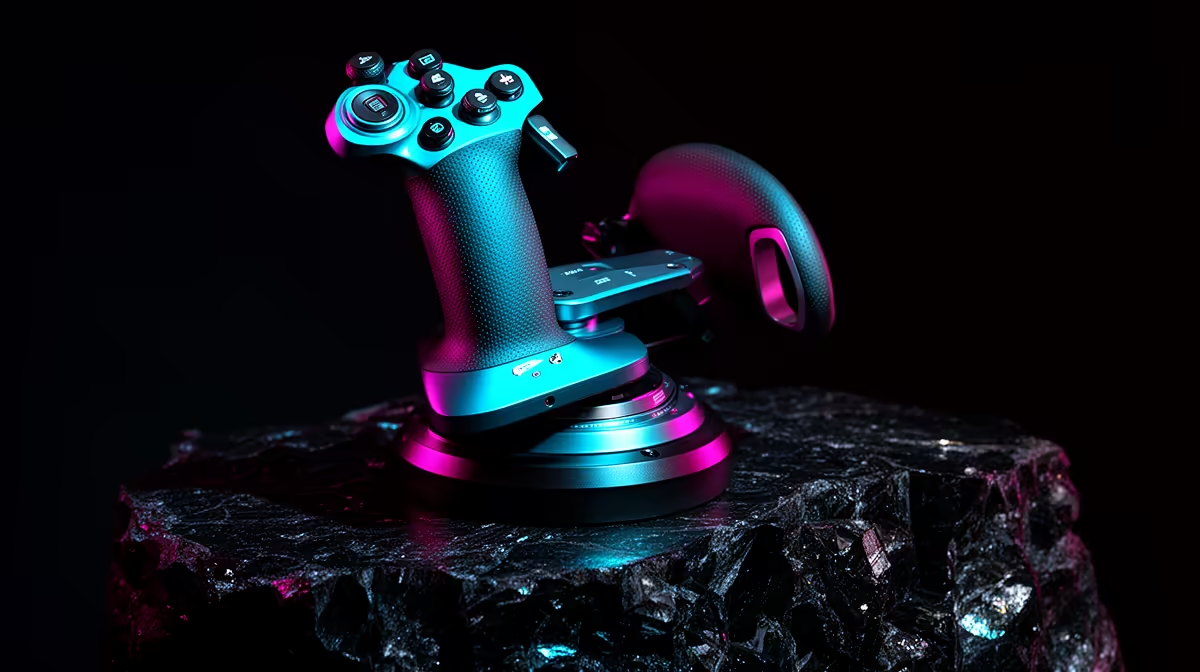
Flight sticks develop control problems through poor calibration, duplicate bindings, worn sensors, unstable USB power and desk movement. The verified facts contain no flight-stick model. Diagnose the exact symptom before replacing hardware. A drifting axis may need calibration or a dead zone, while random disconnects can point to the cable, hub or power settings.
Reproduce the fault outside the simulator
The Lenovo LOQ 83GS at R9,500 provides verified Core i5-12600HX and RTX 3050 laptop hardware with 8GB memory and 512GB storage.
The Dell SE2726H 27-inch Full HD 144Hz monitor at R1,797 supplies a confirmed simulator display option. The Logitech H390 USB headset at R320 offers verified communications audio.
Isolate software, connection and mechanics
Open the operating-system controller panel and watch each axis without launching the game. Try a direct USB port, remove unneeded hubs and disable duplicate virtual controllers. Save current bindings, reset one profile and test a short flight. Secure the base so desk movement does not look like input drift. Inspect the cable for damage and follow manufacturer calibration steps. Do not spray unknown cleaners into sensors. If the same axis jitters on another supported computer, document the video and pursue warranty or repair. Keep keyboard controls available as a recovery path.
Test the controller on a second supported computer before concluding that a repeated disconnect comes from worn internal hardware.
Pro Tip ⚡
Troubleshooting flight controls? > Share the model, connection, symptoms and simulator with Evetech.











