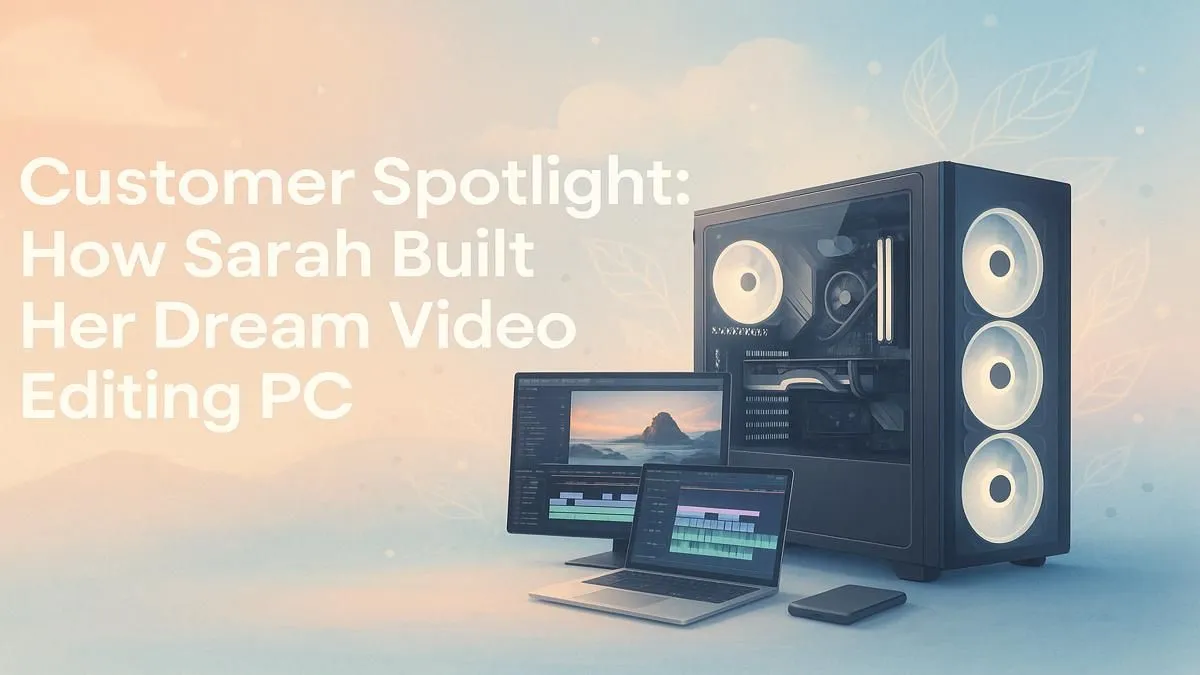
Staring at a frozen timeline... again. For Sarah, a freelance video editor in Johannesburg, this was a daily frustration. Choppy 4K playback, stuttering effects, and render times that stretched for hours were costing her clients and sanity. She knew the solution wasn't another software tweak; she needed a purpose-built machine. This is the story of her video editing PC build, a journey from lag to lightning speed that you can follow too. 🚀
Planning Your Video Editing PC Build
Before buying a single component, Sarah mapped out her workflow. What software does she use? Adobe Premiere Pro and DaVinci Resolve. What resolution does she work with? Mostly 4K. Answering these questions is the first step in any successful video editing PC build, as it dictates where you should invest your budget. A powerful PC isn't just about raw numbers; it's about a balanced system where components work together seamlessly.
The Brains of the Operation: CPU is King
For video editing, the CPU (Central Processing Unit) does the heaviest lifting, especially during rendering and encoding. More cores and higher clock speeds mean faster exports. Sarah was torn between two excellent options. On one hand, the incredible single-core and multi-core performance of modern powerful Intel PCs is a proven choice for creative workloads. On the other, the value and core-count advantage of many versatile AMD Ryzen PCs make them a seriously compelling alternative for budget-conscious power users.
The Visual Accelerator: Why Your GPU Matters
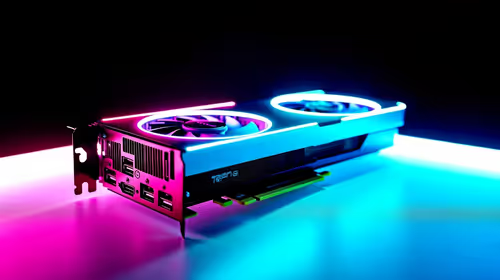
While the CPU is the workhorse, the GPU (Graphics Processing Unit) is the sprinter. It accelerates real-time playback, renders GPU-accelerated effects, and can significantly speed up your final export using technologies like NVIDIA's NVENC. For Adobe users, the CUDA cores found in NVIDIA GeForce gaming PCs often provide a tangible performance edge. However, the excellent price-to-performance ratio of modern AMD Radeon gaming PCs makes them a fantastic choice, especially for workflows in DaVinci Resolve, which leverages AMD hardware brilliantly.
Storage Strategy Pro Tip ⚡
Use a tiered storage setup for your video editing PC. Install your operating system and software on a super-fast NVMe SSD. Use a second, larger SSD as a 'scratch disk' for your active project files and cache. Finally, use a large, affordable HDD for long-term storage and archiving completed projects. This keeps your active workflow snappy and your archives safe.
RAM & Storage: The Unsung Heroes
You can have the best CPU and GPU in the world, but without enough RAM (Random Access Memory), your system will grind to a halt when dealing with high-resolution footage. For a 4K video editing PC build, 32GB of RAM is the recommended minimum, with 64GB being the sweet spot for complex projects with many layers and effects. Fast storage is equally critical for a lag-free experience. An NVMe SSD is non-negotiable for your operating system and applications, ensuring everything loads in a flash. For those who need ultimate reliability and optimised configurations from the get-go, exploring dedicated workstation PCs can be a brilliant shortcut to professional-grade performance.
The Result: A Dream Machine Built in SA ✨
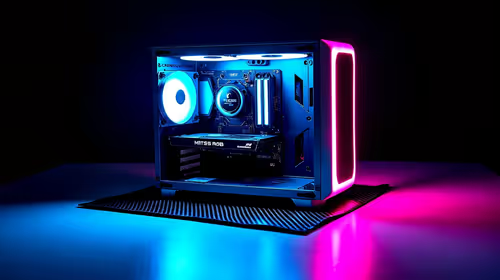
After assembling her parts, Sarah’s new custom PC booted up. The difference was night and day. 4K footage scrubbed smoothly on the timeline, colour grading adjustments appeared in real-time, and a project that used to take three hours to render was now done in under 30 minutes. Her investment paid off immediately with faster turnarounds and happier clients.
Building your own PC is incredibly rewarding, but not everyone has the time. If you want the performance without the hassle, high-quality pre-built PC deals offer a perfect, plug-and-play solution.
Ready to Build Your Creative Powerhouse?
Whether you're crafting your first short film or editing for major clients, the right PC makes all the difference. Stop waiting and start creating. Explore our range of powerful pre-built PCs and find the perfect machine to bring your vision to life.