


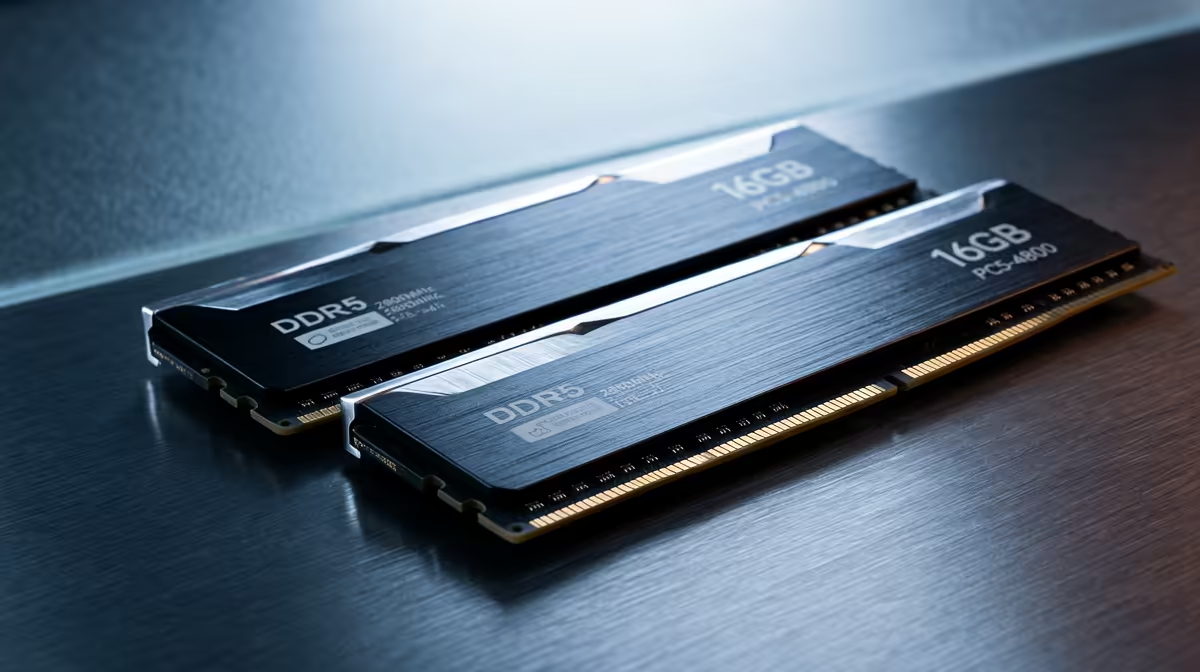
DDR5 buying is mostly about getting one matched 6000MHz kit, enabling its profile, and not overpaying for numbers your games never use.
Quick Answer
For budget upgraders, 32GB of DDR5-6000 CL30 (around R2,400) is the build-once answer, and leaving spare DIMM slots is worth paying for when your workload actually uses it. For pure 1080p/1440p gaming, capacity past 32GB and exotic speeds add little; for editing, VMs or many browser tabs, the extra headroom pays off.
When spare DIMM slots are worth paying for
Buying a single 32GB stick keeps two slots free for a cheap future top-up, but a 2x16GB kit runs in dual-channel today and is faster now. For most upgraders, a matched 2x16GB DDR5-6000 kit (around R2,400) is the better buy - dual-channel bandwidth matters more than holding empty slots you may never fill.
Match the kit to your board and CPU
Always buy a single matched kit, not two separate sticks - mixing kits is the classic cause of boot-loops. Confirm your motherboard's QVL supports the speed, and remember four DDR5 sticks often force a lower clock than two. For a Ryzen 5 7600 or Core i5-13400F gaming build, 2x16GB DDR5-6000 CL30 with EXPO/XMP is the dependable, frame-rate-friendly choice in SA.
FAQ
How much DDR5 RAM do I need today?
32GB (2x16GB) is the build-once floor for gaming plus multitasking. 16GB still plays games fine today, while 64GB only helps heavy editing, VMs or large datasets.
What's the best DDR5 speed for gaming?
DDR5-6000 CL30 on AMD (it runs 1:1 with the controller) and 6000-7200 on Intel. Higher numbers add little for most games and can even regress on Ryzen.
Do I have to enable EXPO or XMP?
Yes - DDR5 boots at a slow ~4800MT/s default. One BIOS toggle for EXPO (AMD) or XMP (Intel) unlocks the rated speed and the 5-10% performance you paid for.
Buy one matched 2x16GB DDR5-6000 CL30 kit, check it against your board's QVL, and enable EXPO or XMP in BIOS the first time you boot.










