


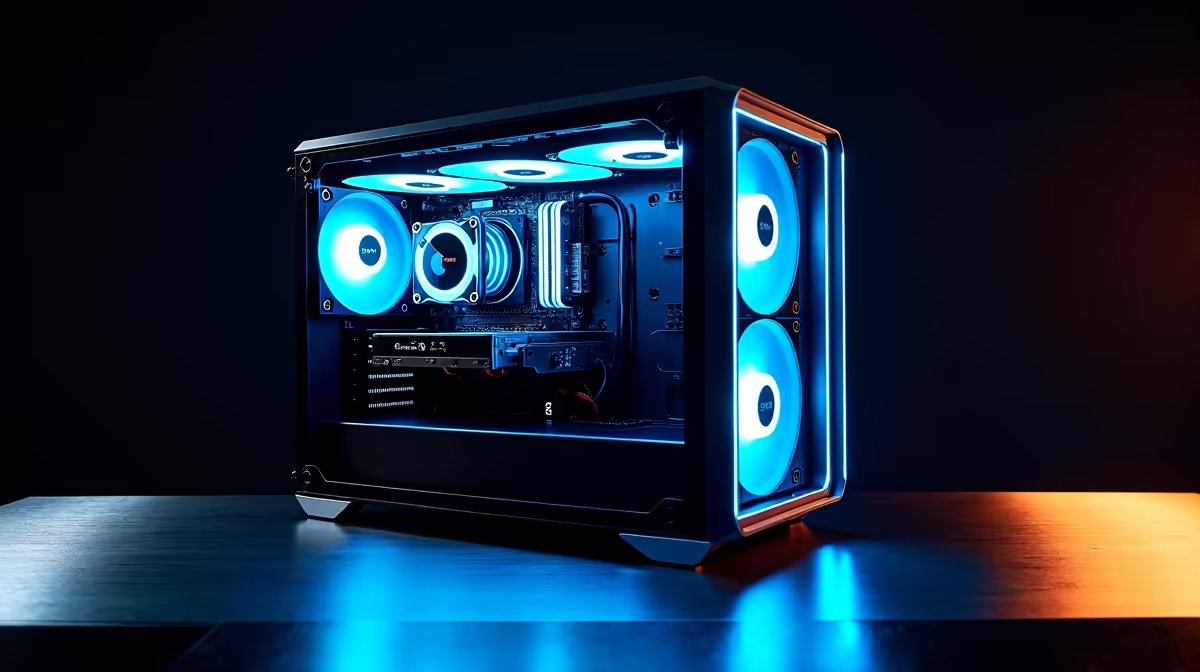
So, you're diving into the AI rabbit hole right here in South Africa? Fantastic. With groundbreaking models like DeepSeek changing the game, that old PC in the corner probably won't cut it. To truly harness the power of local AI development, you need serious, specialised hardware. This expert guide will walk you through crafting the perfect DeepSeek PC build, ensuring you invest your hard-earned Rands wisely without the technical guesswork. Let's get you geared up. 🚀
Understanding the Hardware Demands of AI Models
Before we talk parts, let's quickly cover why a standard gaming PC isn't always enough for serious AI work. Large language models (LLMs) like DeepSeek are massive, containing billions of parameters. Running or training them involves a staggering number of parallel calculations. This is where a powerful Graphics Processing Unit (GPU) becomes the heart of your machine. Its architecture is perfectly suited for this kind of work, making it far more important than the CPU for most AI tasks.
A proper DeepSeek PC build focuses on three key areas: GPU VRAM (video memory) to hold the model, GPU processing power (like NVIDIA's CUDA cores) to run the calculations, and fast system RAM and storage to feed the beast.
Core Components for Your DeepSeek PC Build
Getting the component balance right is crucial. You don't want a powerful GPU bottlenecked by a slow processor or insufficient memory. Here’s a breakdown of where to focus your budget for an optimal PC for DeepSeek.
The GPU: Your AI Powerhouse ⚡
This is the single most important component. For AI development, NVIDIA is the undisputed champion due to its CUDA software platform, which is the industry standard. While you can run models on other hardware, the vast majority of tools, tutorials, and support are built around CUDA.
For a powerful yet balanced setup, an NVIDIA GeForce RTX 40-series GPU is the top recommendation. The more VRAM, the better, as it determines the size of the models you can run locally.
- Great Start: An RTX 4070 SUPER with 12GB of VRAM is a fantastic entry point.
- Sweet Spot: An RTX 4080 SUPER with 16GB of VRAM gives you much more headroom.
- Ultimate Power: The RTX 4090 with 24GB of VRAM is the consumer king for running large models.
For a pre-configured system ready for intense AI workloads, you can explore a wide variety of NVIDIA GeForce Gaming PCs that can be customised to your needs. While AMD's hardware is excellent for gaming, its ROCm software ecosystem for AI is less mature, making it a tougher path for beginners. However, if your machine will pull double duty for high-refresh-rate gaming, powerful AMD Radeon Gaming PCs offer incredible value for your downtime.
CPU and RAM: The Supporting Cast
While the GPU does the heavy lifting, a capable CPU is still vital. It handles data pre-processing, system operations, and keeps everything running smoothly while your GPU is maxed out. An Intel Core i7/i9 or AMD Ryzen 7/9 processor with at least 8 cores is a solid choice.
For RAM, 32GB of fast DDR5 is the absolute minimum. For a more comfortable experience, especially when working with larger datasets, 64GB is the new sweet spot. It prevents system slowdowns when you're juggling code, datasets, and the model itself.
Dev Environment Pro Tip 🔧
Always use a virtual environment for your Python projects (like venv or Conda). This isolates your project's dependencies, preventing conflicts between different AI libraries like TensorFlow and PyTorch. It's a simple step that will save you hours of troubleshooting down the line!
Storage: Speed is Everything
AI involves massive files... datasets, models, and libraries can quickly eat up space. More importantly, the speed at which you can access this data matters. A fast NVMe SSD is non-negotiable. A 2TB NVMe drive provides a great balance of speed and capacity to get you started, ensuring your models and datasets load in seconds, not minutes. ✨
Assembling a Balanced AI Development Rig
Once you have your core components, don't skimp on the foundation. A high-quality power supply (PSU) from a reputable brand (850W or higher, Gold-rated) is essential for providing stable, clean power to your expensive GPU and CPU. Excellent cooling, whether via air or an All-in-One (AIO) liquid cooler, is also critical to prevent thermal throttling during long training sessions, which can severely impact performance.
Putting together a high-performance PC can be rewarding, but for a machine intended for critical work or research, stability is paramount. If you'd rather skip the build process and get a system professionally assembled and stress-tested, our range of customisable Workstation PCs are engineered for exactly these kinds of demanding, round-the-clock tasks.
Building a PC specifically for AI in South Africa is an exciting venture. By prioritising a powerful NVIDIA GPU and backing it up with a solid CPU, ample RAM, and fast storage, you'll create a machine ready to tackle DeepSeek and whatever comes next in the world of artificial intelligence.
Ready to Build Your AI Powerhouse? Building a PC for DeepSeek and other AI models is a serious investment. Whether you're customising a rig piece by piece or need a rock-solid pre-built machine, we've got you covered. Explore our range of powerful Workstation PCs and find the perfect hardware to bring your AI projects to life.










