

Best Samsung GPU Under R10000 in SA 2026
Top Samsung GPU Under R10000 picks evaluated on performance, value & SA availability with current Rand pricing from Evetech.
Read more• Confirm ports and compatibility • Attach mic and verify audio • Configure PC and Discord input • Optimize levels for livestreams Detachable microphone gaming headset setup: step-by-step guide to attach, configure, and optimise your detachable mic for clear Discord chat and streaming 🎙️⚙️
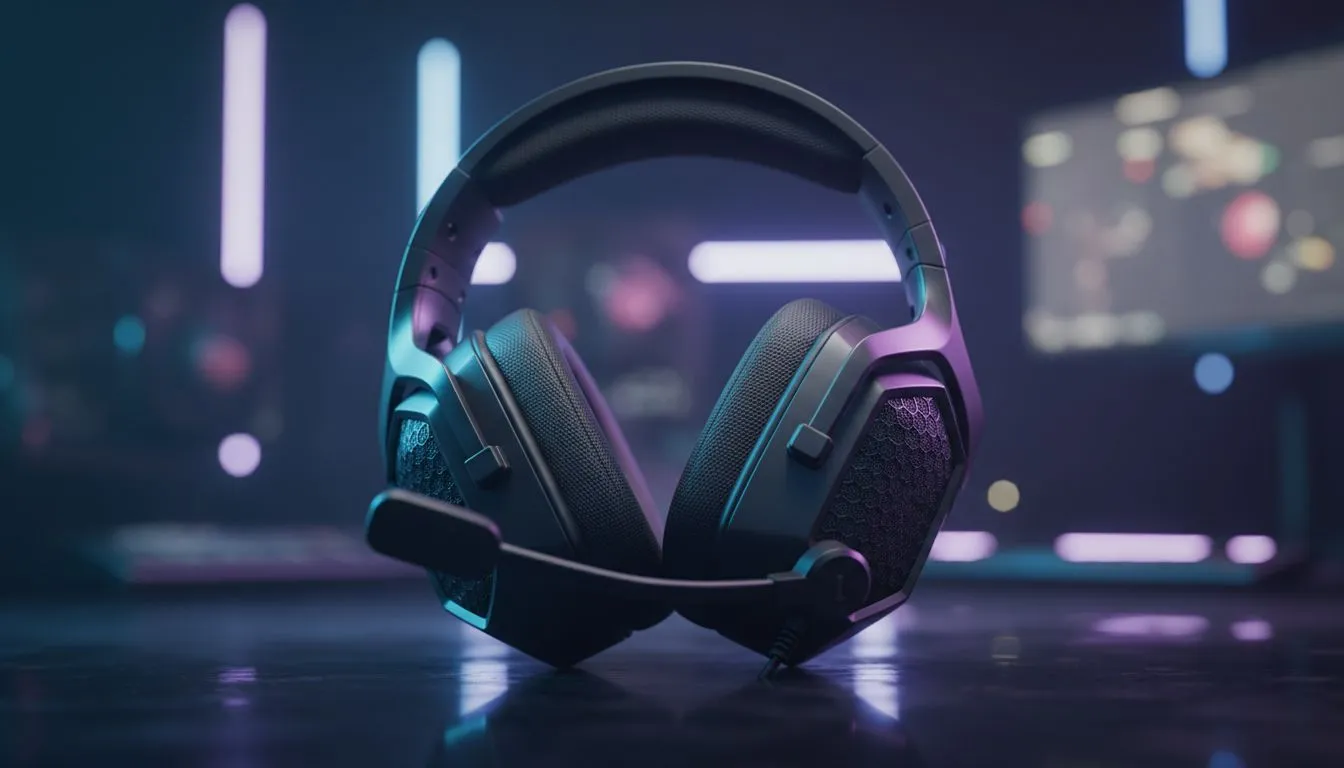
Thinking about clearer streams and crisper Discord chat? A Detachable Microphone Gaming Headset Setup for Streaming and Discord can make your voice cut through the noise — without breaking the bank. Whether you're hosting a local raid or casting to Twitch, a tidy setup, mic positioning and simple EQ tweaks deliver massive perceived polish. Let’s set you up fast, South African style. 🎧✨
Detachable microphones keep your rig flexible. Use them for competitive play, then remove for casual listening. If you need a compact wireless option, the Razer Barracuda X is a strong pick and shows how detachable or boom mic designs suit streamers and Discord users; check its product page for details and specs. (See: https://www.evetech.co.za/razer-barracuda-x-chroma-wireless-headset-phantom-white/best-deal/24367).
For a broader selection of wired and wireless headsets with detachable mics, browse Razer headset options and specs here: https://www.evetech.co.za/PC-Components/razer-headphones-headsets-105. This helps you compare form factors, connection types and compatible platforms.
Keep the mic capsule tucked slightly off-axis to avoid plosives. If you’re using a detachable mic, test positions during a short recording before going live. This simple tweak saves re-dos and keeps your chat engaged.
Good mounts and pop filters are inexpensive. A foam windscreen or a cheap pop filter reduces P‑pops. If you need replacement parts or want to compare headset categories before upgrading, see Evetech’s headset components and accessories listings: https://www.evetech.co.za/components/headphone-headsets-100. Prices and stock update on the product pages; check ZAR totals before you buy.
I helped a Cape Town streamer swap an old integrated mic for a detachable boom. The change made chat comments about the stream's audio go from "hard to hear" to "clear" within one week. Listeners stayed longer. That uplift started with mic positioning, not cost.
Ready to Find Your Perfect Match? The Mac vs Windows debate is complex, but for maximum power, choice, and value in South Africa, Windows is hard to beat. Explore our massive range of laptop specials and find the perfect machine to conquer your world.
Align the mic plug with the headset jack, push until it clicks, then test in your OS input settings. Use the included adapter if needed.
Use the headset combo jack or separate mic-in port depending on your PC. For best results, use USB adapter for digital audio.
Open Discord Voice & Video settings, choose the detachable mic as input, set input sensitivity, and run a mic test for levels.
Check input volume in OS and streaming software, enable gain/boost if available, and reduce headset mute or inline volume dips.
USB delivers cleaner digital audio and easier routing; 3.5mm is compatible with consoles and some PCs. Choose by device and noise needs.
Position the mic close to your mouth, enable noise suppression in Discord or OBS, and use pop filter or foam windscreen.
Yes. Plug into controller or console combo jack, or use a USB adapter. Configure console voice settings and test in a party chat.
Top Samsung GPU Under R10000 picks evaluated on performance, value & SA availability with current Rand pricing from Evetech.
Read more
Top RTX 5070 Under R30000 picks evaluated on performance, value & SA availability with current Rand pricing from Evetech.
Read more
Ryzen 7 9800X3D + X670E + RTX 5080 Build Under. Full parts list, Rand pricing & expected performance. Build confidently with SA-available components.
Read more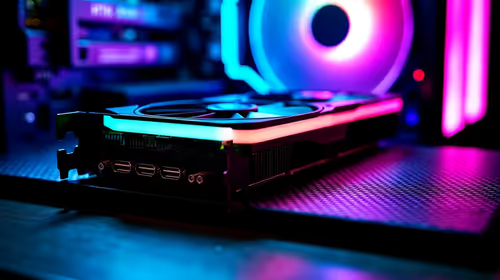
Top Budget PC Build Around the RTX 5060 picks evaluated on performance, value & SA availability with current Rand pricing from Evetech.
Read more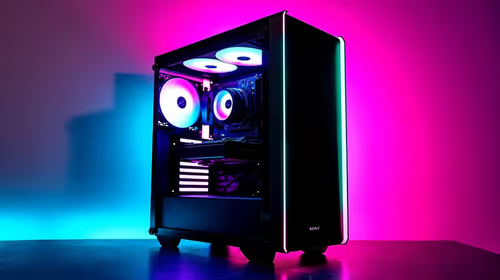
Ryzen 5 5600X + B550 + RTX 4060 Build Under. Full parts list, Rand pricing & expected performance. Build confidently with SA-available components.
Read more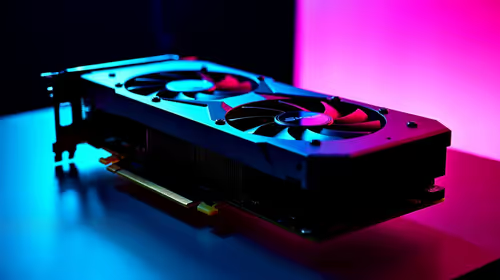
Top Intel GPU Under R10000 picks evaluated on performance, value & SA availability with current Rand pricing from Evetech.
Read more
Snapdragon X2 NPU Explained: How 80 TOPS Changes. Plain-English explanation of what it means, why it matters & how it affects your buying decisions in SA.

HBM? High Bandwidth Memory Used in GPUs and AI. Plain-English explanation of what it means, why it matters & how it affects your buying decisions in SA.

How much should you spend on sim racing accessories in South Africa for a realistic setup? We break down budgets by quality tiers, so you buy smart gear and avoid overspending 🎮💸

G-Sync and FreeSync? Variable Refresh Rate. Plain-English explanation of what it means, why it matters & how it affects your buying decisions in SA.

AMD Laptop: Value. SA-focused analysis with local pricing data, real-world insights & actionable buying advice.

How MacBook Neo Handles 30+ Chrome Tabs with Only. SA-focused analysis with local pricing data, real-world insights & actionable buying advice.

Why Apple Put 8GB RAM in MacBook Neo: The A18 Pro. SA-focused analysis with local pricing data, real-world insights & actionable buying advice.

Upgrade your work laptop with a New Motherboard. Step-by-step instructions with SA-specific tips, common pitfalls to avoid & expert recommendations.

Maintain wired headset — Checklist: • inspect cables • clean earpads • store properly 🔧🎧 Practical steps to preserve sound quality and avoid premature replacements.

Fix crackling headset fast: step-by-step checks for cables, connectors, drivers, and settings to remove static or distorted audio on wired headsets 🎧⚙️

Stereo vs mono headsets: learn which delivers clearer calls, better spatial music, or simpler mono voice performance — pick the right headset for meetings, music, or gaming 🎧💬

- Compare gaming headset vs studio headphones; - Assess comfort, mic and sound; - Recommend best daily picks. Gaming headset vs studio headphones: learn which suits work, music and casual gaming. 🎧⚖️