


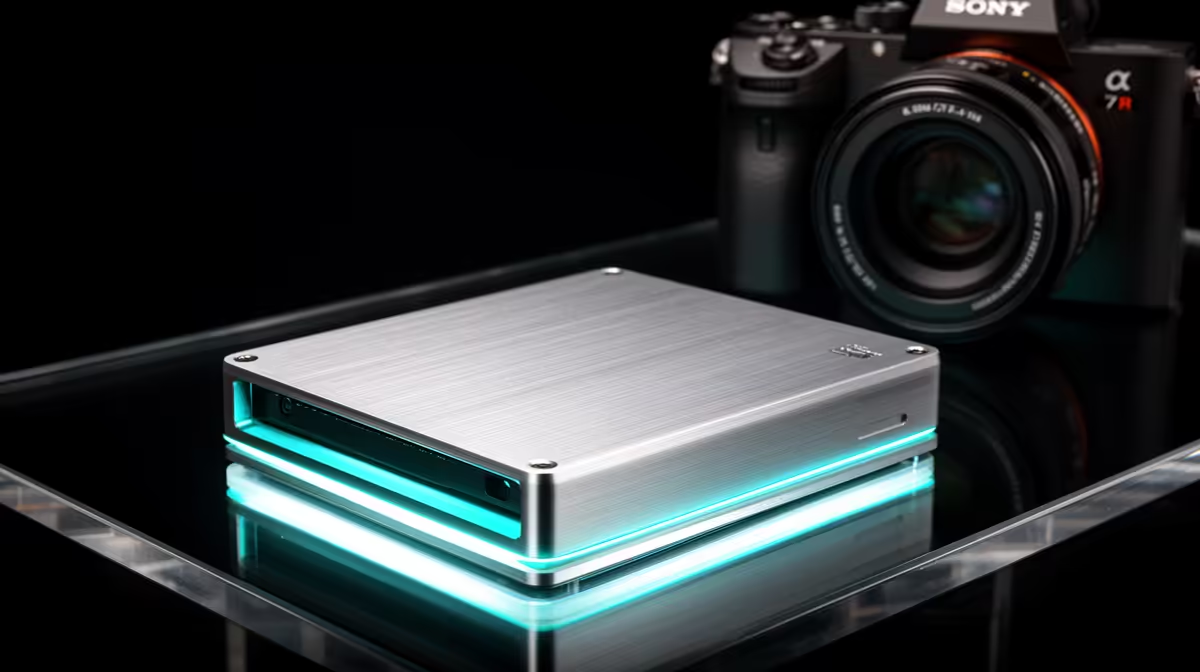
DIY external SSD savings explained 🔧
If you’re a South African gamer lugging terabytes of captures or a content creator craving fast backups, building a DIY external SSD can shave hundreds of rand off retail options — and give you choice over speed, size and upgradeability. This short guide shows why a DIY external SSD makes sense, where to buy the right enclosure, and how to avoid rookie mistakes. ⚡
What parts you actually need
A true DIY external SSD build is two parts: the SSD (NVMe or SATA) and an external enclosure. Buy the right enclosure and you’ll unlock USB‑C speeds or Thunderbolt compatibility without overpaying. For neat, brand‑level options, check Orico enclosures that support NVMe and USB‑C connectivity. (See Orico enclosures on Evetech.) If you want a quick browse of all enclosure types, Evetech’s enclosure category lists models and specs in one place. For budget builds, you can find enclosures from around R499 and up; use the filter to see cost‑friendly choices. (See enclosure listings on Evetech and budget enclosures from R499.)
- Link: Orico enclosures — https://www.evetech.co.za/PC-Components/buy-enclosures-372?brands=Orico
- Link: All external SSD enclosures — https://www.evetech.co.za/PC-Components/buy-enclosures-372
- Link: Budget enclosures (R499+) — https://www.evetech.co.za/PC-Components/buy-enclosures-372?min-price=499
Performance, real‑world use and compatibility 🚀
NVMe drives offer much higher throughput than SATA in raw benchmarks, but the final speed depends on your enclosure’s interface. A USB 3.2 Gen 2 or USB‑C enclosure will show strong sequential transfers for game installs and large backups. If you need sustained write performance for livestream recordings, choose an NVMe drive with a reputation for consistent throughput. When in doubt, check the enclosure’s spec sheet and match it to your drive.
Step‑by‑step: build the box
- Pick an NVMe or SATA M.2 SSD based on budget and use. NVMe for loading speed, SATA for cheaper bulk storage.
- Buy a matching enclosure — confirm whether it supports NVMe M.2 or M.2 SATA. See product pages for compatibility.
- Fit the SSD into the enclosure; most use a single screw and a thermal pad.
- Format to exFAT for cross‑platform use, or NTFS for Windows‑only workflows.
- Run a quick benchmark (CrystalDiskMark or similar) to confirm speeds.
Small costs add up — where you save
Retail external SSDs bundle enclosure cost, profit margin and sometimes proprietary controllers. DIY lets you choose the enclosure and a competitively priced SSD, often saving 20–40% depending on the drive. Those savings are real in ZAR when you compare like‑for‑like performance and warranty options. Always weigh warranty and support: Evetech product pages show warranty terms and stock status that help you compare responsibly.
DIY External SSD Tip ⚡
Use a short, high‑quality USB‑C cable that supports USB 3.2 Gen 2; cheaper cables can bottleneck top speeds. Also add a thin thermal pad to NVMe enclosures to reduce throttling during long transfers.
Common pitfalls (and how to avoid them)
- Buying the wrong enclosure type. Double‑check M.2 form factor: 2242, 2260 or 2280.
- Skimping on the cable. Not all USB‑C cables carry the same bandwidth.
- Forgetting thermal management. Small enclosures can throttle under heavy use; choose one with thermal pads or a metal body.
Final thoughts — is a DIY external SSD for you?
If you like customising, want the best speed‑for‑rand, and enjoy upgrading parts later, building your own external SSD is smart. If you prefer one‑click warranty service and zero assembly, a retail external drive might be more convenient. For shoppers ready to choose parts, start with an enclosure that matches your drive and budget, then pick the SSD that fits your workflow.
Ready to Find Your Perfect Match? The Mac vs Windows debate is complex, but for maximum power, choice, and value in South Africa, Windows is hard to beat. Explore our massive range of laptop specials and find the perfect machine to conquer your world.











