

Best AMD GPU Under R15000 in SA 2026
Top AMD GPU Under R15000 picks evaluated on performance, value & SA availability with current Rand pricing from Evetech.
Read moreDual 27-inch monitor setup: step-by-step guide to arrange, calibrate and optimize two 27-inch screens for streaming — improve workflow, OBS scenes, hardware choices, and cable management. 🎮⚡
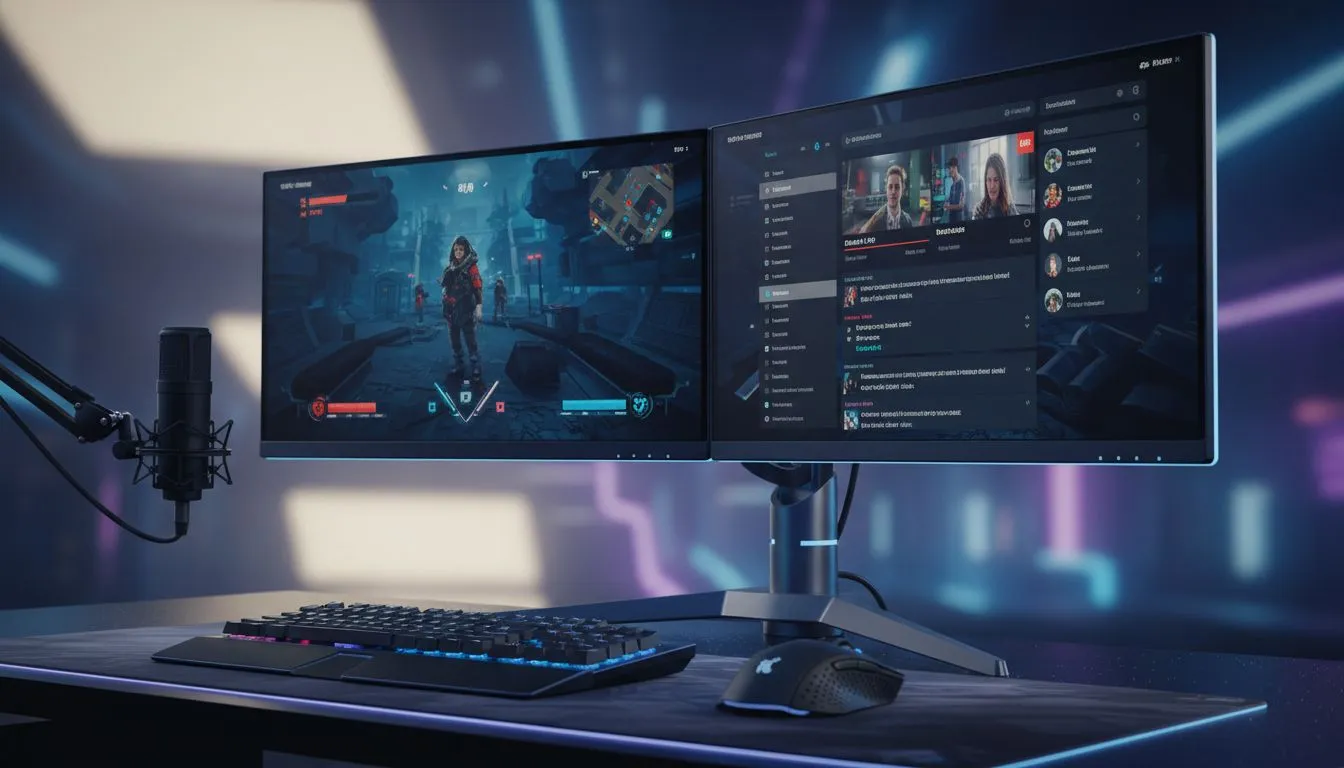
Ever tried reading Twitch chat while mid-clutch in a heated Apex Legends match? It is a recipe for disaster on a single screen. For South African creators, a dual 27-inch monitor setup is the ultimate sweet spot for productivity and immersion. It offers enough screen real estate to manage OBS and Discord without sacrificing your focus on the game. Let's build your dream station. 🚀
The foundation of any great broadcast is visual clarity. When you start your search, looking for the best PC monitor deals can save you thousands of ZAR. This extra budget could go toward a better mic or lighting. While many prefer identical screens for a seamless look, you can mix and match from a wide variety of PC monitors to suit your specific needs.
For your primary display, speed is everything. High refresh rate panels found in the all gaming monitors category ensure your gameplay remains fluid. If you prefer a more "wrapped-in" feeling for racing sims or RPGs, curved monitors are an excellent choice for your main screen. They help reduce eye strain by keeping the edges of the screen at a consistent distance from your eyes.
Try mounting your secondary monitor in portrait mode. This vertical orientation is perfect for reading long chat logs or keeping your Spotify playlist visible without taking up massive horizontal desk space. It is a pro move used by top South African streamers to keep their desk footprint small.
Managing two large screens requires a bit of planning. You need to ensure your GPU has enough ports... usually two DisplayPort or HDMI slots. If you are tight on space or enjoy streaming from different locations, portable monitors can actually serve as a brilliant secondary chat screen that tucks away when not in use.
For those focusing on high-fidelity content or video editing alongside their stream, 5K and 4K monitors offer the pixel density required for professional work. To keep your desk looking clean and professional for that "desk tour" video, investing in quality monitor accessories is vital. A dual-arm gas spring mount will clear up space under your screens, giving you more room for your mousepad and snacks. ✨
Setting up your displays is only half the battle. You must ensure your Windows display settings are aligned so your mouse doesn't "snag" when moving between screens. A dual 27-inch monitor setup provides a massive canvas for your creativity... whether you are grinding ranked matches or editing your latest highlight reel. It is the most effective way to level up your broadcast quality today. 🔧
Ready to Level Up Your Stream? A dual-monitor setup is the biggest workflow upgrade any creator can make. Whether you need high refresh rates for gaming or 4K clarity for editing, we have the hardware to make it happen. Explore our massive range of monitor specials and find the perfect displays to conquer your world.
Place the primary at eye level and the secondary angled inward; keep 60–80 cm distance and align bezels for smooth scene transitions.
Use a dual-monitor arm or a sturdy freestanding riser rated for 27-inch screens, and verify VESA and weight specs for compatibility.
Set canvas to your stream resolution, run OBS on the secondary monitor, use scene collections, and choose 60fps or 30fps based on GPU headroom.
Modern midrange GPUs can drive dual 27-inch 1080p/1440p displays for streaming; pick a card with enough VRAM and multiple outputs.
Choose thin-bezel monitors, adjust tilt to minimize the seam, or hide gaps with OBS scene borders and layout tweaks.
Prefer DisplayPort 1.4 or HDMI 2.0 for 1440p60+, use short quality cables, and only add active adapters when required.
Dual 27-inch gives flexible workspace and dedicated OBS placement; ultrawide offers single seamless canvas. Choose dual for multitasking.
Top AMD GPU Under R15000 picks evaluated on performance, value & SA availability with current Rand pricing from Evetech.
Read more
Top RTX 4060 Ti Model Under R8,000 picks evaluated on performance, value & SA availability with current Rand pricing from Evetech.
Read more
Top PC Build Around the RTX 4080 Super picks evaluated on performance, value & SA availability with current Rand pricing from Evetech.
Read more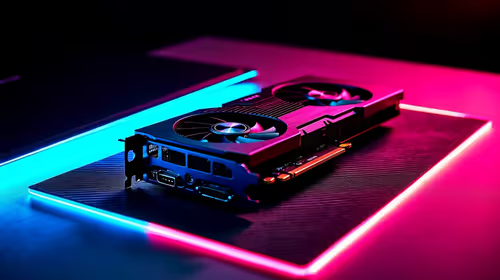
Top ASUS GPU Under R40000 picks evaluated on performance, value & SA availability with current Rand pricing from Evetech.
Read more
Top RTX 4080 Laptop Under R30,000 picks evaluated on performance, value & SA availability with current Rand pricing from Evetech.
Read more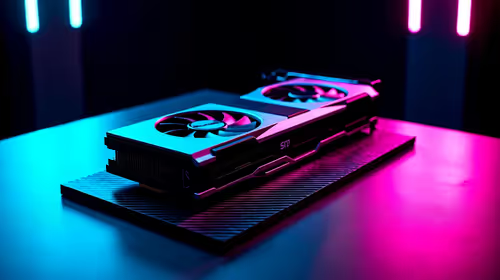
Top RTX 4070 Super Model Under R12,000 picks evaluated on performance, value & SA availability with current Rand pricing from Evetech.
Read more
Snapdragon X2 NPU Explained: How 80 TOPS Changes. Plain-English explanation of what it means, why it matters & how it affects your buying decisions in SA.

HBM? High Bandwidth Memory Used in GPUs and AI. Plain-English explanation of what it means, why it matters & how it affects your buying decisions in SA.

How much should you spend on sim racing accessories in South Africa for a realistic setup? We break down budgets by quality tiers, so you buy smart gear and avoid overspending 🎮💸

G-Sync and FreeSync? Variable Refresh Rate. Plain-English explanation of what it means, why it matters & how it affects your buying decisions in SA.

AMD Laptop: Value. SA-focused analysis with local pricing data, real-world insights & actionable buying advice.

How MacBook Neo Handles 30+ Chrome Tabs with Only. SA-focused analysis with local pricing data, real-world insights & actionable buying advice.

Why Apple Put 8GB RAM in MacBook Neo: The A18 Pro. SA-focused analysis with local pricing data, real-world insights & actionable buying advice.

Upgrade your work laptop with a New Motherboard. Step-by-step instructions with SA-specific tips, common pitfalls to avoid & expert recommendations.

Maintain wired headset — Checklist: • inspect cables • clean earpads • store properly 🔧🎧 Practical steps to preserve sound quality and avoid premature replacements.

Fix crackling headset fast: step-by-step checks for cables, connectors, drivers, and settings to remove static or distorted audio on wired headsets 🎧⚙️

Stereo vs mono headsets: learn which delivers clearer calls, better spatial music, or simpler mono voice performance — pick the right headset for meetings, music, or gaming 🎧💬

- Compare gaming headset vs studio headphones; - Assess comfort, mic and sound; - Recommend best daily picks. Gaming headset vs studio headphones: learn which suits work, music and casual gaming. 🎧⚖️