


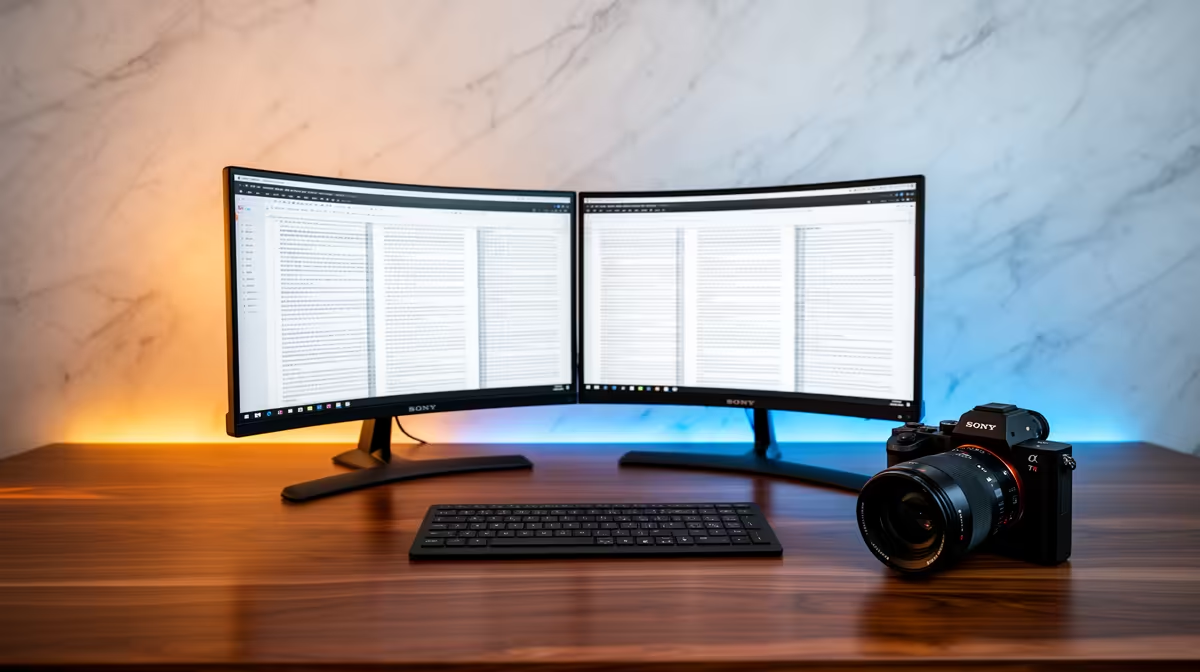
Yes, the Dell SE2726H 27in FHD 144Hz at R1,797 suits a thesis writer who wants one roomy main monitor for drafting, reading PDFs, and keeping notes visible without crowding the desk. A dual-screen setup is enough for this kind of academic work when both displays are simple, readable, and easy to arrange around a laptop or desktop.
Best Monitor Setup For Thesis Writing
The Dell SE2726H 27in FHD 144Hz at R1,797 is the strongest first pick if you want your main document on the larger screen. The 27in size gives more breathing room for long chapters, while FHD keeps text and references straightforward for everyday writing sessions.
For a second screen, the Dell SE2426H 23.8in FHD at R1,532 makes sense beside the larger Dell. Use it for source notes, supervisor comments, citation lists, or a browser window while the main draft stays open on the 27in display.
Student Desk Reality In South Africa
A thesis desk in a res room, digs, or family study often needs to fit books, a keyboard, and a laptop as well as screens. The Dahua LM27 100Hz at R1,500 gives a budget-friendly 27in option with a 100Hz refresh rate, useful if you want a larger second display without spending much more than a compact screen.
The MSI PRO MP275W at R1,850 is another sensible 27in choice for a cleaner study setup. It works well as the main writing screen if you prefer a white desk look or want a display that feels less office-heavy.
Pro Tip ⚡
Ready to choose the right monitor? For dual monitor setup enough writing, put Dell SE2726H 27in FHD 144Hz at R1,797 first and judge the setup around its listed spec.











