


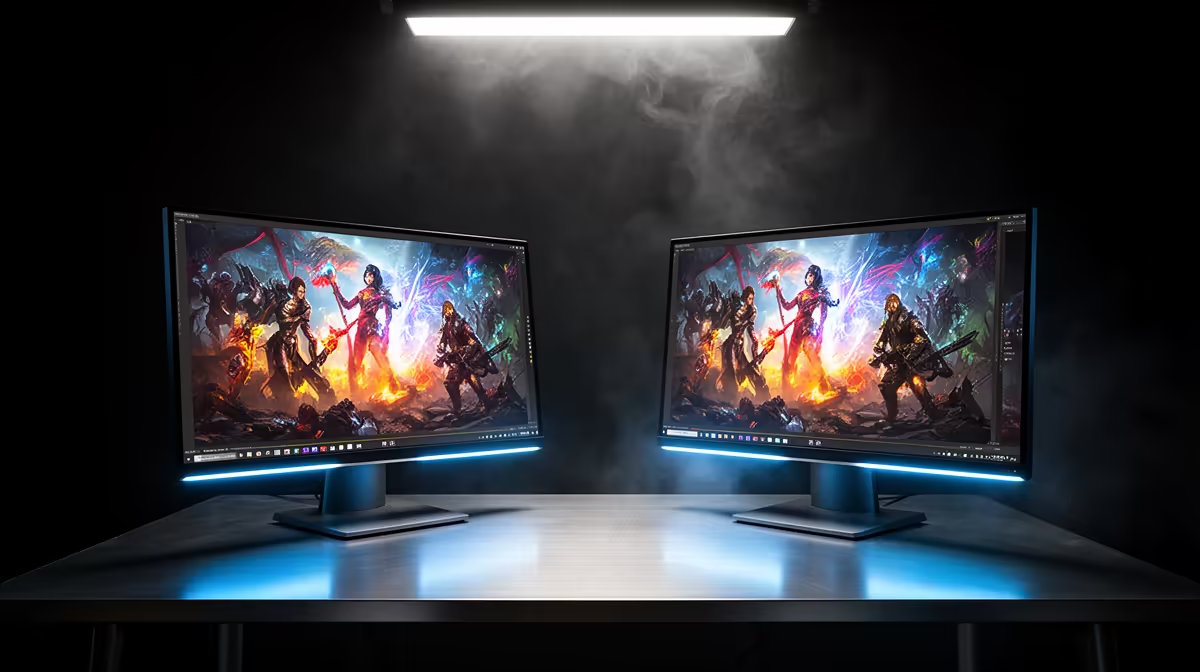
The MSI MAG 274F at R3,006 suits SA buyers who want one fast main screen for play and a second display for palettes, timelines, chats, or reference windows. For a gaming monitor pair, start by deciding which screen does the precision work and which one handles the extra workspace.
Build the pair around the main screen
The MSI MAG 274F gives you 200Hz at R3,006, so it makes sense as the centre display when gaming matters most. Put it directly in front of you, then use a cheaper second panel for browser tabs, Discord, OBS, or colour notes.
If motion clarity is the priority, the ViewSonic VX2779A at R2,350 brings 240Hz into reach. That higher refresh rate is useful for quick shooters and fast camera movement, while the Dell SE2726H at R1,797 can sit beside it as the admin or preview screen with 144Hz still feeling smooth.
Creator desk choice for colour grading and play
For colour grading, avoid treating both screens as equal decision-makers. Use one primary display for the grade and keep scopes, exports, scripts, and client notes on the second. The AOC 27in QHD 200Hz at R3,200 is the strongest listed pick when you want more desktop space with QHD and still want 200Hz for evening gaming.
The Dahua LM25 at R1,850 gives 200Hz at a lower price, which works well as the secondary display in a tighter creator desk setup. It keeps tool panels and references visible without spending the full budget twice.
Pro Tip ⚡
Ready to choose the right gaming monitor? Use Dell SE2726H 144Hz at R1,797 as the gaming room benchmark, then check whether its listed spec matches the space, workload, and upgrade path.










