


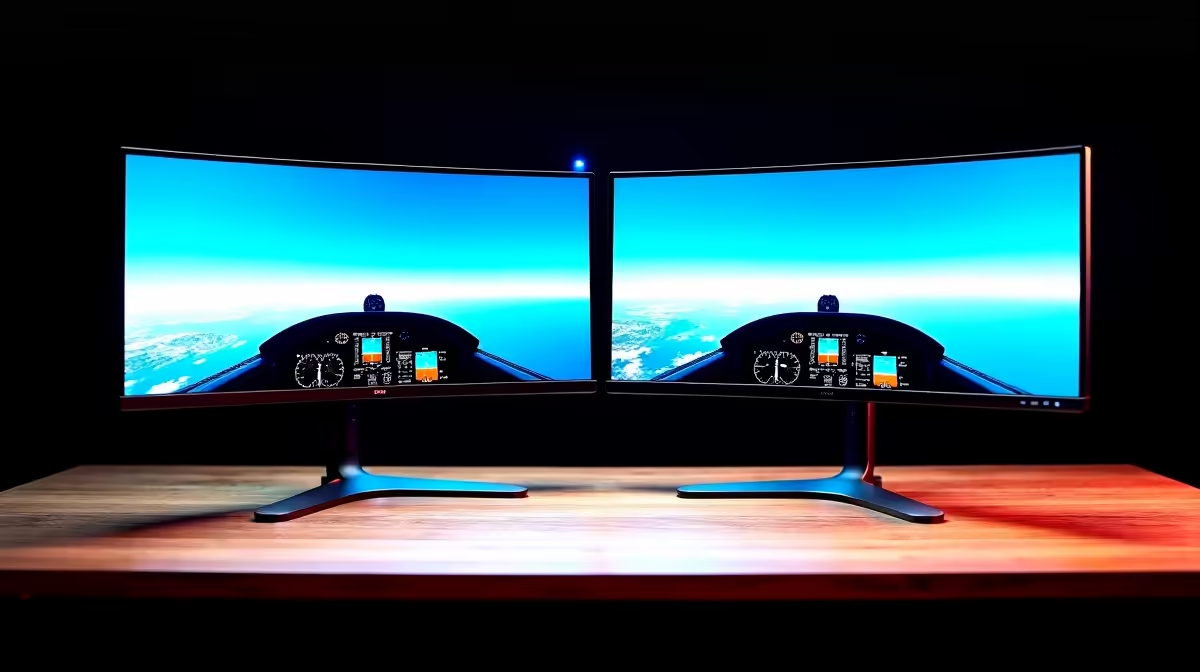
The MSI MAG 274F 200Hz at R3,006 suits SA gamers who want one fast main screen for play and a second panel for maps, chat, telemetry, or browser tools. For a dual-screen desk, the best gaming monitor choice is usually not the cheapest pair, but the pair that gives you smooth motion on the centre screen and enough matching size to keep the setup comfortable.
Best dual-screen starting point
The MSI MAG 274F 200Hz at R3,006 is a strong primary display when fast response matters, especially if the second screen is mainly for reference material. Its 200Hz spec gives the main view the priority, while the side display can be chosen for value instead of matching every performance detail.
For a tighter budget, the Dell SE2726H 144Hz at R1,797 makes sense as the secondary panel. A 144Hz screen is still smooth enough for casual use, and it keeps the total spend controlled when the main monitor is doing the heavy gaming work.
Gaming room and flight sim desk setup
The ViewSonic VX2779A 240Hz at R2,350 is the speed pick if the centre screen is for twitchy titles and the second monitor is for instruments, routes, voice chat, or system monitoring. In a compact gaming room, matching two 27-inch class screens can feel cleaner than mixing sizes, but the centre screen should still get the higher refresh rate.
The AOC 27in QHD 200Hz at R3,200 is the sharper option here because QHD gives more workspace for side-by-side windows. The Dahua LM25 200Hz at R1,850 is better when price matters more than panel size, and its 200Hz spec still keeps motion smooth.
Pro Tip ⚡
Ready to choose the right gaming monitor? Use Dell SE2726H 144Hz at R1,797 as the gaming room benchmark, then check whether its listed spec matches the space, workload, and upgrade path.










