


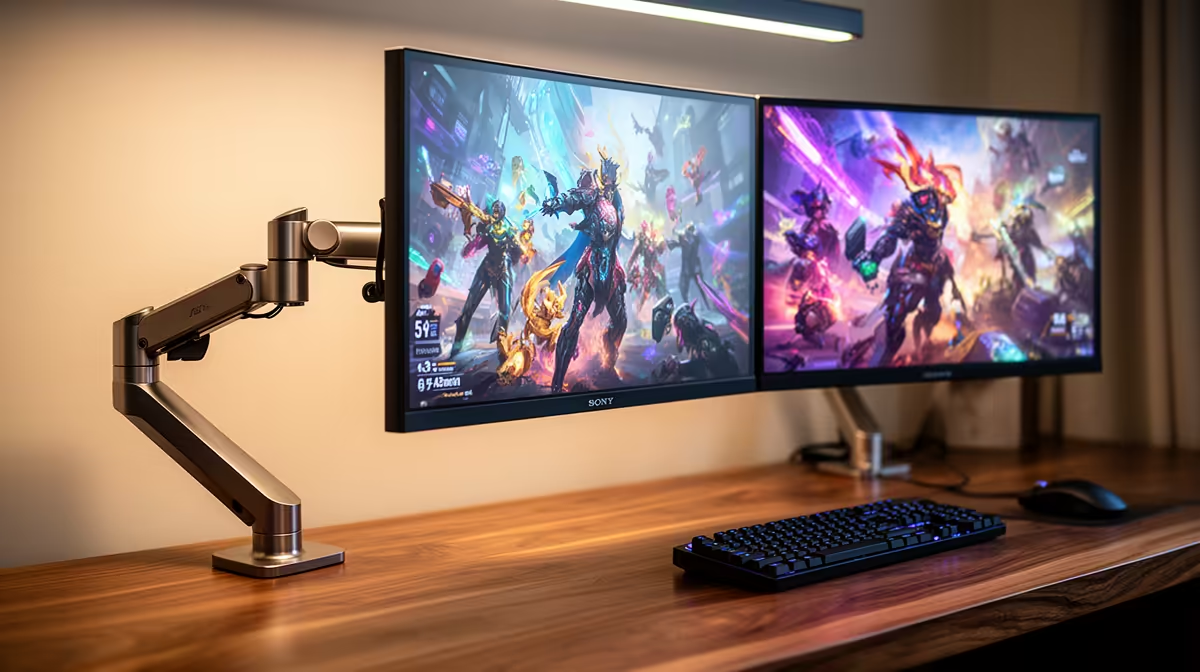
The MSI MAG 274F 200Hz at R3,006 suits a gamer who also wants a second screen for home lab dashboards, SSH sessions, and browser-based admin panels, because this gaming monitor gives fast refresh without pushing the desk into premium pricing.
Quick Answer
Yes, a dual-screen setup makes practical sense when one display is used for play and the other stays on monitoring, documentation, or server controls. The ViewSonic VX2779A 240Hz at R2,350 is the strongest speed-first pick here, with a 240Hz spec that suits fast games while leaving your older or secondary panel for terminal windows and router pages.
The Dell SE2726H 144Hz at R1,797 is a sensible lower-cost second-screen option if the main display already handles the faster gaming side. Its 144Hz spec is still smooth enough for general use, and the R1,797 price keeps the upgrade focused on workspace flexibility rather than buying two expensive panels at once.
Home server shelf and gaming desk setup
For a small home lab beside a gaming room desk, the AOC 27in QHD 200Hz at R3,200 is the cleanest premium-leaning option in this list because QHD gives more working room for dashboards, tabs, and config pages. Pairing that with a cheaper 144Hz or 200Hz secondary screen makes the whole setup more useful than one oversized display.
Pro Tip ⚡
The Dahua LM25 200Hz at R1,850 is also a strong budget pick for the second screen because 200Hz is more than enough for a responsive desktop. If gaming is the priority, keep the MSI MAG 274F 200Hz at R3,006 or ViewSonic VX2779A 240Hz at R2,350 as the primary display.
Ready to choose the right gaming monitor? Use Dell SE2726H 144Hz at R1,797 as the gaming room benchmark, then check whether its listed spec matches the space, workload, and upgrade path.











