


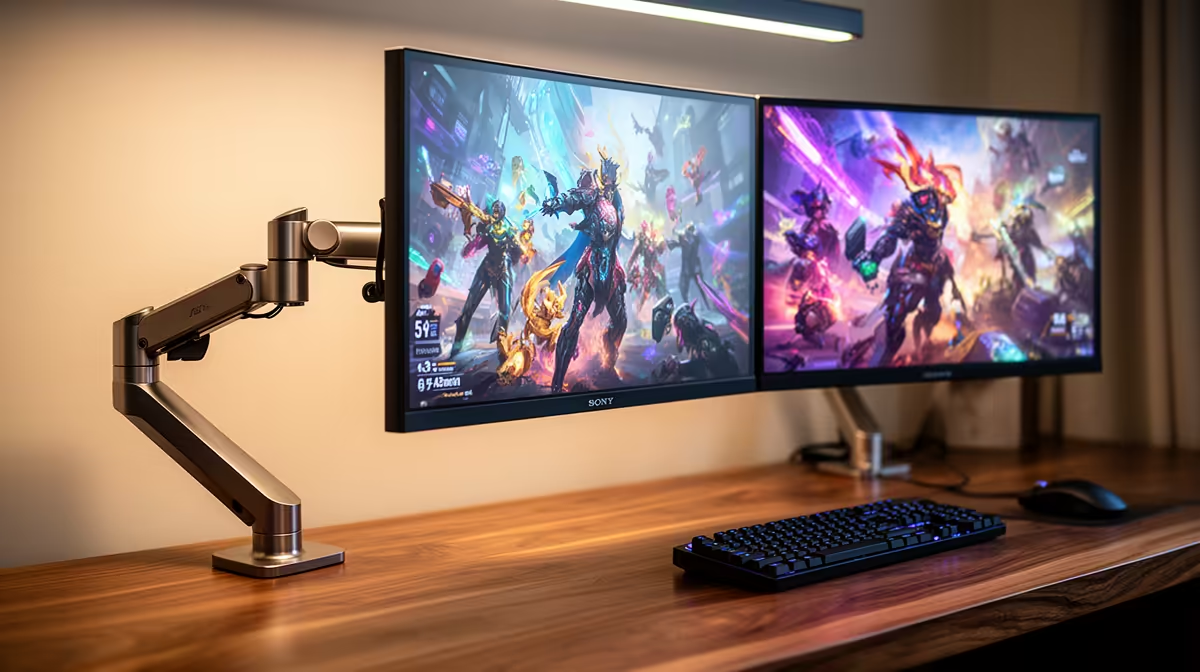
The Dell SE2726H 144Hz at R1,797 suits a shared family desk where one screen can handle school tasks while the other keeps gaming smooth after homework. A gaming monitor makes sense here because the refresh-rate upgrade helps play feel more responsive, while the extra screen space is just as useful for reading, typing, and watching lessons.
Best starting point for a shared setup
For a sensible first screen, the Dell SE2726H 144Hz at R1,797 is the easy anchor. Its 144Hz spec is enough for smoother everyday gaming, and the price keeps the second-screen idea realistic for a home that also needs a practical learning corner.
If the gaming side matters more, the ViewSonic VX2779A 240Hz at R2,350 gives the setup a faster main display. Use it as the primary play screen, then keep the Dell SE2726H 144Hz at R1,797 beside it for notes, browser tabs, homework instructions, or a video lesson.
Shared family desk in SA homes
A dual-screen layout works best when each display has a clear job. The MSI MAG 274F 200Hz at R3,006 is a strong middle choice if the desk must serve gaming in the evening and schoolwork during the day, while the Dahua LM25 200Hz at R1,850 is a budget-friendly second screen with a fast 200Hz spec.
For more desktop space, the AOC 27in QHD 200Hz at R3,200 is the premium pick from this list. QHD gives more room for side-by-side windows, which helps when a child is copying from a lesson page while typing in another window.
Pro Tip ⚡
Ready to choose the right gaming monitor? Compare the listed gaming monitor range to match refresh rate, screen size, and price to your shared desk setup.










