


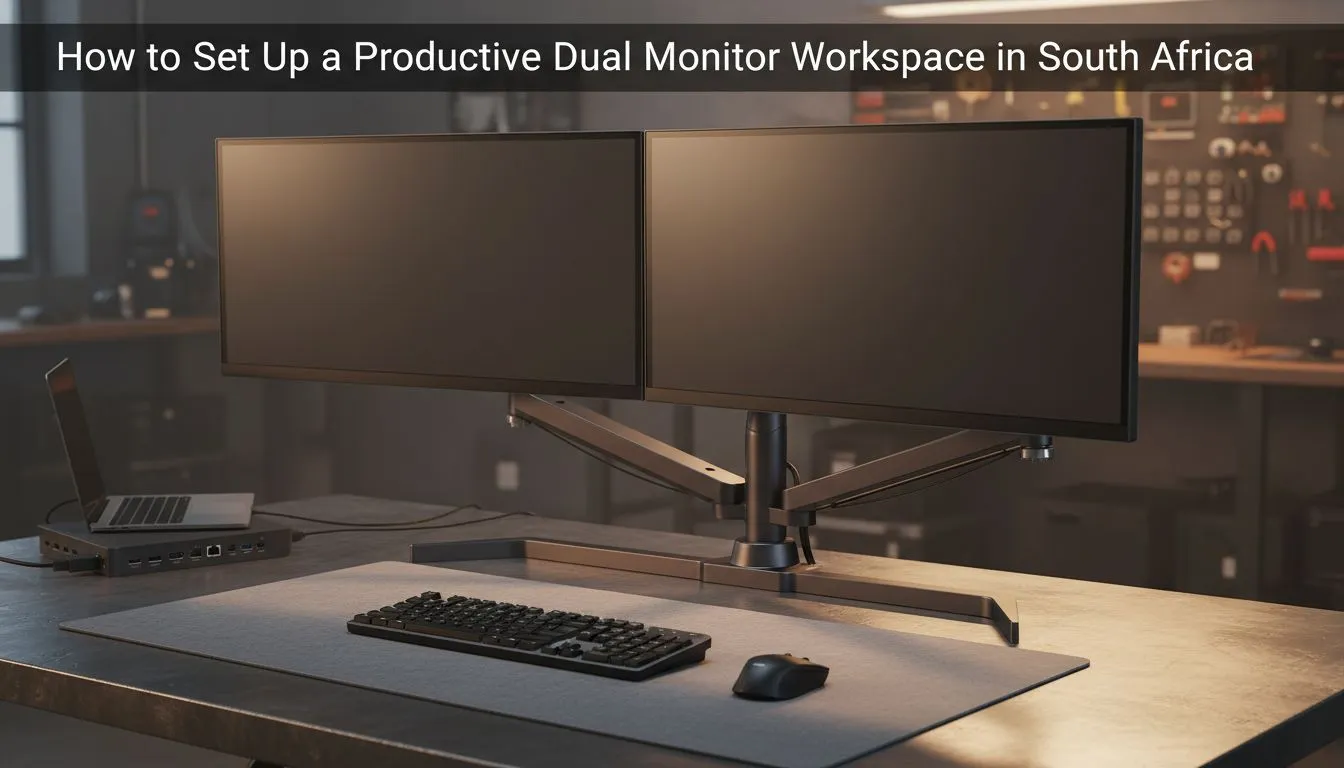
Tired of the endless Alt-Tab shuffle while working from home? Whether you are a developer in Sandton or a creative in Cape Town, screen real estate is your most valuable asset. Mastering a dual monitor workspace setup to boost productivity in South Africa is no longer a luxury... it is a necessity for staying competitive in a fast-paced digital economy. Let's build your ultimate station. 🚀
Why a Dual Monitor Workspace Setup Boosts Productivity in South Africa
The logic is simple. More pixels mean more room for your ideas. When you stop hunting for buried windows, your focus remains unbroken. Research suggests that adding a second screen can increase efficiency by up to 42%. For local professionals, this means finishing tasks faster and reclaiming time for what matters. You can browse our massive range of pc monitors to find the right foundation for your desk.
Choosing the Right Panel for Visual Clarity
Not all screens are created equal. If you spend hours reading text or editing photos, colour accuracy is vital. We recommend looking for high-quality IPS panels because they offer the best viewing angles. This is especially important in a dual-screen array where you might view the secondary display at an angle. Clear visuals reduce eye strain during those long South African workdays.
Productivity Pro Tip ⚡
On Windows, use the PowerToys FancyZones utility to create custom snap layouts for your windows. It's a lifesaver for managing multiple apps on an ultrawide monitor, letting you organise your timeline, preview window, and asset folders perfectly for video editing.
Eliminating Distractions with Smooth Performance
A stuttering screen is a productivity killer. Even for office work, high refresh rates and sync technologies make a difference. If you use an AMD graphics card, look for monitors featuring AMD FreeSync to eliminate screen tearing. Most modern displays now include Adaptive Sync support as a standard. For those using high-end workstations with NVIDIA hardware, choosing a monitor with NVIDIA G-Sync ensures the smootest possible experience... even when you are just scrolling through complex spreadsheets or long documents. ✨
Ergonomics: Flat vs Curved Displays
How you position your screens impacts your posture. Some users prefer two traditional flat screens placed side-by-side in a slight "V" shape. Others find that immersive curved monitors provide a more natural field of view. A curved secondary monitor can wrap around your peripheral vision. This setup keeps all your notifications within sight without requiring constant neck movement. 🔧
Finalising Your Professional Environment
A professional dual monitor workspace setup to boost productivity in South Africa requires more than just screens. Consider using monitor arms to clear up desk space for your coffee or notebook. Ensure your primary screen is directly in front of you to avoid neck strain. With the right hardware, your home office becomes a powerhouse of efficiency. ⚡
Ready to Double Your Efficiency? A dual monitor workspace setup to boost productivity in South Africa is the ultimate upgrade for any professional. Explore our massive range of monitor specials and find the perfect pair to transform your workflow today.











