


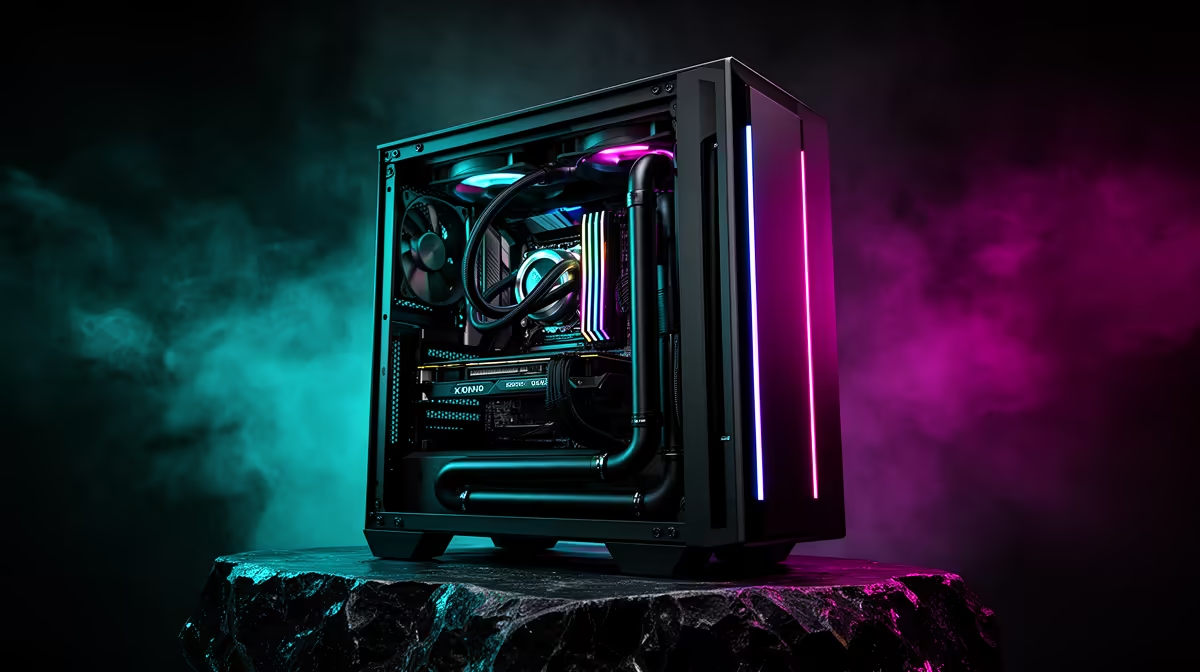
Ranked play in Ermelo rewards the player whose frames never stutter at the wrong moment. An R20,000 esports build is about consistency: high, stable frame rates feeding a fast monitor so your aim and reactions translate cleanly into results.
Quick Answer
For about R20,000, pair a Ryzen 5 or Core i5 with an RTX 4060-class GPU, 16GB of fast RAM and a 1080p 144Hz or 240Hz monitor. That setup pushes past 240fps in Valorant and CS2, turning every frame into the responsive feel that decides close rounds.
Stability Beats Peak Numbers
A build that spikes to 300fps then drops to 120 is worse than one locked at 220. Consistent frame pacing keeps your aim predictable, so a well-matched CPU and GPU that hold a steady high frame rate beat a mismatched pair chasing a bigger headline number.
Spend Where It Counts
16GB of RAM is correct for esports, so do not waste budget on 32GB here. A 500GB NVMe SSD comfortably holds the OS and your competitive titles, freeing money for a higher-refresh monitor or a better mouse, both of which affect your play more than surplus storage.
The Monitor And Mouse Multiplier
Frames you cannot see are wasted, so a 144Hz or 240Hz panel is essential to convert your build's output into smoothness. A light, low-latency mouse and a large mousepad finish the setup, since precise tracking wins clutches more reliably than raw horsepower.
FAQ
Is 240Hz worth it over 144Hz for esports?
If your PC sustains over 240fps, a 240Hz panel shows the difference and feels smoother. On a tight R20,000 budget, a 144Hz monitor with a stronger mouse is often the smarter split.
Do I need 32GB of RAM for competitive games?
No. 16GB is plenty for esports titles, and the saved money is better spent on a faster monitor or peripherals that directly improve your performance.
What gives the biggest performance gain at this budget?
A well-matched GPU and CPU for stable high frame rates, then a high-refresh monitor. Together they deliver the consistent, responsive feel competitive play depends on.
Pro Tip
Lock your frame rate just under your monitor's refresh and turn off in-game motion blur; steady pacing and a clear image help your tracking more than a few extra uncapped frames.










