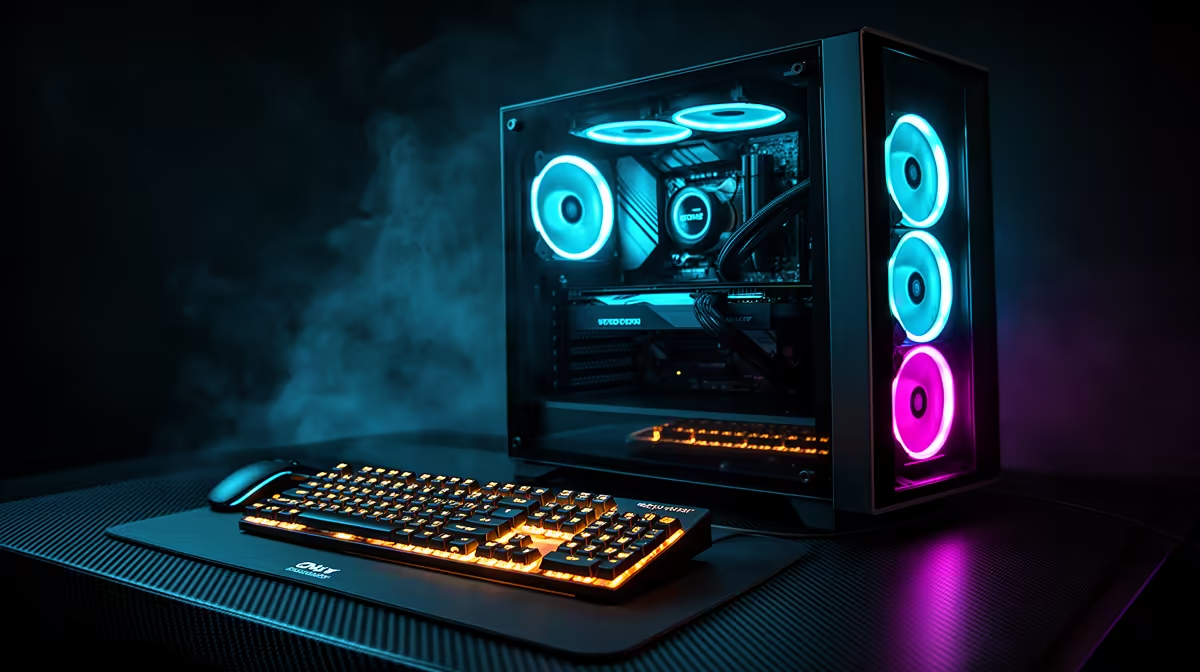
So, you’ve just unboxed your shiny new rig from Evetech. The RGBs are glowing, the fans are whispering, and that new hardware smell is in the air. But a powerful PC is just a metal box without the right digital tools. Before you dive into your first match, you need the essential software for your gaming PC. This isn't just about games; it's about performance, communication, and getting the most from your investment.
The Absolute Must-Haves: OS & Drivers
First things first, let's cover the basics. Your gaming PC’s performance is built on a foundation of two key pieces of software: a solid operating system and up-to-date graphics drivers.
Your Operating System
For gaming in South Africa, Windows is the undisputed champion. Its massive compatibility library means you'll almost never run into a game you can't play. Windows 11 also includes features like Auto HDR and the DirectStorage API, designed to make your games look better and load faster.
Critical Graphics Drivers
This is non-negotiable. Your Graphics Processing Unit (GPU) is the heart of your gaming experience, and its drivers are the brains. Without the latest drivers from NVIDIA or AMD, you're leaving performance on the table. These updates often include game-specific optimisations that can boost frame rates and squash bugs, ensuring you get buttery-smooth frame rates in competitive titles like Fortnite.
- For NVIDIA GPUs: Grab GeForce Experience.
- For AMD GPUs: Download AMD Software: Adrenalin Edition.
Both suites do more than just update drivers; they offer screen recording, performance overlays, and automatic game optimisation.
Driver Clean-Up Pro Tip 🔧
If you're swapping graphics cards or running into weird visual glitches, use Display Driver Uninstaller (DDU). This free utility completely wipes old driver files from your system, giving you a perfectly clean slate to install the new ones. It’s a must-have tool for any serious PC builder.
Your Digital Game Library: Launchers & Storefronts
Gone are the days of shelves stacked with CD-ROMs. Today, your games live in digital storefronts. You'll likely need a few of these installed, as some games are exclusive to certain platforms.
- Steam: The undisputed king. It’s the largest digital distribution platform for PC gaming, with a massive library, great community features, and legendary sales. It's your portal to everything from indie gems to smash hits like Cyberpunk 2077.
- Epic Games Store: A major competitor to Steam, famous for giving away free games every single week. No, really. It’s worth installing just for that.
- EA App & Ubisoft Connect: If you’re a fan of franchises like Battlefield or Assassin's Creed, you'll need their respective launchers.
- Battle.net: The home of Blizzard and Activision titles. A must for making callouts in Overwatch 2 or dropping into Al Mazrah.
- GOG Galaxy: A fantastic platform from the creators of The Witcher, focused on DRM-free gaming and unifying all your game libraries in one place.
Having these ready means you can grab classics like PUBG or the latest AAA release without a hassle.
Stay Connected: Communication is Key
Gaming is better with friends. Whether you’re coordinating your squad in Warzone 2.0 or just chilling in a community server, crystal-clear communication is essential.
Discord is the gold standard for gamers. It’s a free voice, video, and text chat app that’s lightweight enough to run in the background without impacting your game performance. You can join servers for your favourite games, find teammates, and chat with your mates without skipping a beat. It's a fundamental piece of your gaming PC software checklist. ✨
See What's Under the Hood: Performance Monitoring
Ever wondered what your frame rate (FPS) is, or how hot your CPU is running during an intense session? Performance monitoring software gives you a real-time look at your PC's vitals.
MSI Afterburner paired with RivaTuner Statistics Server (it comes bundled) is the most popular choice for a reason. It lets you display a customisable on-screen overlay showing your FPS, GPU/CPU temperatures, usage, and more. This is invaluable for tweaking settings to get the perfect balance of visual quality and performance, especially when you're pushing your hardware in demanding sims like Microsoft Flight Simulator.
Essential Utilities for a Smooth Experience 🚀
Finally, a few small utilities can make a big difference in your day-to-day use. This is the last stop on our essential software for gaming PC tour.
- A Good Web Browser: Obvious, but necessary! Chrome, Firefox, or Brave are all excellent choices.
- 7-Zip: A free and powerful file archiver. You'll need it for unzipping game mods and other downloaded files when you're customising open-world games like GTA V.
- Antivirus: Windows Defender, which is built into Windows 10 and 11, is surprisingly robust and provides excellent protection for most users without slowing your system down. It's perfect for safely downloading mods for Minecraft.
With these tools installed, your gaming PC is truly ready for anything.
Got the Software Shortlist? Get the Hardware!
The best software deserves the best hardware to run on. Whether you're planning a new build or looking for a powerful pre-built PC that's ready to go, Evetech has the components and systems to bring your gaming dreams to life.
Design your ultimate rig with our Custom PC Builder and create a machine perfectly tailored to you.