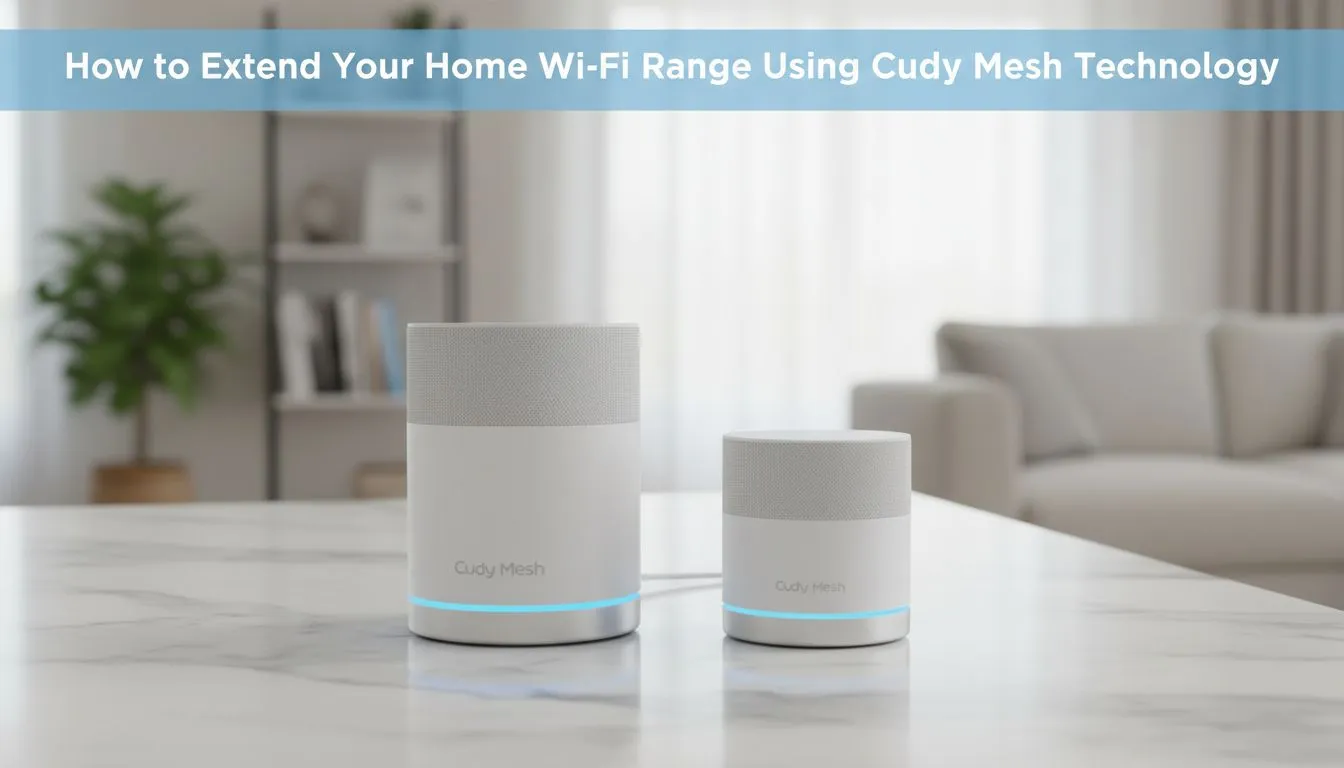
We’ve all been there... huddled in the one corner of the lounge where the Wi-Fi actually works. In South Africa... our thick brick walls are the natural enemy of high-speed internet. If you are tired of dead zones and constant buffering... the Cudy Mesh Wi-Fi Range offers a sophisticated yet affordable solution to blanket your entire home in a seamless signal. 🚀
Understanding the Cudy Mesh Wi-Fi Range for Seamless Coverage
Traditional routers act like a single lightbulb in a large house. The further you move away... the darker it gets. A mesh system works differently. It uses multiple nodes to create a single... unified network that covers every square metre. When you explore the Cudy South Africa lineup... you will notice that these devices are designed to talk to each other. This eliminates the need to manually switch between different Wi-Fi extenders as you move from the kitchen to the bedroom.
Why Mesh Beats Traditional Extenders
Standard range extenders often cut your bandwidth in half. They create a secondary network that confuses your devices. The Cudy Mesh Wi-Fi Range uses smart routing to ensure your phone always connects to the strongest node without dropping the connection. This is vital for gamers who cannot afford a spike in latency while moving around the house.
For those living in areas where fibre hasn't reached yet... the Cudy LT700 AC1200 4G Cat6 Router is an excellent starting point. It combines LTE mobility with robust internal networking features... ⚡
Mesh Placement Pro Tip ⚡
Place your mesh nodes in "line-of-sight" of each other where possible. Avoid putting nodes inside cupboards or behind metal appliances like fridges. Ideally... each node should be no more than two rooms away from the primary router to maintain maximum throughput for 4K streaming and gaming.
Scalability and Future-Proofing Your Home
One of the biggest perks of this technology is scalability. You can start with a two-pack and simply add more nodes as your needs grow. While many users often look at wireless routers from TP-Link... Cudy has carved out a massive following in the local market by offering high-end features at a price point that respects your budget. Whether you are setting up a smart home or just want to scroll TikTok in the garden... extending your coverage has never been more straightforward. ✨
Ready to Kill the Dead Zones?
Don't let poor signal ruin your killstreak or interrupt your meetings. For the best value and expert advice on networking in South Africa... Evetech has you covered. Explore our massive range of Cudy Mesh solutions and find the perfect kit to blanket your home in high-speed Wi-Fi.