

Best Samsung GPU Under R10000 in SA 2026
Top Samsung GPU Under R10000 picks evaluated on performance, value & SA availability with current Rand pricing from Evetech.
Read more- Audit storage needs; - Pick a compatible drive; - Configure Plex library. External hard drive Plex server lets you host and stream your media without a NAS—learn formatting, mounting, and performance tips. 🚀💾
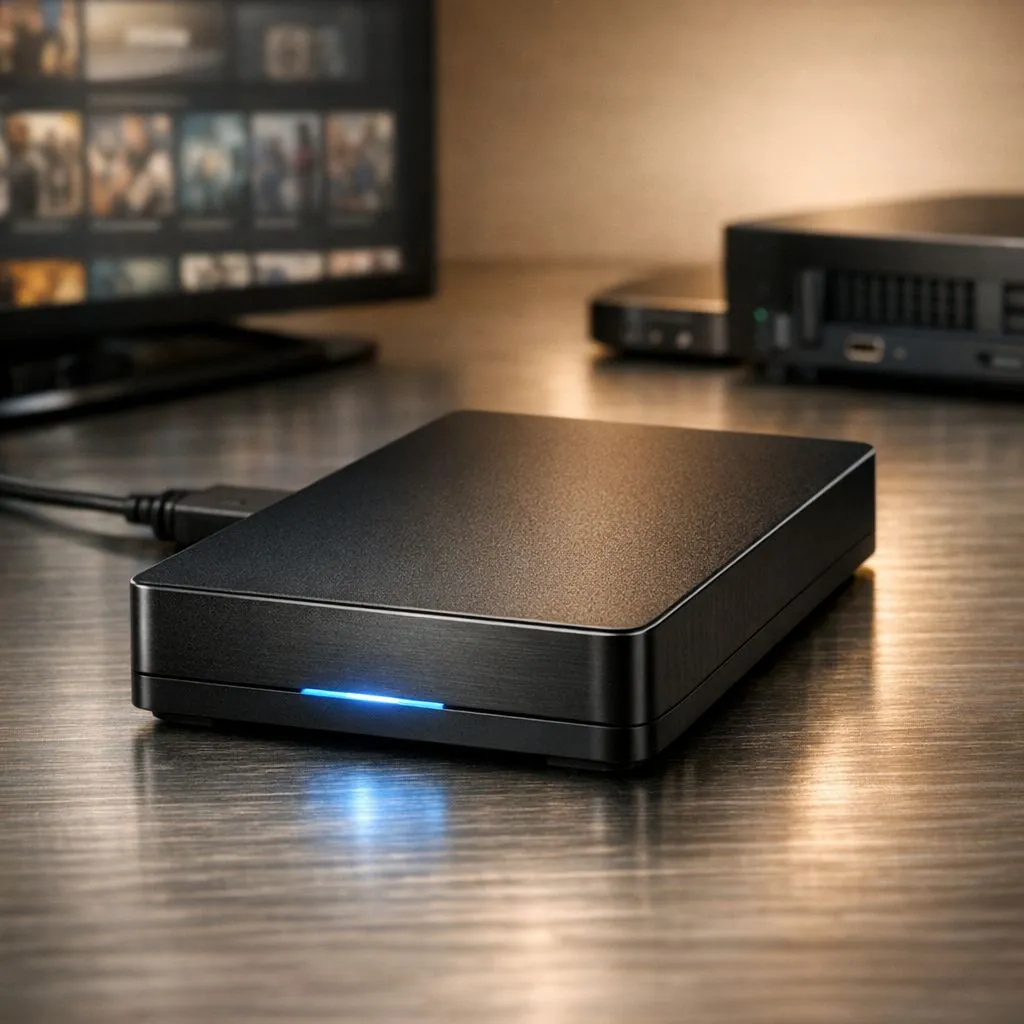
Tired of buffering when the undersea cables act up? Building an External Hard Drive Plex Server is the ultimate way to Set Up Your Plex Library and take back control of your media. Whether you are dodging load-shedding or just want a high-quality local stream without monthly fees, having your own media hub is the gold standard for South African cinephiles. It is easier than you think to get started. ✨
For many South Africans, the cost of multiple streaming subscriptions is starting to bite. By using a premium external SSD, you can create a central hub for all your movies, series, and home videos. Unlike internal setups, an external solution allows you to move your library between different devices or hide it away in a safe spot when you are not home.
Speed is the main factor when you decide to Set Up Your Plex Library. While traditional spinning drives offer bulk storage, they can struggle with 4K bitrates. Choosing external form factor storage ensures that your media posters load instantly and your playback remains stutter-free... even when multiple people are streaming in the house.
The heart of any good media server is the drive that holds the database. While your media lives on an external unit, your Plex Media Server software should ideally run on fast internal solid state drives to keep the interface snappy.
Ensure your movie files are named correctly using the "Movie Name (Year)" format. This simple step helps Plex fetch the correct posters and cast info automatically... saving you hours of manual editing and ensuring your library looks professional from day one.
When selecting your storage, brand reliability matters. We often recommend ADATA’s high-performance range for those looking for a balance of speed and value. If you are planning a massive 100TB+ collection, Western Digital’s reliable series provides the peace of mind needed for long-term data preservation. 🚀
If you are building a high-end server to handle multiple 4K transcodes, you might even consider the latest Gen 5 NVME interface for your primary system drive. This ensures the Plex database can handle thousands of entries without a hint of lag. 🔧
Setting up your External Hard Drive Plex Server involves plugging the drive into your PC or NVIDIA Shield, pointing the Plex software to the correct folders, and letting it scan. Within minutes, you will have a Netflix-style interface that is completely yours... no internet connection required for local playback. It is the perfect way to optimise your home entertainment setup for the local South African context.
Ready to Build Your Ultimate Media Server? Don't let slow storage ruin your movie night. Whether you need massive capacity or lightning-fast access, we have the right tech for your Plex project. Explore our massive range of SSD and HDD specials and start building your dream library today.
Yes. You can use an external hard drive as a Plex library by formatting, mounting, and adding media folders to Plex for scanning and streaming.
For reliability choose a powered desktop HDD for large libraries or an external SSD for faster library scans and better seek times.
Format to NTFS for Windows, exFAT for cross-platform, or ext4 for Linux servers to ensure permissions and stability.
Bus-powered drives can work for few streams; for large libraries or 24/7 servers choose a powered external drive to avoid disconnects.
Mount in OS file system, set consistent mount points (Linux) or drive letters (Windows), then point Plex to the media folder for scanning.
Depends on drive speed and bitrate; a good USB 3.0 HDD can typically handle 2–4 1080p streams, SSDs support more.
Use a NAS for multi-user access, redundancy, and uptime; an external drive is cost-effective for single-server, local streaming.
Top Samsung GPU Under R10000 picks evaluated on performance, value & SA availability with current Rand pricing from Evetech.
Read more
Top RTX 5070 Under R30000 picks evaluated on performance, value & SA availability with current Rand pricing from Evetech.
Read more
Ryzen 7 9800X3D + X670E + RTX 5080 Build Under. Full parts list, Rand pricing & expected performance. Build confidently with SA-available components.
Read more
Top Budget PC Build Around the RTX 5060 picks evaluated on performance, value & SA availability with current Rand pricing from Evetech.
Read more
Ryzen 5 5600X + B550 + RTX 4060 Build Under. Full parts list, Rand pricing & expected performance. Build confidently with SA-available components.
Read more
Top Intel GPU Under R10000 picks evaluated on performance, value & SA availability with current Rand pricing from Evetech.
Read more
Snapdragon X2 NPU Explained: How 80 TOPS Changes. Plain-English explanation of what it means, why it matters & how it affects your buying decisions in SA.

HBM? High Bandwidth Memory Used in GPUs and AI. Plain-English explanation of what it means, why it matters & how it affects your buying decisions in SA.

How much should you spend on sim racing accessories in South Africa for a realistic setup? We break down budgets by quality tiers, so you buy smart gear and avoid overspending 🎮💸

G-Sync and FreeSync? Variable Refresh Rate. Plain-English explanation of what it means, why it matters & how it affects your buying decisions in SA.

AMD Laptop: Value. SA-focused analysis with local pricing data, real-world insights & actionable buying advice.

How MacBook Neo Handles 30+ Chrome Tabs with Only. SA-focused analysis with local pricing data, real-world insights & actionable buying advice.

Why Apple Put 8GB RAM in MacBook Neo: The A18 Pro. SA-focused analysis with local pricing data, real-world insights & actionable buying advice.

Upgrade your work laptop with a New Motherboard. Step-by-step instructions with SA-specific tips, common pitfalls to avoid & expert recommendations.

Maintain wired headset — Checklist: • inspect cables • clean earpads • store properly 🔧🎧 Practical steps to preserve sound quality and avoid premature replacements.

Fix crackling headset fast: step-by-step checks for cables, connectors, drivers, and settings to remove static or distorted audio on wired headsets 🎧⚙️

Stereo vs mono headsets: learn which delivers clearer calls, better spatial music, or simpler mono voice performance — pick the right headset for meetings, music, or gaming 🎧💬

- Compare gaming headset vs studio headphones; - Assess comfort, mic and sound; - Recommend best daily picks. Gaming headset vs studio headphones: learn which suits work, music and casual gaming. 🎧⚖️