


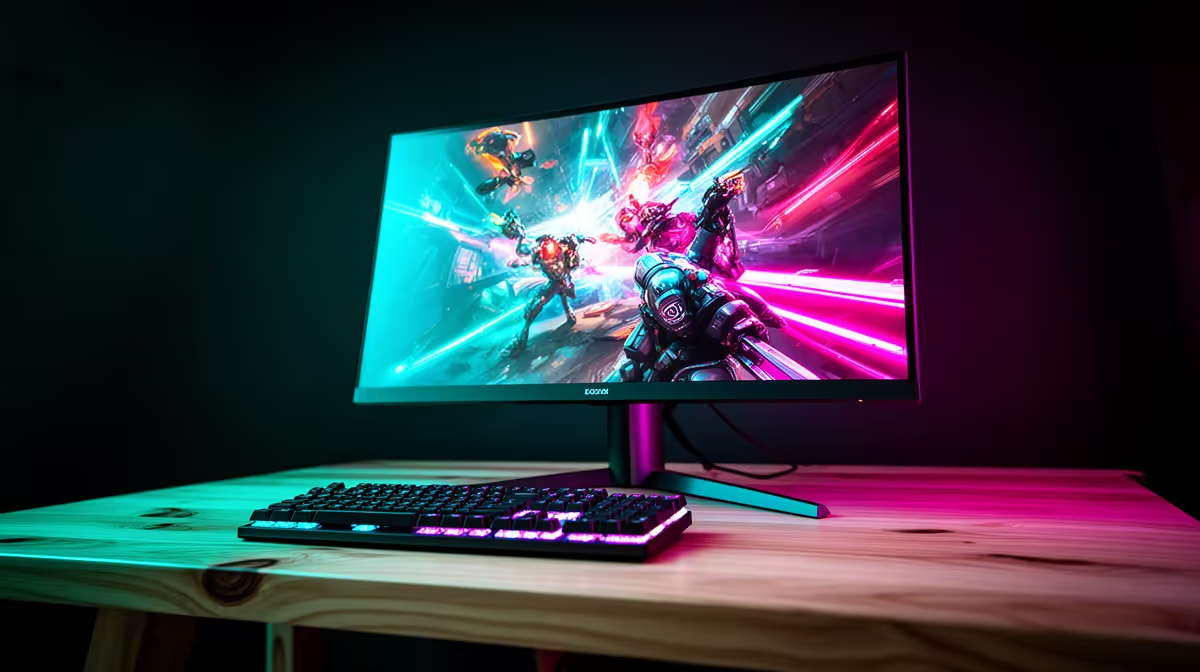
Start roughly 70 to 90cm from a 32-inch 4K monitor, then adjust until the whole screen is visible without leaning back, turning the head repeatedly or shrinking text uncomfortably. A shallow desk may not provide that range, which makes mounting depth and screen size as important as resolution.
Fit the display to the working posture
Sit with feet supported and shoulders relaxed, then place the top portion of the screen near a comfortable eye line. Open normal documents, browser text and the application used most. Increase operating-system scaling instead of moving dangerously close to read tiny interface elements.
No currently priced 32-inch 4K model appears in the factpacks. The Dell S2725QC 27-inch 4K USB-C monitor is listed at R6,128 as a smaller verified alternative. Confirm live stand depth, VESA support, input ports, scaling behaviour, warranty and the distance from the panel to the front desk edge.
A suitable monitor arm can move the panel farther back when the wall, clamp and monitor specifications permit it. Keep enough room for keyboard and forearm support, control glare and vary focus during long sessions. Persistent eye strain or headaches deserve advice from a qualified eye-care professional.
Choose the larger screen only when the desk can provide comfortable viewing and secure support. A 27-inch option can preserve 4K workspace while fitting a shallower surface more naturally.
Pro Tip ⚡
Fitting a compact 4K desk? > Compare Evetech monitors by stand depth, mounting and comfortable viewing range.










