


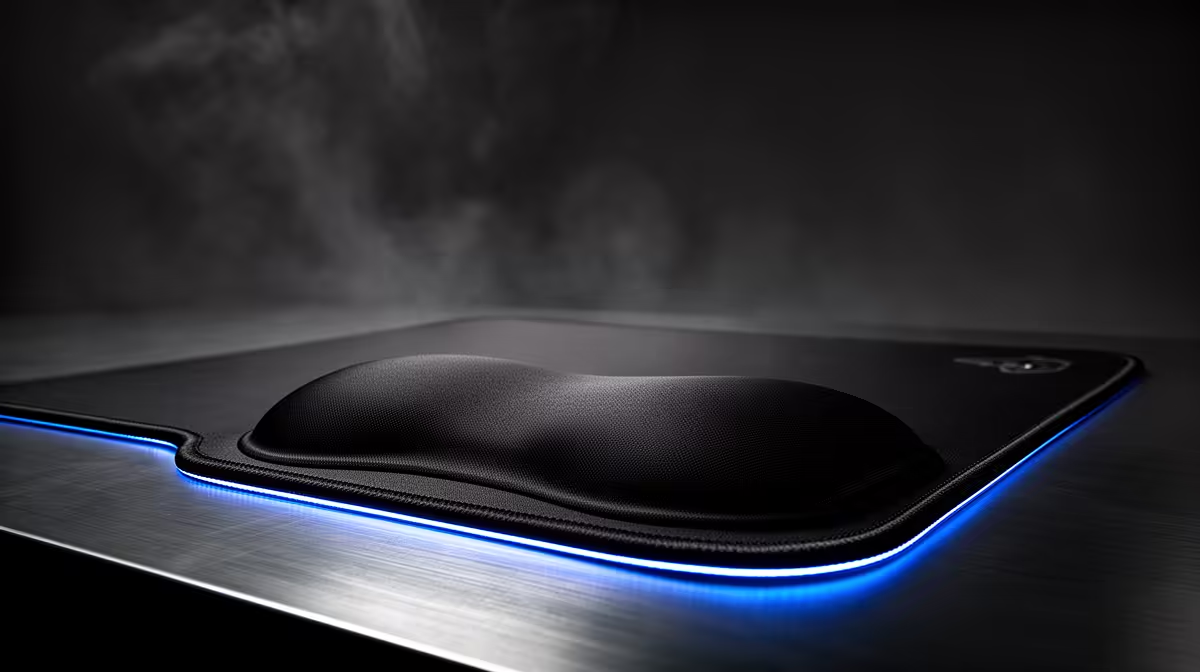
A wrist rest should support relaxed typing without bending the hands upward. For a first-time PC buyer, fit matters more than brand. The rest should match keyboard height, desk depth and the position used during work or gaming.
Test posture before purchasing
Place the keyboard close enough that elbows remain near the body. During pauses, the padded surface should contact the heel of the palm rather than press directly into the wrist. Check edge firmness, heat buildup, surface grip and whether a mouse rest restricts movement. A low-profile keyboard may need little added height.
Keyboard width is only one dimension. A sculpted board, thick desk mat or tilted feet can change the required support height. Trial the rest with the keyboard in its everyday configuration, and remove it if the hands float comfortably without additional padding.
No wrist-rest SKU or verified price appears in the supplied product facts. Compare dimensions, material, washable cover, non-slip base, warranty and return terms. Measure the keyboard width and front-edge height before ordering instead of choosing a generic full-size model blindly.
A rest cannot correct a desk that is too high or a chair that leaves feet unsupported. Alternate tasks, relax the grip and take short movement breaks. Stop using any accessory that causes numbness, tingling or pressure after a normal session.
Pro Tip ⚡
Setting up a first PC desk? > Browse Evetech comfort accessories after measuring the keyboard.











