


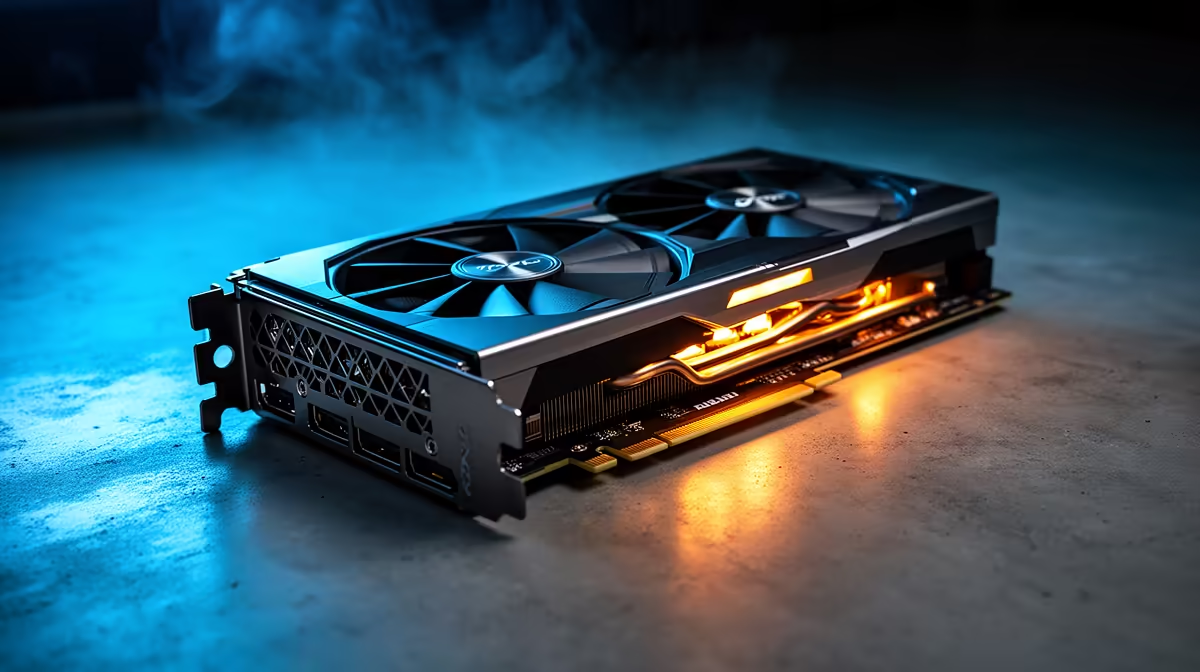
Adding an AI denoiser or generative fill step to an editing workflow often exposes a bottleneck that was never visible before. The timeline was smooth until an AI task started competing for the same graphics memory, and suddenly everything from playback to export slows down together. That collision is exactly what a 24gb creator graphics card is built to prevent, by giving AI work and timeline caching separate room to operate.
Quick Answer
GPU bottlenecks in AI-assisted editing usually come from AI inference and timeline caching fighting over the same limited memory pool, not from a lack of processing power. The ASRock Pro B60 Creator sidesteps this with 24GB of GDDR6 for R14,399, large enough to run an AI task and hold a cached timeline at the same time. Its Xe2-HPG architecture and onboard XMX engines are built specifically to separate those two jobs.
🔍 Diagnosing Where The Bottleneck Actually Sits
Memory Contention Versus Processing Load
The first step is telling apart a memory problem from a raw compute problem. If playback only stutters once an AI filter, generative fill pass or auto-caption feature is active, that is memory contention: the AI task and the timeline cache are both trying to occupy the same pool, and one has to lose. If performance is uniformly slow regardless of which features are active, that points more toward the core clock or architecture struggling with sustained load.
Driver And Software Overhead
Outdated Xe2-HPG drivers can also masquerade as a hardware bottleneck. Driver updates frequently improve how memory is allocated between AI inference and standard rendering tasks, so a slowdown that appeared overnight is sometimes a software issue rather than a sign the card itself is undersized.
🧠 Why Thin VRAM Breaks AI-Assisted Workflows
AI features inside modern editing software, whether that is object masking, auto-colour matching or noise reduction, load their own model weights into graphics memory before they can run. On a card with a small memory pool, that model competes directly with the footage, proxies and effect previews already cached for the timeline. The result is thrashing: the software constantly evicts one to make room for the other, which shows up as stutter, delayed previews or an AI feature that simply refuses to preview in real time.
Why 24GB Resolves The Conflict
With 24GB of dedicated GDDR6, an AI model and a full editing cache can both stay resident without displacing each other. This is less about raw AI processing speed and more about giving each job its own space, which is why editors often notice a smoother workflow even before touching export settings.
⚙️ How Xe2-HPG And XMX Engines Divide The Work
Intel's Xe2-HPG architecture handles the traditional rendering and playback pipeline, running at a 2400 MHz clock across a 192-bit memory bus. Separately, the card's XMX engines are purpose-built for AI inference tasks like denoising, upscaling and object detection, which keeps those workloads from directly competing with the main rendering pipeline for the same execution resources.
Why This Separation Matters In Practice
Without dedicated AI hardware, every AI-assisted feature has to share the same compute path as standard rendering, which is exactly the kind of contention that causes bottlenecks in the first place. Splitting that work across XMX engines and the main Xe2-HPG core is what allows both to run without one throttling the other.
🛠️ Practical Steps Before Blaming The Hardware
Before assuming a full upgrade is necessary, check driver versions first, since Xe2-HPG driver updates often specifically target memory allocation for AI features. Close background applications that quietly hold their own graphics memory allocations, since editing suites are rarely the only process competing for the pool. If bottlenecks persist after both of those checks, the underlying issue is very likely the card's total memory capacity rather than anything configurable in software.
For the full specification sheet on this particular option, this product page lays out the complete details. It also sits inside the workstation graphics card selection for anyone comparing memory capacity across similar options, and ASRock's broader GPU catalogue is worth checking for other configurations from the same brand.
Frequently Asked Questions
How can I tell if my GPU bottleneck is a memory issue?
If slowdowns only appear when AI features are active alongside normal editing, that points to memory contention rather than a general lack of processing power.
Do driver updates really fix AI editing slowdowns?
Often, yes. Driver updates regularly improve how memory is split between AI inference and standard rendering tasks, sometimes resolving a bottleneck without any hardware change.
What is the role of XMX engines in reducing bottlenecks?
They run AI inference tasks separately from the main rendering pipeline, preventing AI features from competing directly with playback and timeline caching for the same resources.
Is 24GB necessary for AI-assisted editing, or is it excessive?
For workflows that lean on AI denoising, masking or generative tools alongside standard editing, 24GB gives enough headroom for both to run together without contention.
Does the 192-bit memory bus affect AI workflow performance?
Yes, since AI models and cached footage both need to move in and out of memory quickly, a wider bus reduces the delay when either workload needs fresh data.
Can background applications cause the same kind of bottleneck?
Yes, any application holding its own graphics memory allocation reduces what is available to the editing suite, so closing unnecessary background software is worth checking first.
Ready to clear the bottleneck slowing your AI edits? Consider the 24GB creator GPU from ASRock from Evetech's workstation GPU range, selling at R14,399, made to clear the bottleneck slowing down AI-assisted editing.







