There's nothing worse. You're in the final circle, the tension is thick... and your PC freezes. A blue screen dashes your victory hopes. In South Africa, where heat and power fluctuations are real challenges, gaming PC reliability isn't a luxury; it's the foundation of every great session. A stable build means you can focus on the win, not worry about your rig giving up on you. Let's dive in. ✨
The Core Components of a Reliable Gaming PC
True PC stability starts with the quality of your core components. It's easy to get excited about a powerful GPU, but the parts supporting it are what separate a consistent performer from a crash-prone machine.
The Power Supply Unit (PSU): Your PC's Heartbeat
Never, ever skimp on your PSU. It's the silent hero that feeds clean, stable power to every component. A cheap, unrated power supply can cause random shutdowns, instability, and even damage your expensive parts during a power dip. Look for a unit with at least an 80 Plus Bronze rating. This ensures efficiency and is a key factor in long-term gaming PC reliability, especially when pushing your hardware in demanding titles on a custom Cyberpunk 2077 gaming PC.
The Motherboard: The Foundation of Your Build
The motherboard is the central nervous system of your PC. A quality motherboard has robust Voltage Regulator Modules (VRMs) that deliver smooth, consistent power to your CPU. Better VRMs mean more stability, especially under heavy load or if you decide to overclock. This is crucial for maintaining high, stable frame rates in fast-paced shooters, a feature we prioritise in builds optimised for Overwatch 2.
RAM: More Than Just Speed
Unstable RAM is a leading cause of the dreaded Blue Screen of Death (BSOD). Always buy RAM in a matched kit and enable its rated XMP or EXPO profile in the BIOS. This ensures the modules run at their tested speeds and timings. For sprawling, memory-intensive games, rock-solid RAM is non-negotiable. A game like Microsoft Flight Simulator absolutely depends on RAM stability for a smooth, immersive experience.
Cooling and Airflow: Beating the South African Heat 🔧
Heat is the enemy of performance and longevity. In the South African climate, keeping your components cool is critical for a stable build. High temperatures cause thermal throttling, where your CPU and GPU automatically reduce their speed to avoid damage, resulting in stuttering and lower frame rates.
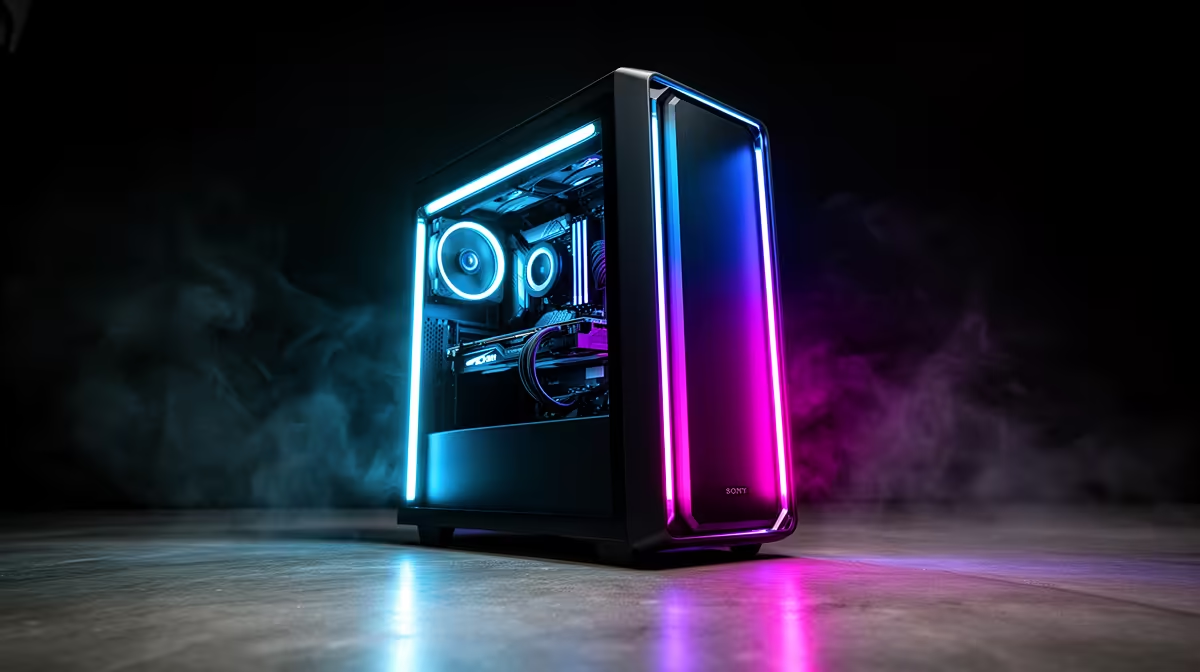
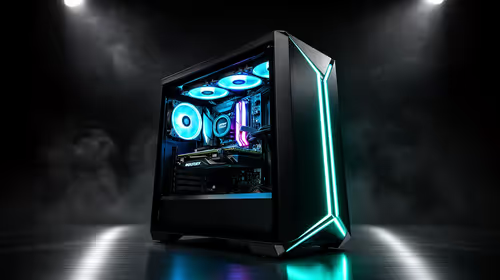
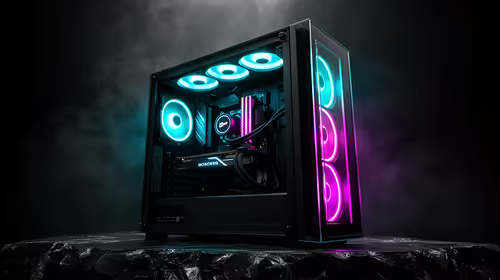
A case with good airflow, proper fan placement, and a capable CPU cooler is essential. This is non-negotiable for marathon sessions, whether you're dropping into Al Mazrah on a Warzone 2.0-ready PC or exploring the vast world of Los Santos. A well-cooled system ensures consistent performance while causing chaos on a GTA V gaming rig.
Temperature Check Pro Tip ⚡
Keeping an eye on your temperatures is easy. Install a free tool like HWMonitor or use the overlay in MSI Afterburner. During a gaming session, your CPU should ideally stay below 85°C and your GPU below 80°C. If temps are creeping higher, it might be time to clean your dust filters or improve your case airflow!
The Digital Side of PC Stability
Hardware is only half the battle; software health is just as important for a reliable gaming PC.
A clean, stable operating system is the foundation for everything else. Beyond that, keeping your graphics drivers updated is one of an essential maintenance task. GPU manufacturers frequently release updates that not only boost performance but also fix stability issues for new game releases. A clean driver install can solve a world of stuttering issues, ensuring you're ready for that chicken dinner on a PC built for PUBG.
This digital hygiene ensures your system is ready for anything, from epic build battles on a Fortnite gaming PC to running demanding shaders and mods without a hitch on a Minecraft-optimised PC.
Why a Pre-Built PC Guarantees Stability
Feeling a bit overwhelmed? That's understandable. Balancing all these factors to create a truly stable build takes time, research, and experience. This is where a professionally built PC from Evetech offers incredible value and peace of mind.
Our expert technicians select components that are known to work well together. We handle the meticulous assembly, optimise cable management for maximum airflow, and most importantly, we stress-test every single system. This rigorous testing pushes the CPU, GPU, and RAM to their limits to ensure rock-solid stability before it ever reaches your desk. You get guaranteed gaming PC reliability with a full warranty, so you can just plug in and play.
Ready for Uninterrupted Gaming?
Building a PC is rewarding, but ensuring true stability takes expertise. Skip the guesswork and potential headaches. Our professionally assembled and stress-tested PCs are built for rock-solid performance right out of the box. Explore our massive range of gaming PCs and find the perfect rig to conquer your world.