


{{ "Article": """ It’s the final circle. Your heart is pounding, your palms are sweaty... and then your screen goes black. Nothing. Is it the GPU? The power supply? For a South African gamer, a dead PC is more than an inconvenience; it’s a crisis. But before you panic-call for expensive help, ask yourself: do you have the basic gaming PC repair tools to diagnose the problem yourself? Being prepared can save you time, money, and a whole lot of frustration.

Your Essential Starter Toolkit 🔧

Every PC owner, whether you built your rig from scratch or bought it pre-assembled, should have a fundamental set of tools. You don’t need a workshop worthy of a pro technician, just a few key items. This basic PC repair toolkit is your first line of defence against common hardware gremlins.

The Non-Negotiables

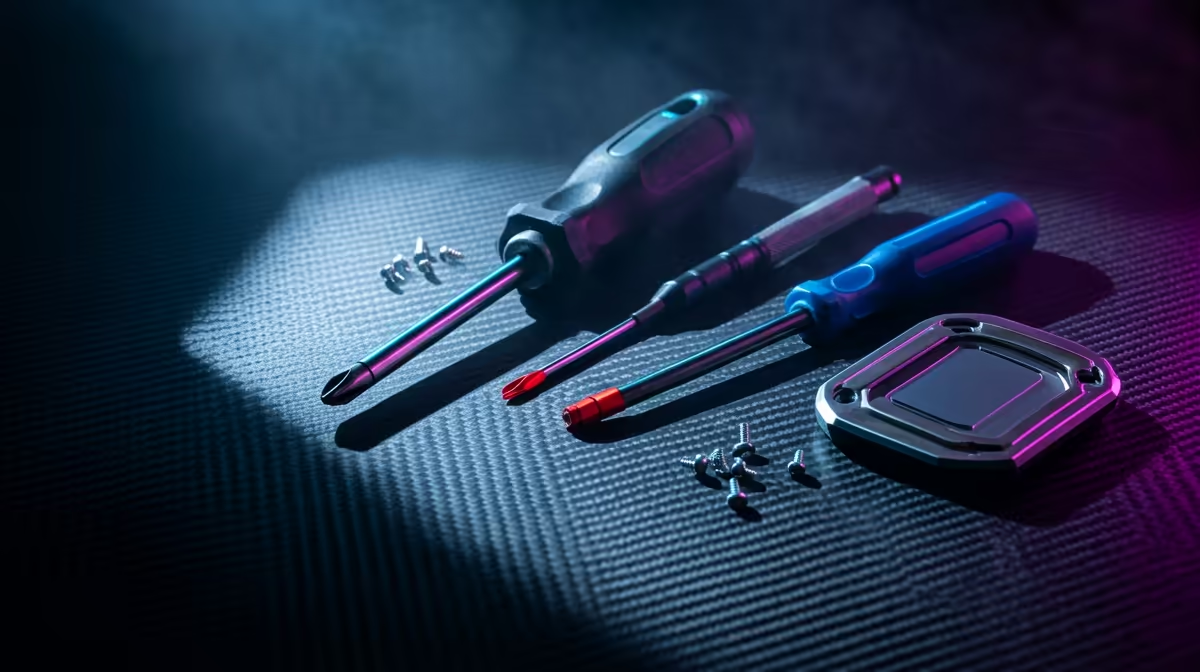
At the absolute minimum, you need a good set of screwdrivers. A quality Philips-head screwdriver (specifically a #2 and a smaller #1) will handle almost every screw in your case, from the side panels to the motherboard standoffs. A magnetic tip is a lifesaver for not dropping tiny screws into the dark abyss of your chassis.

Next up is an anti-static wrist strap. Static electricity is the silent killer of sensitive components like your RAM and CPU. Strapping this to your wrist and clipping it to a metal part of your case grounds you, ensuring you don’t accidentally zap your expensive hardware. It's a small investment to protect the beastly rig you need for competitive Counter-Strike 2 sessions.

Finally, get yourself some cable ties or reusable Velcro straps. Proper cable management isn’t just for looks; it dramatically improves airflow, keeping your components cool. A tidy case is a happy case, especially when you're in the middle of a frantic Fortnite build battle and need every bit of performance.

Levelling Up Your Gaming PC Repair Tools

Ready to tackle more advanced tasks like replacing a CPU cooler or diagnosing overheating issues? It’s time to add a few more specialised items to your arsenal. These tools bridge the gap between basic maintenance and genuine repair work.

A can of compressed air or a small electric duster is your best friend for cleaning. Dust buildup is a major cause of overheating, which can throttle performance and shorten the lifespan of your parts. Regularly blasting out dust from your fans, heatsinks, and filters is crucial, especially for preventing stutters in the tense final moments of a PUBG match.

If you’re swapping out a CPU or GPU cooler, you’ll need isopropyl alcohol (90% or higher) and some quality thermal paste. The alcohol is for safely cleaning the old, crusty paste off the chip, while the new paste ensures optimal heat transfer to the heatsink. This is vital for keeping temperatures in check on systems that run demanding titles like Microsoft Flight Simulator.

TIP

Screw Management Pro Tip ✨

Dropped a tiny M.2 screw into your motherboard's labyrinth of components? Use a magnetic parts tray to keep every screw organised during disassembly. If you don't have one, even a simple bowl will do. For non-magnetic screwdrivers, you can temporarily magnetise the tip by rubbing it firmly against a strong fridge magnet.

The Pro-Tier Toolkit for Serious Builders

For those who live and breathe PC building and modding, a few more advanced gaming PC repair tools are worth the investment. These are for tackling the really tricky problems.

A multimeter is an invaluable diagnostic tool for testing voltage from your power supply or checking for continuity in a cable. If your PC won't power on, a multimeter can help you figure out if the problem is the PSU or the motherboard, which is essential for troubleshooting a rig built for a fast-paced game like Overwatch 2. A dedicated PSU tester is an even simpler, plug-and-play alternative for checking if your power supply is delivering the correct voltages, a must-have for power-hungry systems designed for Cyberpunk 2077.

It’s also wise to have a small container of spare parts. This includes extra case screws, motherboard standoffs, and SATA cables. You never know when you’ll lose a screw or need an extra cable for a new drive. Having these on hand saves a trip to the store and keeps your Minecraft modding session uninterrupted. Even the most powerful machines, like those needed for Call of Duty: Warzone, are useless if a single missing screw prevents you from closing the case.

Knowing When to DIY… And When Not To 🚀

Having the right tools for fixing a gaming PC empowers you to handle most common issues, from cleaning and maintenance to component swaps. However, it's just as important to know your limits. If you’ve diagnosed a faulty motherboard or a dead GPU and the repair involves soldering or intricate board-level work, it might be time to seek expert help or consider an upgrade.

Sometimes, the best repair is a fresh start. If your rig is constantly giving you hassles, diving into a complex repair might not be worth the headache. In those cases, a reliable, professionally assembled machine is the perfect, stress-free solution to get you back in the game, exploring the vast world of GTA V without a single worry.

Ready to Build, Tweak, or Upgrade? Having the right gaming PC repair tools is half the battle. The other half is having the right components. Whether you're starting a fresh build or need that one crucial upgrade, Evetech has your back. Explore our massive range of PC components and build the rig of your dreams.














