


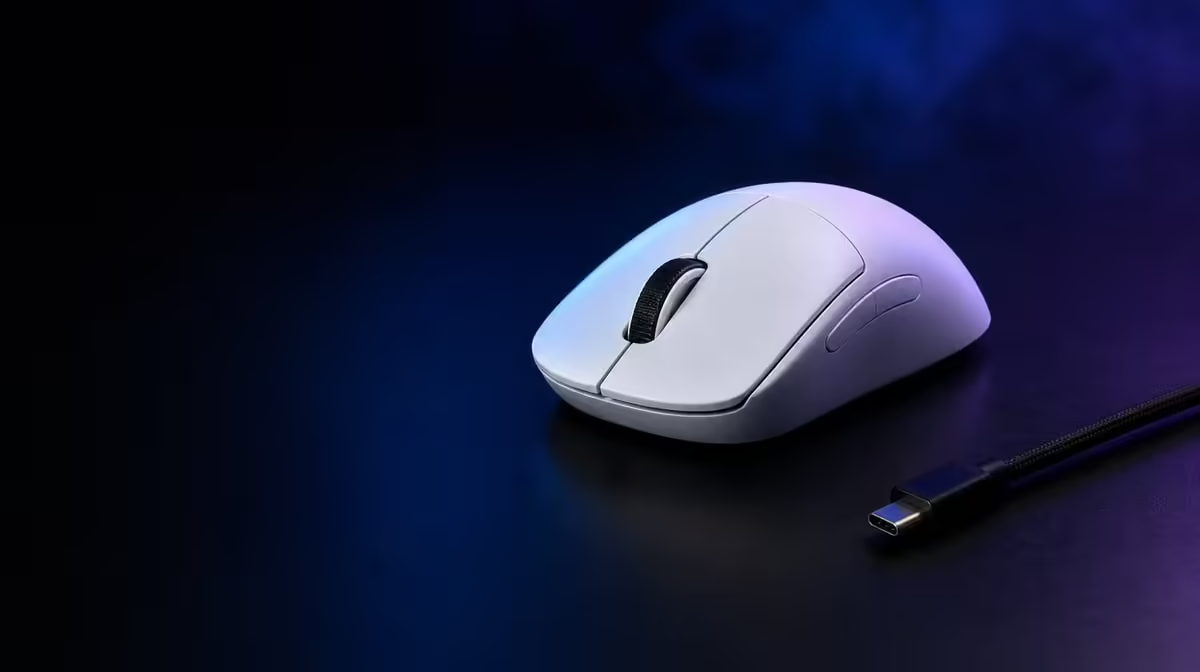
Battery life becomes useful when it turns charging into a predictable routine. To extend wireless gaming mouse battery life, choose the connection and report rate the workload needs, use sensible idle behaviour and measure normal sessions. The G305 X SUPERLIGHT's rating beyond 130 hours provides the starting reference.
Quick Answer
Use the lowest stable report rate that meets the game, select connection mode by task, avoid unnecessary active time and charge with margin before important sessions. At R1,499, the tri-mode G305 X SUPERLIGHT is rated for more than 130 hours, but real endurance varies with Lightspeed, Bluetooth or wired use, report behaviour and daily activity.
🔹 Establish a measured baseline
Start from a known charge level and record session duration, connection, report rate and remaining level. Repeat for a week.
Evetech's Logitech gaming mice provide related wireless options for comparison.
Separate active and idle time
Desktop idle, competitive play and sleep behaviour affect the routine differently. Note when the mouse remains awake unnecessarily.
🔹 Match rate to the game
Up to 8kHz can serve compatible competitive setups, but the maximum should not remain active everywhere without a reason. Compare a stable lower rate in games or tasks that show no benefit.
Keep DPI unchanged during endurance testing. The 44,000 DPI ceiling is unrelated to charge planning.
Save per-game profiles
Use clear names and confirm the active report setting. Too many profiles can cause the wrong rate to remain selected.
🔹 Assign connection modes
Use the dedicated gaming route for performance-focused play, Bluetooth where convenient pairing suits the task and wired operation when its physical connection is appropriate.
The broad gaming mouse category helps compare endurance and connection packages.
Keep receiver placement stable
A poor wireless path should be fixed physically rather than compensated for with random software changes.
🔹 Build a charging schedule
Choose a threshold that leaves several sessions of margin before tournaments, travel or long play. Do not wait for an interruption.
Use Evetech's accessories best-seller page to frame the R1,499 choice, then verify the current item and availability before purchase.
Recheck after settings changes
Measure endurance again after raising report rate, changing connection or updating software. Keep the old baseline for comparison.
Store a travel profile
Use a sensible connection and rate for the second device or mobile desk, then verify pairing and charge before departure.
Build an endurance worksheet
For each session, record start and end charge, active hours, connection, report rate and game. Keep idle desktop time separate. After a week, estimate the number of similar sessions remaining rather than relying on one long claim.
The worksheet does not need perfect precision. It needs enough consistency to reveal whether a high report profile or forgotten idle period changes the routine.
Compare connection modes in matched sessions
Use the same game and approximate session length on the dedicated wireless mode, then test another intended route separately. Do not change DPI or buttons during the endurance comparison.
Bluetooth may serve a different device and workload, so its matched session can use ordinary desktop work. The goal is not to rank every mode universally but to forecast each assigned task.
Reduce forgotten active time
Observe whether the mouse remains active when the player leaves the desk. Use the intended power behaviour and develop a habit of ending the session cleanly.
Avoid constantly switching settings after one idle observation. Repeat across several days to identify a real pattern.
Choose a sustainable report rate
Test 1000Hz and the preferred higher rate through the same game scene. If the player cannot reproduce a control improvement at 8kHz, a lower rate may make the charging plan simpler.
If the maximum does help, retain it for that game and use a focused profile elsewhere. Battery optimisation should preserve measured performance rather than disable useful features blindly.
Plan travel and backup power
Check charge before leaving, confirm the connection intended for the second PC and pack the needed cable or receiver safely. Test the entire travel profile at home.
Keep the receiver and accessories together so a missing small part does not force an improvised connection.
Audit after software updates
Confirm that power and report settings remain as intended after a major update. Repeat one measured session and compare it with the worksheet.
If endurance changes, investigate profile and mode before assuming the battery itself changed.
Create a tournament week plan
Charge early enough to test the mouse again before the event. Use the competition connection and report profile through a normal practice session, then confirm the remaining margin.
Avoid making a last-minute endurance tweak that has not been tested for control. Predictable power and predictable input belong in the same preparation.
Review the six-button map
Unused profile switches or lighting-related controls should not remain active if accidental presses change behaviour. Keep only the bindings needed for play.
A simpler map reduces troubleshooting and prevents an unexpected mode change from being misread as battery or connection trouble.
Frequently Asked Questions
Does the mouse last exactly 130 hours?
It is rated beyond 130 hours, while mode, report rate, activity and power behaviour shape real endurance.
Can report rate affect battery planning?
Yes. Measure the chosen rate rather than assuming every profile consumes power identically.
Should Bluetooth be used for every game?
Assign modes by task and tested behaviour; convenient pairing and performance-focused play can have different routes.
When should the mouse be charged?
Choose a repeatable threshold with enough margin for the next important session.
Why record idle time?
It helps distinguish gaming use from power consumed while the mouse remains active unnecessarily.
Ready to make charging predictable? Compare wireless gaming mice at Evetech and build an endurance log around actual connection, report rate and session habits.











