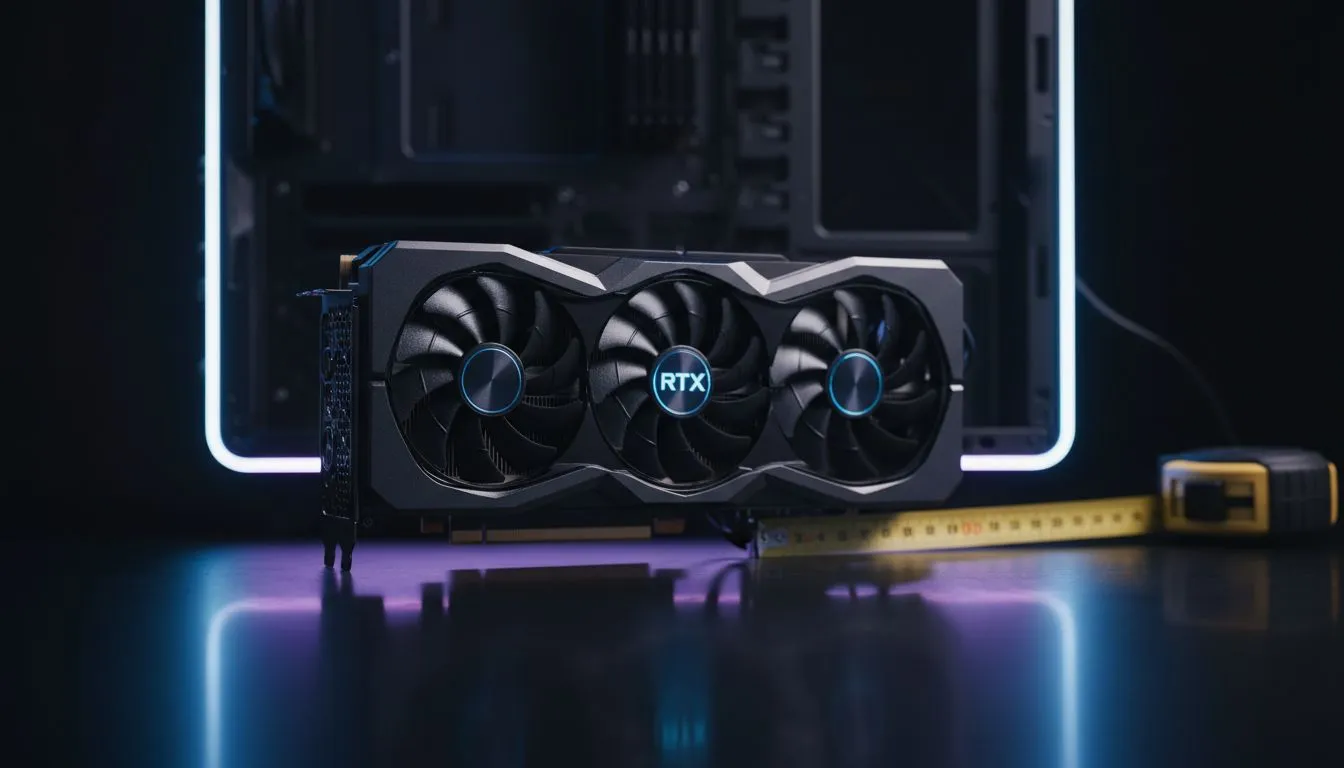
You’ve done it. After weeks of saving and watching reviews, you finally have that beastly new graphics card in your hands. The box feels heavy with promise. You can almost smell the frames per second. You open your PC case, ready for the glorious upgrade… but it doesn’t fit. The card is just a few millimetres too long. 😫
That gut-wrenching moment is why understanding GPU length clearance is one of the most critical, yet often overlooked, parts of any PC build or upgrade.
Understanding Maximum GPU Length
So, what exactly is GPU length clearance? In simple terms, it’s the maximum length a graphics card can be to physically fit inside your computer case. Think of it as the height restriction for a parking garage… but for your multi-thousand-rand GPU.
PC case manufacturers list this specification in millimetres (mm) on their product pages. It measures the internal space from the rear PCIe expansion slots to the first potential obstruction at the front of the case, which is usually the hard drive cage or front-mounted fans.
Why Getting GPU Clearance Right is a Big Deal
Ignoring the maximum GPU length spec is a recipe for disaster. Get it wrong, and you're facing a few painful scenarios:
- The Return Hassle: You have to repackage your exciting new toy and arrange a return, wasting time and killing the upgrade buzz.
- The "Janky" Fix: Some people resort to… creative solutions, like cutting into their case's drive bays. This often looks terrible, ruins your case's resale value, and can impede airflow.
- Wasted Potential: You end up with a powerful GPU you can't even use.
Getting it right, however, means a smooth, stress-free installation and a clean-looking build. It ensures there’s also enough room for healthy airflow around the card, helping it run cooler and quieter. Planning ahead is key to finding the perfect home for your components among the wide variety of computer cases available.
How to Check Your GPU Compatibility 📏
Thankfully, checking for compatibility is easy and takes just a couple of minutes. It’s a simple two-step process that will save you a massive headache later.
Step 1: Find Your Case’s Max GPU Length
Head to the product page for your specific PC case on the manufacturer's website or right here on Evetech. Look for the "Specifications" tab and find the line item for "Maximum GPU Length" or "VGA Card Length". Reputable brands like Fractal Design PC cases always make this information clear and easy to find.
Step 2: Find Your GPU’s Actual Length
Next, do the same for the graphics card you plan to buy. On its Evetech product page, check the specs for its physical dimensions. Note down the length in millimetres. Remember that different versions of the same GPU (e.g., an ASUS TUF RTX 4070 vs a Gigabyte Gaming OC RTX 4070) can have very different lengths due to their unique cooler designs.
Pro Tip: Watch Out for Radiators! 🔧
A front-mounted AIO liquid cooler radiator and its fans will reduce your available GPU length clearance. A standard setup (radiator + fans) is about 52-55mm thick. You must subtract this from your case's maximum GPU length to find the actual space you have left. Always check twice before you buy!
Choosing a Case That Fits Your Dream GPU
Modern high-end GPUs are getting longer and chunkier, so choosing the right chassis is more important than ever. Full-tower and many mid-tower ATX cases offer the most generous GPU length clearance, easily accommodating even the longest triple-fan cards on the market.
However, you don't need a massive case to fit a powerful card. Many modern and affordable brands offer excellent compatibility in a smaller footprint. The collection of Gamdias gaming cases, for example, includes options for every build size. Even if you're building on a tight budget, you can find excellent Gamdias gaming cases under R1500 that provide plenty of room for today's popular graphics cards.
The golden rule is simple: always check the specs before you add to cart. ✨
Ready to Build Without the Headache?
Don't let a simple measurement derail your dream PC build. By checking your GPU length clearance, you guarantee a smooth, successful upgrade. Explore our massive range of PC cases and find the perfect fit for your next-gen graphics card.