


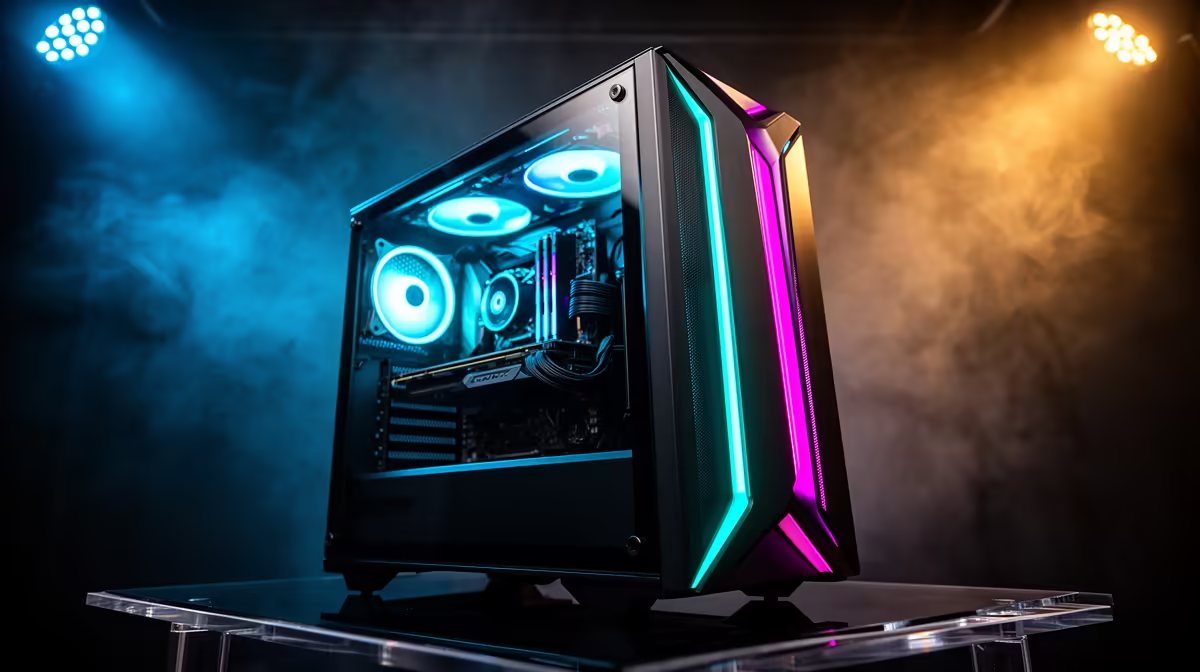
An ideal R15,000 Hades build should feel effortless, not extravagant. This budget buys a smooth PC that starts quickly, runs quietly and has room for newer games. The trick is to avoid spending for bragging rights when Hades runs well on sensible hardware.
Quick Answer
At R15,000, the ideal Hades build pairs a Ryzen 5 7600 or 8600G with an entry RX 7600 or strong iGPU, 16GB DDR5 and a 1TB NVMe SSD. Hades runs at a flat 60fps at 1080p with huge headroom, so the extra R5,000 over an entry build buys a dedicated card for the games after Hades.
Daily Comfort In A R15,000 Hades PC
Comfort starts before the game opens. A responsive NVMe SSD makes the whole system feel sharper, and 16GB of RAM keeps launchers, chat and browser windows from slowing a session. Quieter cooling matters because a calm PC is easier to enjoy across repeated runs. For Hades a clean 1080p setup is already strong; if you own a higher refresh display or plan to move to 1440p, an RX 7600 makes sense, as long as the PSU, airflow and motherboard match it rather than being the cheapest parts left.
Match The Build To Your Play Space
South African gaming spaces vary, so check practical fit. A full tower suits a dedicated room, while a compact desk may need a smaller case with good airflow. If the router is far away, built-in Wi-Fi or a planned network fix matters. Hades plays excellently with both controller and keyboard, so use whichever lets you dash, attack and trigger specials without strain; consistency beats the device itself.
FAQ
Do I need a dedicated GPU for Hades at R15,000?
Not for Hades alone, which runs at 60fps on integrated graphics. But at this budget an RX 7600 is worth adding so the same PC handles heavier games at 1080p high settings.
Is 16GB DDR5 enough?
Yes for gaming and everyday use. 16GB DDR5 keeps Hades, a browser and chat apps smooth. Only consider 32GB if you stream or edit on the machine.
What monitor suits this build?
A 1080p 144Hz panel is ideal. Hades feels crisper above 60Hz, and the RX 7600 has the headroom to drive higher frame rates in many other games.
000 PC should feel better every day. Check fan noise, warranty path, storage size and rear ports with the same care you give the graphics card name.











