Half-Life: Alyx is a VR-only title, so an SA build for it must prioritise steady high frame rates for a comfortable headset experience rather than raw resolution on a flat screen.
Quick Answer
Half-Life: Alyx needs a VR-ready GPU to hold the 90 fps a headset demands. A R20,000 SA build with a Ryzen 5 7600 and an RTX 4060 runs Alyx at high settings above 90 fps, the minimum for comfortable VR.
Why VR Changes The Requirements
VR renders two views and demands a locked 90 fps to avoid motion sickness, so the GPU works harder than at the same flat-screen resolution. An RTX 4060 is the sensible entry point for Alyx; weaker cards dip below 90 fps and cause discomfort. You also need a VR headset, which is a separate cost.
The SA VR Build For Alyx
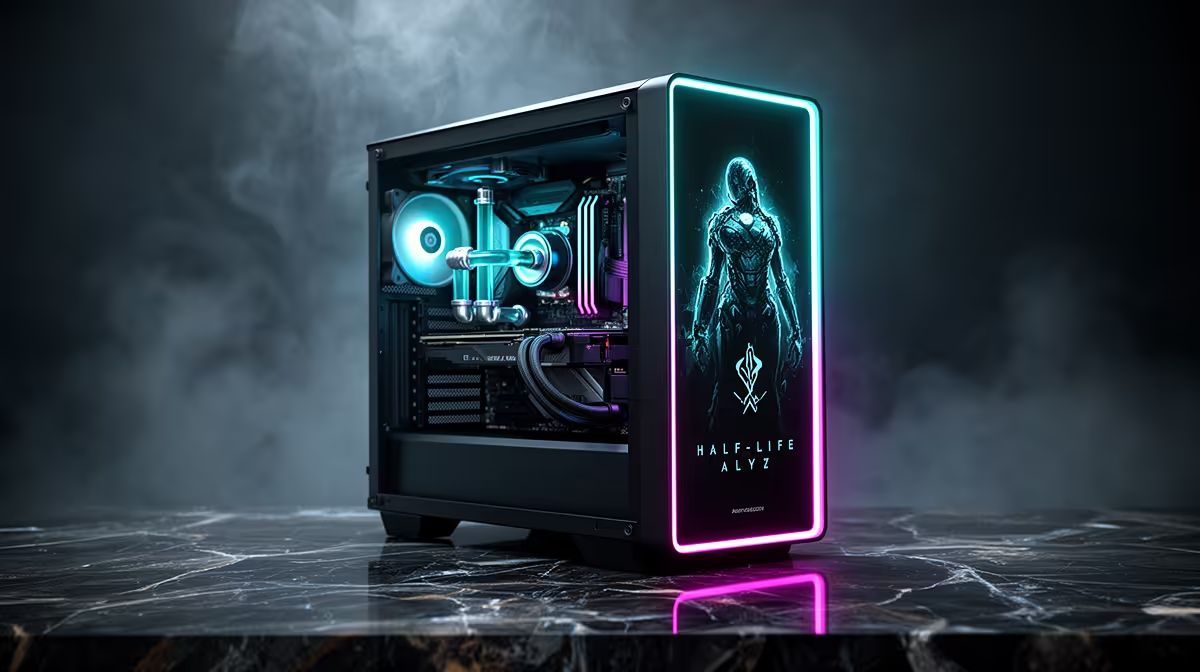
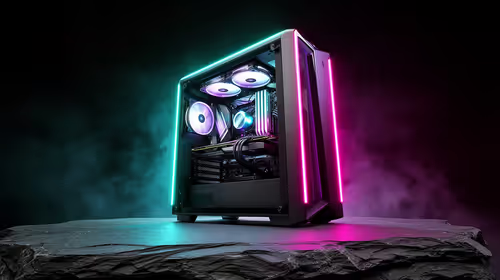
A R20,000 build with a Ryzen 5 7600, RTX 4060 (8GB), 16GB DDR5 and a 1TB NVMe SSD runs Alyx at high settings comfortably above 90 fps. Add a USB 3.0 port and a DisplayPort output for the headset. For higher-resolution headsets, an RTX 4070 holds 90 fps with more headroom.
Performance And Comfort
On the RTX 4060, Alyx maintains 90-120 fps at high settings on a typical headset. Maintaining at least 90 fps is the priority, since dropped frames cause nausea in VR. Enable motion smoothing only as a fallback; native frame rate above 90 is always better.
FAQ
What GPU do I need for Half-Life Alyx?
An RTX 4060 is the sensible entry point, holding above 90 fps at high settings, which is the minimum for comfortable VR. An RTX 4070 adds headroom.
Why does VR need 90 fps?
VR demands a locked 90 fps to avoid motion sickness. Dropped frames cause nausea, so the GPU must sustain that rate, which is harder than flat-screen rendering.
Do I need anything besides the PC for Alyx?
Yes, a VR headset, which is a separate purchase. Ensure your build has a free USB 3.0 port and a DisplayPort output to connect it.
comfort in Alyx, target a locked 90 fps; an RTX 4060 manages it at high settings, and an RTX 4070 adds headroom for higher-res headsets.