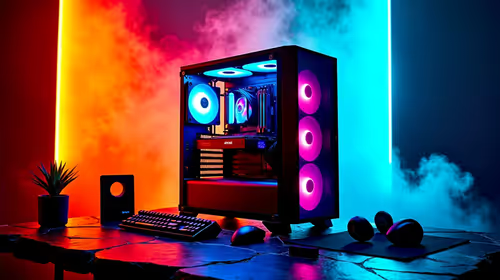
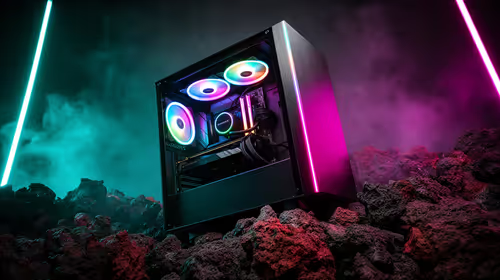
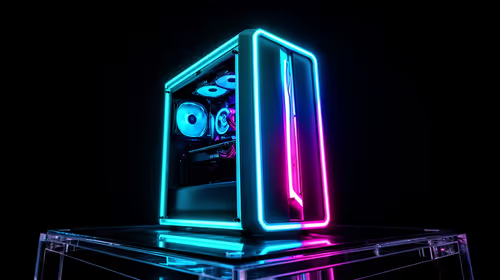
Ready to channel your inner League of Villains member? Forget boring, minimalist setups. For South African gamers who love My Hero Academia, building a PC rig inspired by a character is the ultimate tribute. And who better to inspire a killer battlestation than the chaotic and unforgettable Himiko Toga?
This guide will walk you through crafting the ultimate Himiko Toga PC setup, blending performance with a sharp, villainous aesthetic that’s all your own. Let's get building! 💉
Core Philosophy: The Toga-Inspired Colour Palette
Before you even think about components, you need to nail the colour scheme. A true Himiko Toga PC setup is built on a specific and recognisable palette. Think less about flashy rainbows and more about calculated chaos.
- Primary Colour: A clean, slightly off-white or beige, reminiscent of her school uniform. This will be your case and main peripheral colour.
- Accent Colour: A deep, blood-red. This is for your RGB lighting, cable sleeves, and keycap accents.
- Tertiary Colour: A pop of mustard yellow, mirroring her scarf and equipment. Use this sparingly for maximum impact... maybe on a custom fan grille or a single artisan keycap.
Getting this foundation right is key to creating an authentic MHA-themed battlestation that looks incredible without being over the top.
Choosing Components for Your Himiko Toga PC Setup
With the aesthetic decided, let's talk hardware. You need a machine that’s as deceptively powerful as Toga herself.
The PC Case: Your Canvas
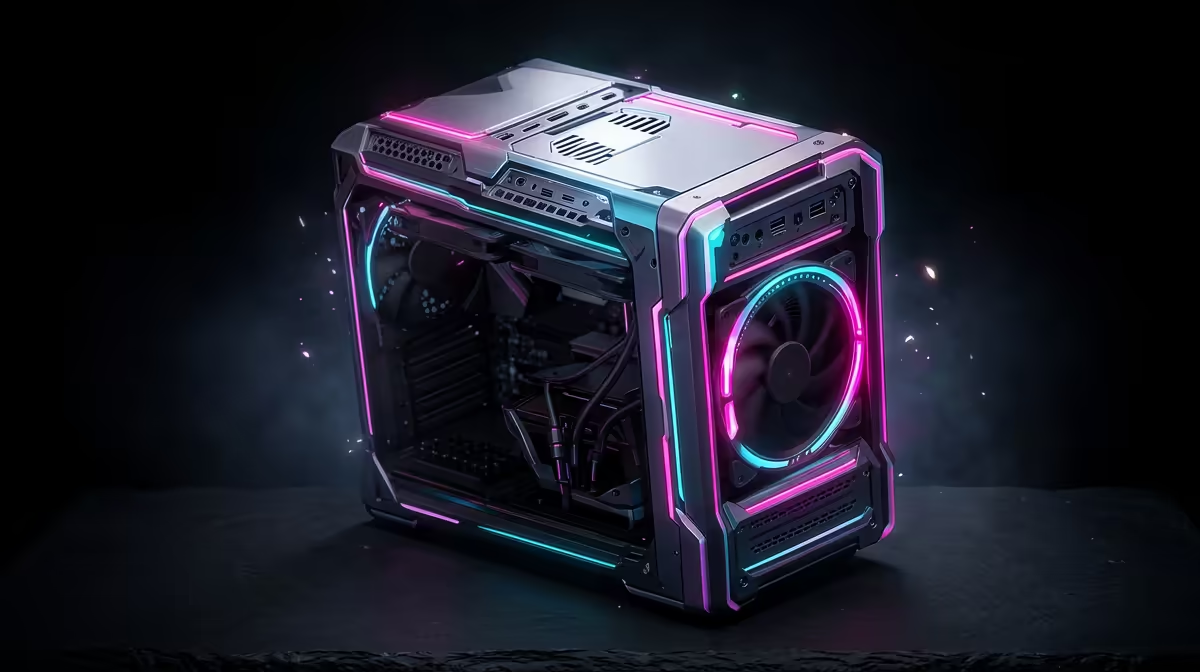
Start with a PC case in white, silver, or beige. Brands like Fractal Design, Lian Li, and NZXT offer fantastic minimalist cases that are perfect for customisation. A clean canvas allows your red and yellow accents to truly shine. Look for a case with a clear tempered glass side panel to show off your Toga-inspired internals.
Internal Styling & RGB
This is where your theme comes to life.
- Cable Management: Use custom-sleeved PSU cables in red or a red-and-white pattern. This simple touch makes a massive difference.
- RGB Lighting: Set all your RGB components (RAM, fans, motherboard) to a static or pulsing deep red. Avoid the distracting rainbow puke effect! The goal is atmosphere, not a disco.
- Cooling: An AIO liquid cooler with a customisable display is a great spot to add a Toga GIF or a League of Villains logo for that extra bit of flair.
RGB Pro Tip ⚡
Most motherboard software (like ASUS Aura Sync or MSI Mystic Light) lets you save custom lighting profiles. Create a 'Toga Mode' with a deep red static colour and a 'Transformation Mode' that slowly pulses between red and yellow. It’s an easy way to switch up the vibe of your MHA-themed battlestation.
Peripherals and Desk Decor: The Finishing Touches
A truly immersive Himiko Toga PC setup extends beyond the tower. Your desk is part of the battlefield, so let's equip it properly. A white mechanical keyboard with red or yellow accent keycaps, a lightweight white mouse, and a themed desk mat create a cohesive look.
But the real personality comes from the decor. Don't just build a PC... create a shrine! 💖 Placing a few well-chosen figures around your monitor and tower solidifies the theme.
Start with affordable Prize Figures to get your collection going. For something a little cuter, a selection of Kawaii Figures can capture her more playful side. As your budget allows, you can level up to stunningly detailed Premium Figures that become a true centrepiece.
For the serious collector, nothing beats the accuracy and artistry of high-end Scale Figures. And don't forget to add some softness to the setup with character-themed Plushies & Accessories to complete the look.
Building a themed PC is a journey, and finding the perfect pieces is part of the fun.
Ready to Build Your Ultimate Anime Battlestation?
Whether you're starting a new build or just adding the finishing touches, the right decor makes all the difference. Explore our massive range of anime collectibles and bring your favourite character to life.