


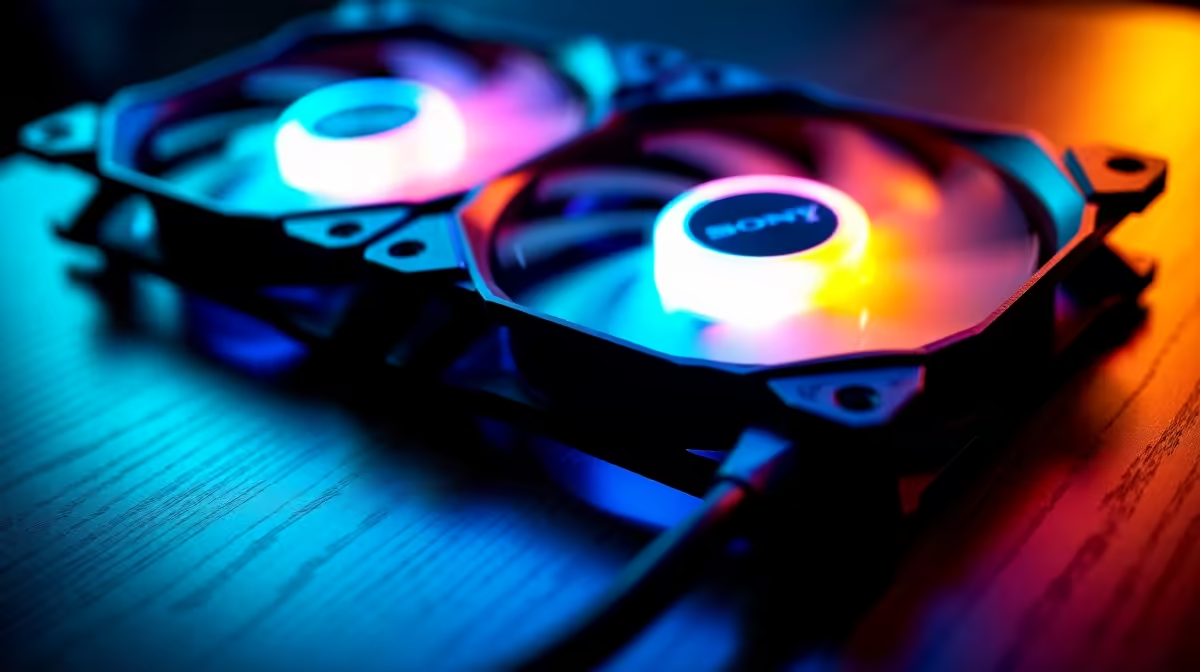
Overbuying case fans for OBS recording is a common mistake, because a recording rig feels like it should run hot. In practice OBS adds only a light, steady load, and a sensible three-fan setup keeps the system cool and, crucially, quiet enough that your mic does not pick up fan whine.
Quick Answer
For OBS recording, three quality 120mm fans (two intake, one exhaust) are plenty; quiet fluid-bearing fans like the Arctic P12 (~R150) or be quiet! Pure Wings keep the rig cool without the noise a mic will capture. That is roughly R450 to R900 in fans, against R1,200 or more for a fan-stuffed wall that adds whine your microphone hears for cooling gains you do not need.
Why noise matters more than fan count here
OBS encoding using a modern GPU's hardware encoder (NVENC) or a few CPU cores is a light, sustained load, not a thermal emergency. Three well-placed quiet fans handle it. The real concern for a recording rig is acoustic, not thermal: every extra fan is another source of whine your microphone picks up, especially a sensitive condenser. So the right move is fewer, quieter, fluid-bearing fans running on a PWM curve that idles low. A six-fan wall might drop temps 1-2C while making your recordings noticeably noisier.
How to set up a quiet recording rig
Use three 120mm fluid-dynamic-bearing fans rated around 22-26dBA, set a gentle PWM curve so they barely spin during light recording, and position the rig away from the mic if you can. Prioritise fan quality over quantity: a R200 quiet fan beats two R60 sleeve-bearing fans that whine and die. If temps are fine (and on an OBS rig they usually are), do not add fans; add a foam windscreen or move the mic instead.
FAQ
How many fans do I need for an OBS recording PC?
Three quality 120mm fans, two intake and one exhaust, are enough. OBS encoding is a light, steady load, so the priority is quiet fans your microphone will not capture, not a high fan count.
Will more case fans pick up on my microphone?
Yes, often. Each extra fan adds whine that a nearby condenser mic captures. For recording, fewer quiet fluid-bearing fans on a gentle PWM curve give cleaner audio than a fan-stuffed build.
Do I need to upgrade cooling for streaming and recording?
Usually no. NVENC and most CPU encoders add only light load. A standard three-fan setup handles OBS fine; spend on quieter fans and mic isolation rather than more cooling.
soft PWM fan curve so the fans barely spin during light OBS recording, and keep the PC away from the mic. Quiet fans plus distance beat adding airflow you do not need.
Run three quiet 120mm fluid-bearing fans for OBS recording, set a gentle PWM curve so your mic stays clean, and skip the extra fans that only add whine to your audio.











