


Quick Answer
Start with a R9,000 to R11,000 144Hz VA ultrawide monitor, pair it with an RTX 4070 or RX 7800 XT for R10,000 to R14,000, use a Ryzen 5 7600 or Core i5-13600K system for R8,000 to R11,000 in CPU-plus-motherboard-plus-RAM, and budget R800 to R1,500 for a monitor arm. Total build lands around R28,000 to R38,000 for a capable 144Hz ultrawide rig without excessive spending on diminishing-return components.
Choosing the Right Monitor as the Foundation 🖥️
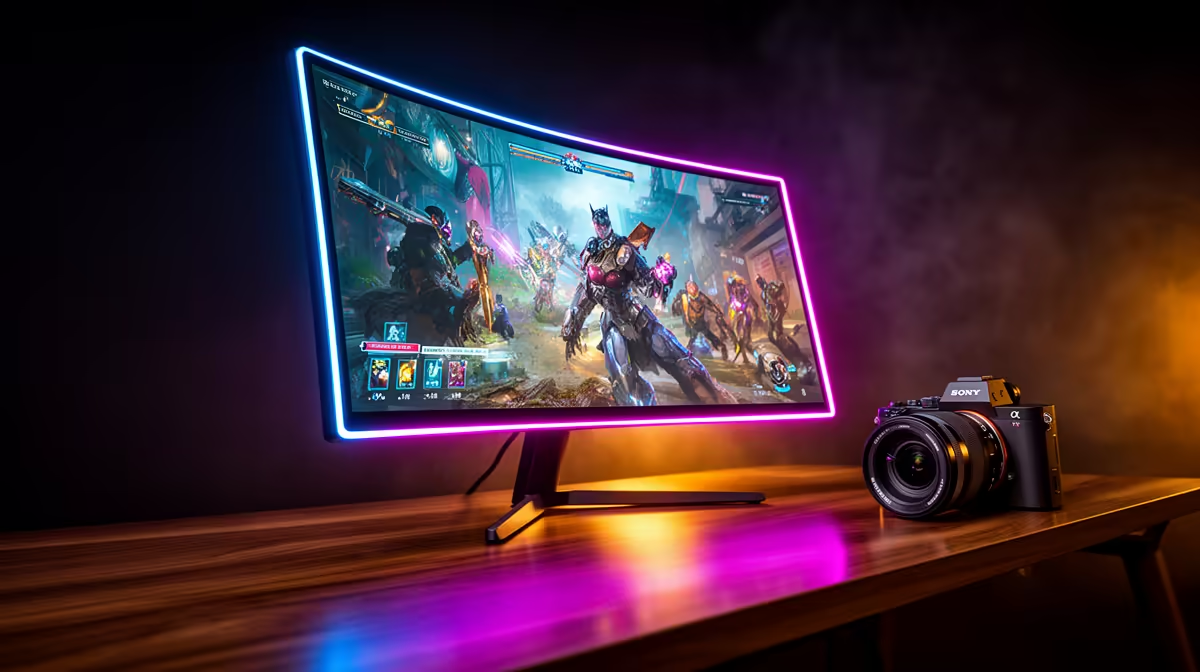
For a rand-conscious build, target a 49-inch 144Hz VA ultrawide in the R9,000 to R11,000 price range at Evetech. This tier gives you FreeSync Premium, 1 ms MPRT, and 3840x1080 resolution, which pairs well with a mid-range GPU without requiring a flagship card. Avoid overspending on DQHD (5120x1440) models at R16,000 and above unless you have a GPU budget to match. The 3840x1080 DFHD format is specifically well-suited to the RTX 4070 class of GPU, which can reach 100 fps-plus in most current titles at this resolution.
GPU and CPU Pairing for DFHD 3840x1080 🎮
The GPU is your most critical component for a smooth ultrawide experience. The RTX 4070 currently starts around R10,000 to R12,000 at Evetech and delivers 100 to 130 fps in demanding titles at medium-to-high settings at 3840x1080. The RX 7800 XT in the same price range performs similarly and pairs natively with FreeSync. For the CPU, the Ryzen 5 7600 offers excellent gaming performance at a reasonable price point and does not bottleneck a mid-range GPU. The Ryzen 7 7700X is worth the modest step up if you also use the PC for video editing or streaming alongside gaming.
Memory, Storage and Peripheral Budget 🔧
32 GB of DDR5-6000 (for AM5 Ryzen builds) or DDR4-3600 (for LGA1700 Intel builds) covers gaming and productivity workloads without bottlenecking the GPU. Budget R1,800 to R2,500 for 32 GB. Storage: a 1 TB NVMe SSD for the OS and primary games costs R700 to R1,200 currently, and a secondary 2 TB HDD for media storage adds R900 to R1,400. Peripheral budget for a quality gaming keyboard, mouse, and headset runs R1,500 to R3,000 depending on brand preference. A monitor arm rated for 10 kg to 14 kg costs R800 to R2,000 and is strongly recommended to reclaim desk space on any desk shallower than 90 cm.
Phase Your Purchases ⚡
If the full build exceeds your current budget, buy the GPU, monitor and RAM first and use an entry-level B650 or B760 motherboard with a placeholder CPU like a Ryzen 5 5600 or i5-12400. This gets the ultrawide gaming experience running now, and the CPU and NVMe upgrade can follow when budget allows without requiring a full rebuild.
FAQ
Can I use an older Intel Core i7-10700 with a new RTX 4070 for an ultrawide build?
Yes, though a 10th-gen i7 will bottleneck an RTX 4070 in CPU-intensive games. In GPU-heavy titles at 3840x1080 the bottleneck is less pronounced. It works as a transitional setup but a platform upgrade within 12 to 18 months is advisable.
Should I buy all components at once or wait for individual sales?
In South Africa, GPU prices fluctuate significantly with the ZAR exchange rate. If you see an RTX 4070 or RX 7800 XT drop by R1,000 to R2,000, buy immediately rather than waiting for other components. Monitors and peripherals go on sale more predictably during Black Friday.
Is a PSU upgrade needed for an ultrawide gaming setup?
The monitor draws its power from the wall independently. Your PC PSU only powers the GPU and other components. A 650W to 750W 80 Plus Gold PSU is sufficient for an RTX 4070-class build. Do not need to upsize purely for the ultrawide display.
Building a rand-conscious ultrawide gaming setup from scratch? Evetech stocks everything from the ultrawide monitor to the GPU, CPU, RAM and peripherals, so you can spec out and purchase your full build in one place with local warranty support.











