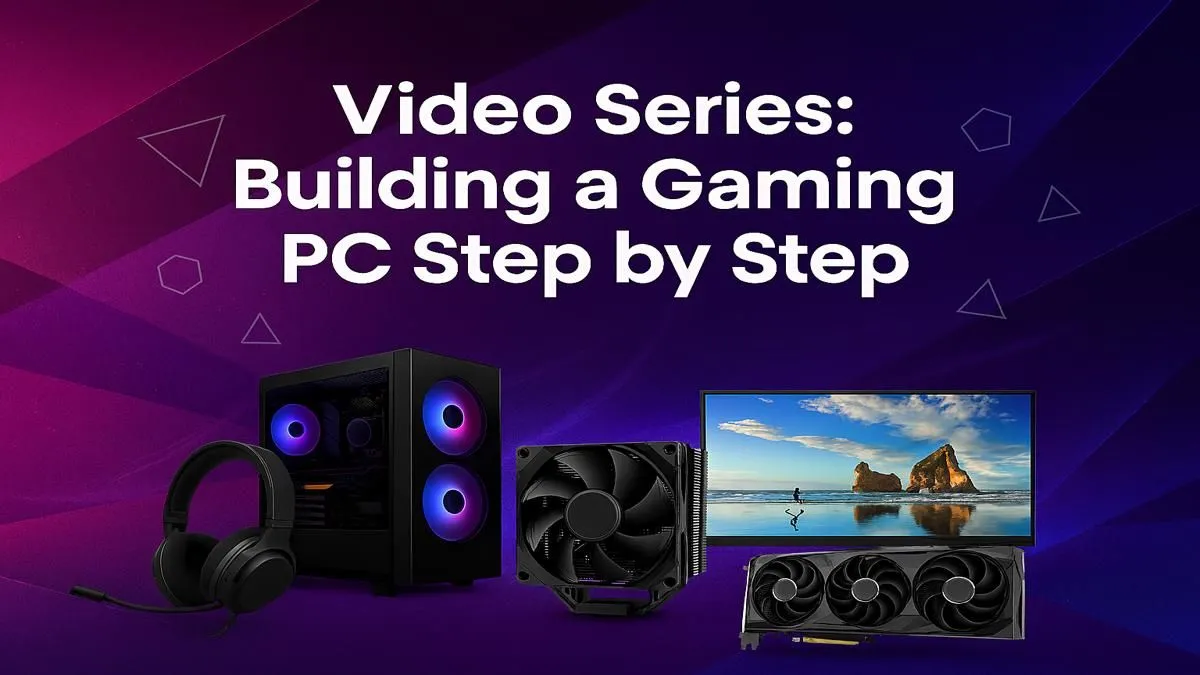
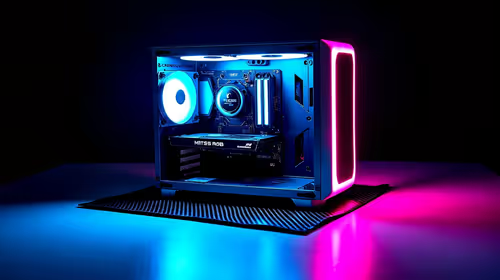
Dreaming of building a custom gaming PC? That feeling of unboxing brand-new components and creating a rig perfectly tailored to you is a rite of passage for any serious gamer. But let's be honest, it can also feel a bit intimidating. Where do you start? What parts are compatible? That's exactly why we've created our ultimate video series on how to build a gaming PC, designed specifically to guide you from a pile of boxes to a glorious, glowing powerhouse. 🚀
Why Build Your Own Gaming PC?
In a world of instant gratification, why bother with a DIY build? Three reasons: customisation, value, and satisfaction. You get to choose every single component, from the exact speed of your RAM to the colour of your case fans. This means you're not paying for parts you don't need. You can allocate your budget where it matters most to you… usually the graphics card!
Ultimately, you build a machine that's uniquely yours. And when you hit that power button for the first time and it roars to life, the sense of accomplishment is unbeatable. You'll know your PC inside and out, making future upgrades a breeze. If you want to see what a perfectly balanced machine looks like, check out some of the best gaming PC deals we have available right now.
Our Step-by-Step Video Guide to Building a Gaming PC
We've broken down the entire process into easy-to-follow video episodes. You can pause, rewind, and build right alongside our expert technicians. This PC building guide covers everything you need to know.
### Part 1: Choosing Your Champions (The Components)
This is the planning phase. Our first video walks you through the "core four": the CPU (the brain), the GPU (the muscle for graphics), the motherboard (the nervous system), and RAM (short-term memory). We explain how to ensure they're all compatible and how to make smart choices for your budget, whether you're starting with one of our excellent budget gaming PCs as a base or going all out.
### Part 2: The Assembly Begins (Motherboard & Case Prep)
Before anything goes into the case, we prep the motherboard. This crucial step involves installing the CPU, seating the RAM sticks, and mounting the super-fast M.2 SSD. Getting this done on a flat, static-free surface is much easier than doing it inside the case. We show you how to handle these delicate components with confidence, setting you up for a smooth build. Many popular builds, like those often found in our PCs under R20k, follow this exact process.
Cable Management Pro Tip 🔧
Use zip ties or velcro straps to bundle cables together behind the motherboard tray. Start from the major components like the 24-pin motherboard and 8-pin CPU power, routing them through the case's cutouts before you even install the power supply. A tidy case isn't just for looks; it dramatically improves airflow and makes future upgrades much easier!
### Part 3: Bringing It to Life (GPU, PSU & Wiring)
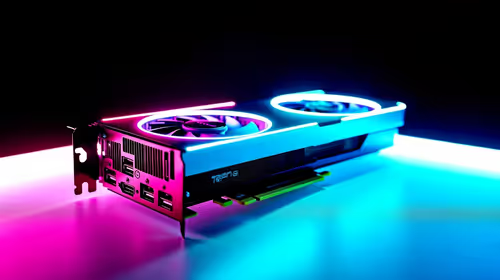
Now for the exciting part! ✨ We guide you through installing the mighty graphics card, mounting the power supply unit (PSU), and connecting all the power cables. This is where the machine truly starts to look like a PC. Cable management is key here for good airflow and aesthetics. We'll show you the pro tricks to keep things tidy, a standard you'll see in all high-performance machines, including our top-tier gaming PCs above R20k.
### Part 4: The Moment of Truth (First Boot & OS)
With everything connected, it's time to power it on. Our video guide covers what to expect during the first boot, how to access the BIOS to make sure all your components are detected, and the step-by-step process of installing your operating system. This is the final hurdle before you can start installing your games!
But What If You Just Want to Game?
Look, we get it. Building a gaming PC is a rewarding project, but not everyone has the time or the desire to do it themselves. If you'd rather skip the assembly and jump straight into the action, there’s absolutely no shame in that.
That’s where pre-built systems shine. You get a professionally assembled, cable-managed, and tested machine with a full warranty, delivered right to your door. It’s the fastest way to get a high-quality rig without the hassle. Explore our pre-built PC deals to find a system that’s ready to dominate, right out of the box.
Ready to Power Up Your Dream Rig?
Whether you follow our video guide to build your own masterpiece or choose the convenience of a professionally assembled system, your ultimate gaming experience is waiting. Explore our massive range of PC deals and find the perfect machine to dominate the lobby.