


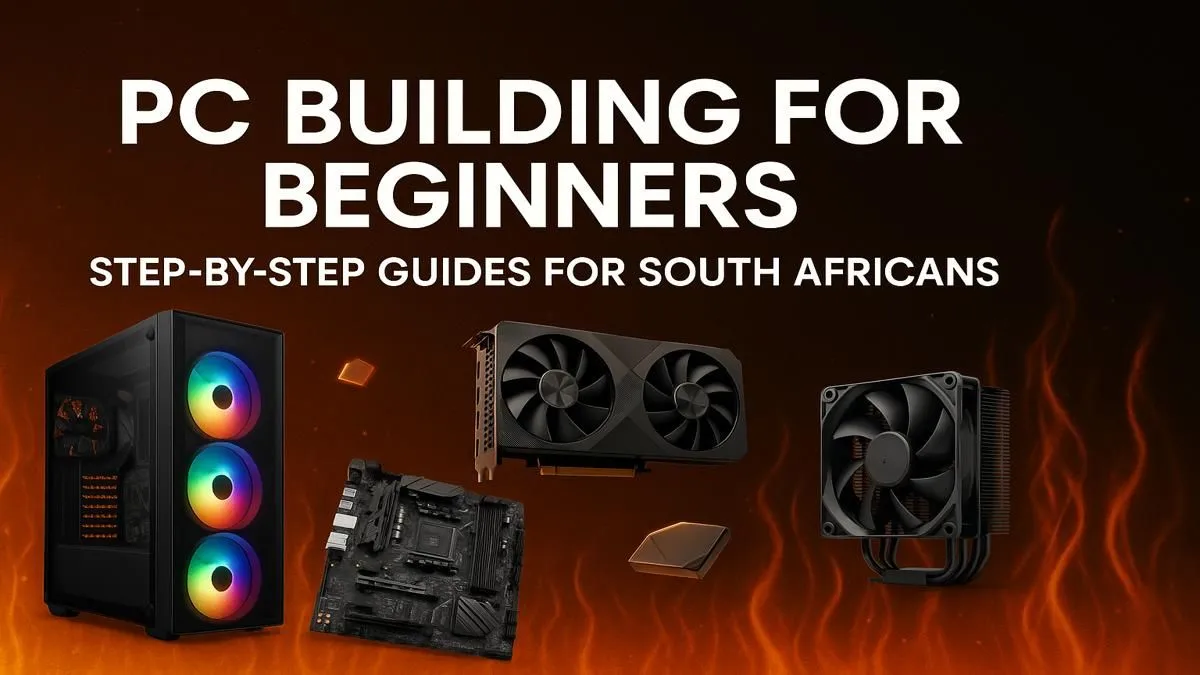
So, you're dreaming of a custom PC that crushes the latest titles without breaking a sweat? You're not alone. The idea of building a PC in South Africa can feel daunting… sourcing parts, navigating prices, and that one scary thought: what if I break something?
Relax. This guide is your local, step-by-step roadmap. We’ll demystify the process of how to build a PC right here in SA, turning that dream rig into a reality, one component at a time. Let’s get started! 🚀
First, Why Build Your Own PC?
Before we get our hands dusty, let's talk about the "why". Why not just grab a box off the shelf?
Building your own computer gives you ultimate control. You choose every single part, from the processor to the colour of the case fans. This means you can optimise your budget, spending more on the components that matter most to you (like a beastly graphics card) and saving on others. Plus, the feeling of powering on a machine you built with your own two hands is unbeatable.
The Core Components: Your PC Building Blocks
A gaming PC is a team of specialised parts working together. Understanding each player's role is the first step in a successful South African PC building journey.
The Brain: CPU (Central Processing Unit)
This is the engine of your PC. It handles all the instructions and calculations. For gaming, a CPU with strong single-core performance is key. Brands like Intel (Core i5, i7) and AMD (Ryzen 5, 7) are your main contenders.
The Powerhouse: GPU (Graphics Processing Unit)
This is the component that renders all those beautiful graphics in your games. For most gamers, the GPU is the single most important and expensive part of the build. NVIDIA's GeForce RTX series and AMD's Radeon RX series are the top dogs here.
The Foundation: Motherboard
The motherboard is the circuit board that connects everything. It needs to be compatible with your CPU and have enough slots for your RAM, storage, and other components. Don't cheap out here, as a good motherboard provides stability and future upgrade options.
Memory & Storage: RAM and SSDs
- RAM (Random Access Memory): Think of this as your PC's short-term memory. For modern gaming, 16GB is the sweet spot, with 32GB being great for future-proofing.
- Storage (SSD/NVMe): A Solid State Drive (SSD) is non-negotiable for a modern PC. It's where your operating system, games, and files live. An NVMe SSD, which plugs directly into the motherboard, offers lightning-fast loading times. ✨
Compatibility Check is Key! 🔧
Before you buy a single component, use a free online tool like PCPartPicker to check if your chosen CPU, motherboard, and RAM are compatible. It saves a massive headache later. Once you have your list, you can easily find the parts locally on Evetech. This simple step is the most important part of planning how to build a PC.
Budgeting and Sourcing Parts in South Africa
Okay, you know the parts. Now for the big question: how much will it cost? PC building in South Africa requires a bit of smart budgeting. Component prices can fluctuate based on the Rand-Dollar exchange rate and stock availability.
A solid entry-level gaming PC can often be built for under R15,000, capable of excellent 1080p gaming. A great way to gauge what's possible is to look at existing builds. For instance, exploring a range of budget gaming PCs can give you a realistic idea of the performance you can get for your money.
The Assembly: A Quick Overview
This is where the magic happens! While a full step-by-step guide is a topic for another day, the basic process is logical and surprisingly straightforward if you take your time.
- Prep Your Space: Work on a clean, non-carpeted surface.
- Motherboard Prep: Install the CPU, RAM, and NVMe SSD onto the motherboard first, before it goes into the case.
- Case Installation: Mount the motherboard inside the PC case.
- Component Installation: Install the GPU, power supply (PSU), and any other drives.
- Cable Management: Connect all the power and data cables. Take your time to route them neatly for good airflow. This is the part that separates a good build from a great one.
It’s a rewarding process, but it requires patience. For many, a build costing just under R20k represents the perfect balance of DIY satisfaction and powerful performance.
Is Building a PC Always the Best Choice?
Learning how to build a PC in South Africa is an amazing skill. But... is it for everyone? Honestly, no.
The process takes time, research, and a willingness to troubleshoot if things don't work on the first try. If you're short on time or just want to jump straight into gaming without the hassle, a professionally assembled PC is an excellent alternative. You get a balanced, tested system with a full warranty.
For those wanting serious power without the assembly headache, high-performance rigs above R20k are often best left to the pros who can guarantee stability and optimal cooling. Plus, you can often find incredible value in curated pre-built PC deals that bundle components at a great price.
Ultimately, the choice comes down to your personal preference for convenience versus customisation. There's no wrong answer, especially when you can find some of the best gaming PC deals in the country, fully built and ready to ship.
Ready to Power Up Your Gaming? Building a PC is an incredible journey, but it's not the only path to elite performance. If you'd rather jump straight into the action with a professionally built, warranty-backed rig, we've got you covered. Explore our massive range of custom and pre-built PCs and find the perfect machine to conquer your world.











