


Quick Answer
For a family gaming room, choose case fans that are quiet and reliable, with PWM control and a size of 120mm or 140mm, around R150 to R450 each. Quiet fans near 25 to 30 dBA keep a shared-room rig pleasant while holding a gaming CPU and GPU below their throttling points for steady fps.
Pick For Quiet In A Shared Room
A family gaming room means the PC runs near other activities, so fan noise matters as much as cooling. Choose 120mm or 140mm PWM fans that move plenty of air at low speed, staying near 25 to 30 dBA, rather than small fans screaming at high RPM. A 140mm fan moves the same air as a 120mm fan at lower speed, cutting noise further. Quality fans at R150 to R450 each run quieter and last longer than cheap sub-R100 units that rattle. For a shared room, quiet and reliable beats flashy.
A PWM fan curve keeps the rig near-silent at idle and only ramps when a heavy game heats the system.
Keep Cooling Effective For The Family Rig
Quiet does not mean weak: a positive-pressure layout with two intake and one exhaust 120mm fan keeps a Ryzen or Core CPU and an RTX-class GPU below the 80-to-84-degree throttling point, holding a steady 144fps in demanding titles. Use high-static-pressure fans on filtered intakes and radiators, and high-airflow fans in exhaust spots. Clean filters keep airflow strong so the fans need not spin loud to compensate.
Set Up For A Pleasant Shared Space
Set a gentle PWM fan curve so the rig stays quiet during light gaming, browsing, or homework and only ramps under a heavy game. Place the PC where its exhaust does not blow toward seating, and keep intakes off dusty carpet. A quiet, well-cooled rig fits a family room without disturbing nearby activities or overheating during long shared sessions.
FAQ
What case fans are best for a family gaming room?
Quiet 120mm or 140mm PWM fans near 25 to 30 dBA, at R150 to R450 each. They cool effectively while keeping the rig pleasant in a shared space, unlike small fans that scream at high RPM.
How do I keep a shared-room PC quiet?
Use large low-RPM fans, set a gentle PWM fan curve so they ramp only under a heavy game, and keep intake filters clean so fans need not spin loud. This keeps the rig near 25 to 30 dBA most of the time.
Do quiet fans cool well enough for gaming?
Yes. Large 120mm or 140mm fans in a positive-pressure layout keep a gaming CPU and GPU below their throttling points while staying quiet. Quiet and effective cooling are not mutually exclusive.
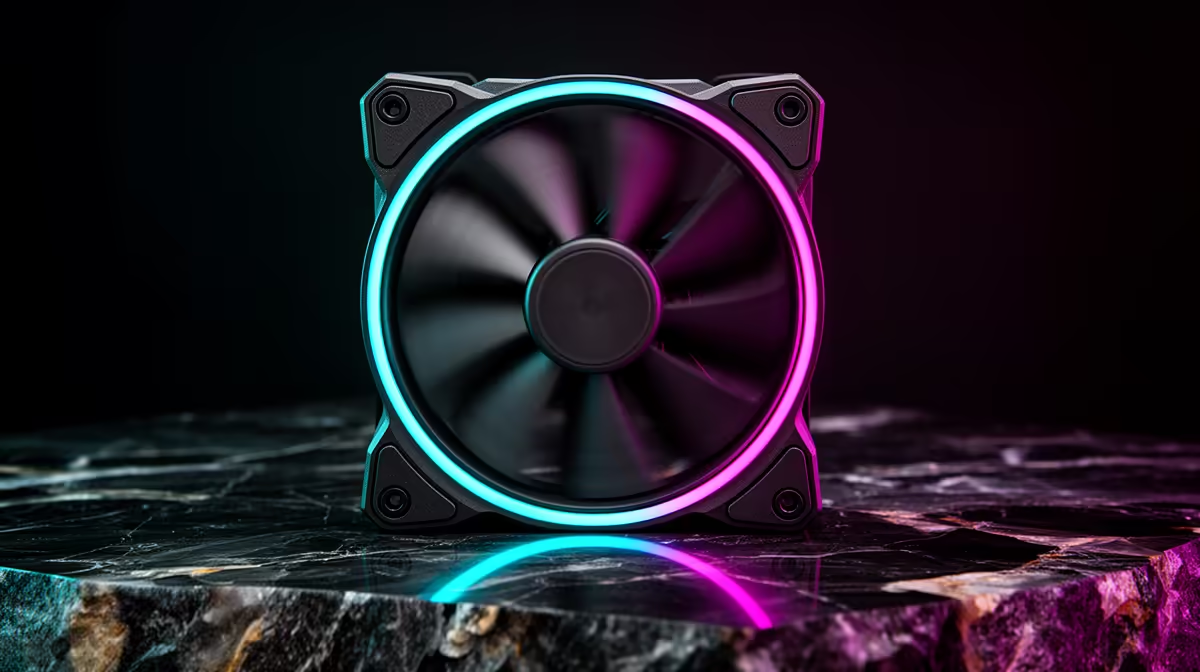
140mm fans on a gentle PWM curve in a family room; they move plenty of air at low, quiet speeds and only ramp up when a heavy game actually heats the system.











