


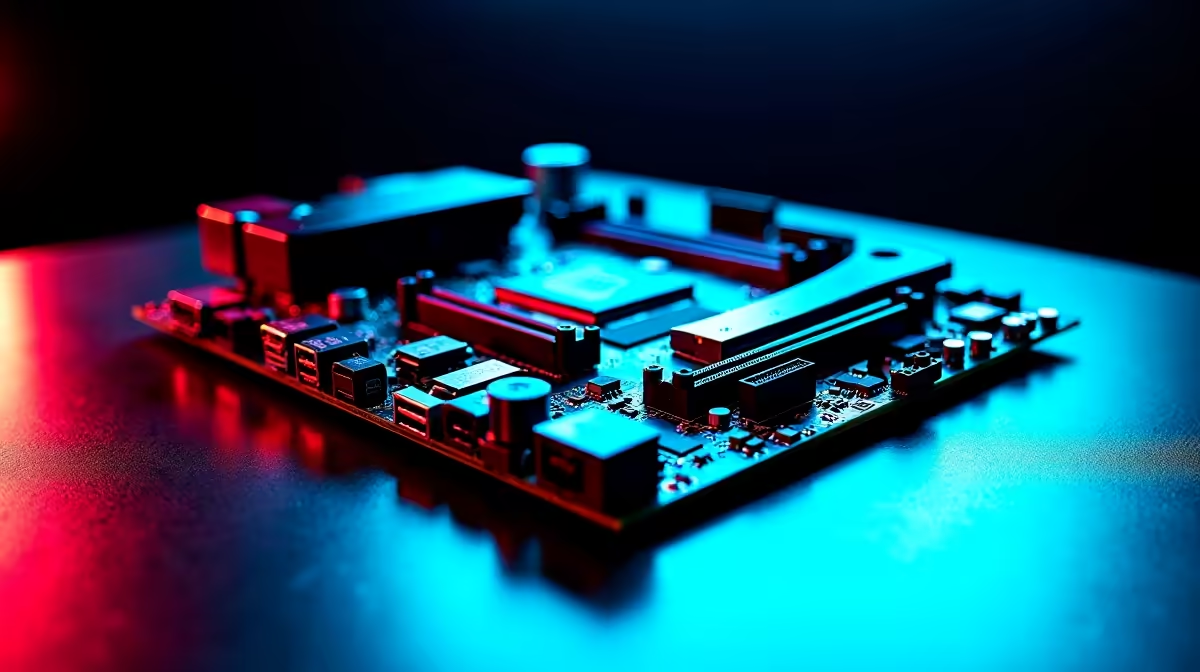
Working from home in South Africa means your PC works double shifts. By day, it is crunching massive spreadsheets and hosting endless Zoom calls. By night, it is pushing high frame rates in your favourite competitive shooters. To survive this daily grind without bottlenecks, you need a rock-solid foundation. Let us explore how to choose a future-ready Intel motherboard for South African work-from-home and gaming setups.
The Core of Your Hybrid Setup 🔧
Your motherboard dictates everything from how fast your NVMe SSD runs to what processor you can upgrade to in three years. When you browse the massive selection of desktop motherboards, it is easy to get overwhelmed by the jargon. The trick is to look past the flashy colours and focus on VRM quality, connectivity, and chipset capabilities. A strong board ensures your system stays perfectly stable... even when the harsh South African summer heat kicks in.
Chipsets Explained for Productivity and Play
If you plan on overclocking an unlocked processor to optimise every drop of performance, a Z-series board is your best bet. Brands like ASUS pack these premium boards with robust power delivery systems. Checking out the latest ASUS Intel motherboards will give you a great idea of top-tier features. Look for boards with built-in Wi-Fi 6E and 2.5Gb Ethernet... absolute lifesavers for seamless remote work and lag-free online gaming.
Of course, Intel is not the only player in the market. If you are still weighing your platform options, comparing features against ASUS AMD motherboards is a smart move. However, Intel's current hybrid architecture offers incredible multitasking muscle for those heavy work-from-home days.
Memory and Next-Gen Upgradability 🚀
A truly future-ready Intel motherboard for South African work-from-home and gaming setups must support the next generation of hardware. DDR5 is rapidly becoming the new standard. While legacy boards might save you a few ZAR today, investing in a DDR5-compatible board saves you massive headaches in the long run. You can easily slot in ultra-fast RAM memory kits down the line when your video editing software or new AAA games demand it.
You should also keep an eye out for PCIe Gen 5 support. Even if you do not own a Gen 5 graphics card yet, having the slot ready means your PC will not become obsolete when you finally decide to upgrade.
Future-Proofing Pro Tip ⚡
When buying a motherboard, always check the rear I O panel. Make sure it has enough high-speed USB ports (like USB 3.2 Gen 2x2) for your current peripherals, plus a few extras. You will thank yourself later when you add a high-res webcam for work and a dedicated streaming microphone for gaming.
Maximising Your ZAR: Smart Upgrades ✨
We all know tech budgets can be tight right now. Building a rig that perfectly balances productivity and play doesn't mean you have to empty your wallet. Sometimes, the best motherboard is the one that comes pre-installed in a beautifully balanced system. If you are looking to skip the complex build process entirely while still securing premium components, exploring our pre-built gaming PC deals is a fantastic way to stretch your Rands further and get straight into the action.
Ready to Build Your Dream Rig? Finding the perfect balance between work and play is complex, but for maximum power, choice, and value in South Africa, a custom Intel build is hard to beat. Explore our massive range of Intel motherboards and find the perfect foundation to conquer your world.











