


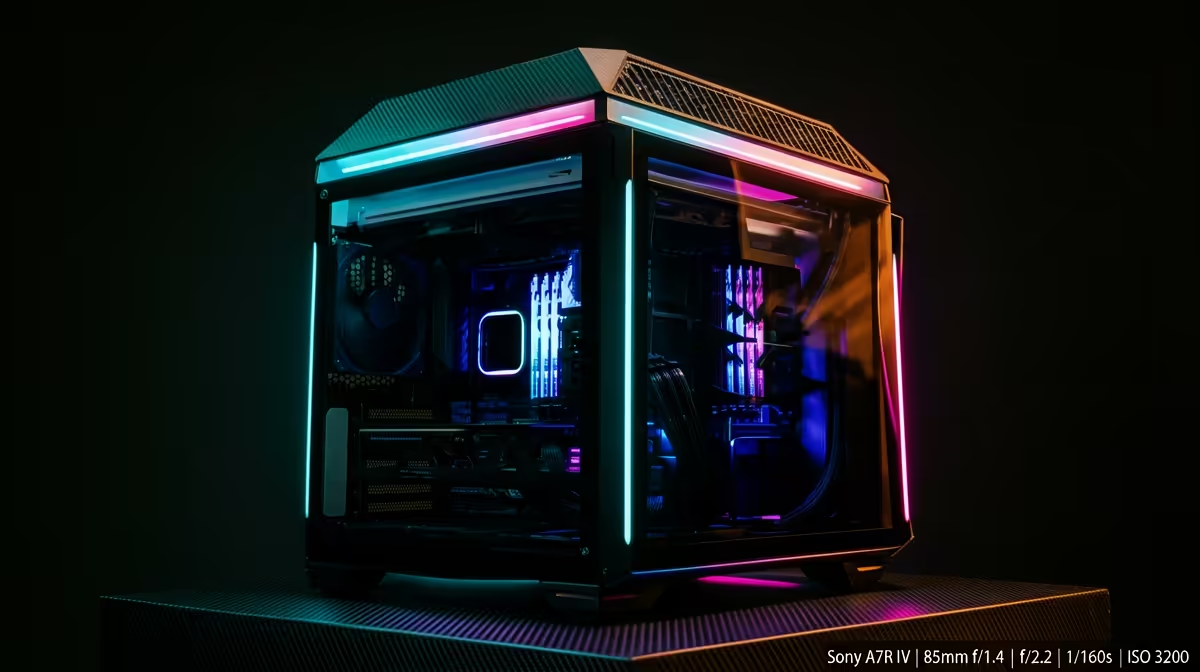
Quick Answer
Choose gaming PCs by the spec that changes daily use, then cap the budget before cosmetic upgrades take over. For SA overspending control, a sensible SA comparison starts at R13,000-R48,000 and checks Ryzen 5 7600 with RTX 4060, Core i5 with RTX 5070 Ti, or Ryzen 7 7800X3D build against 1080p 90-144 fps or 1440p 70-120 fps depending on GPU. Keep the decision practical: one named model, one price band, and one measurable spec should justify the spend.
What To Compare First
Put the real job before the premium label: paying for the spec that changes daily use, not cosmetic extras. A buyer in Johannesburg, Cape Town or Durban should also check local warranty handling and whether the part fits the desk, case, bag or room already in use. The shortlist should include at least one known-value option and one stronger option, such as Ryzen 5 7600 with RTX 4060, Core i5 with RTX 5070 Ti, or Ryzen 7 7800X3D build.
Specs That Matter
Use numbers to cut through the noise. For this topic, the useful floor is 1080p 90-144 fps or 1440p 70-120 fps depending on GPU; the useful price band is about R13,000-R48,000. If gaming performance is involved, aim for steady 60 fps as the minimum comfort target and 90-144 fps where a high-refresh monitor is part of the setup. If productivity is involved, value stable throughput, enough RAM or ports, and low noise over a spec you will use once.
Where The Money Goes
The cheapest gaming PC is rarely the best value when it cuts the connector, cooling, controller or warranty feature that keeps SA overspending control reliable. Spend more when it buys a measurable gain: lower noise, stronger power delivery, more ports, better sustained speed or a safer physical fit. Spend less when the premium feature is decorative, duplicates something your setup already has, or only matters in a benchmark screenshot.
SA Buyer Checks
Confirm the exact model name, capacity, wattage or refresh rate on the invoice before paying. Keep thousands clear as R1,500, R3,000 or R10,000 so budget comparisons do not become ambiguous. For shared rooms, campus bags, courier delivery and office setups, durability and support can matter as much as the top-line spec.
FAQ
What is the safest budget for gaming PCs in SA?
Use R13,000-R48,000 as a broad planning band, then narrow it by the exact spec you need. The cheapest listing is only safe if it still covers 1080p 90-144 fps or 1440p 70-120 fps depending on GPU and has a clear local warranty path.
Which spec should I check before buying?
Check 1080p 90-144 fps or 1440p 70-120 fps depending on GPU first, then compare the model name against Ryzen 5 7600 with RTX 4060, Core i5 with RTX 5070 Ti, or Ryzen 7 7800X3D build. For gaming, also confirm the target resolution and fps; for study or work, confirm ports, capacity, noise and compatibility.
When is it worth spending more?
Spend more when the upgrade removes a weekly frustration in SA overspending control, such as unstable performance, weak connectors, limited storage or noisy cooling. Do not pay extra for a feature that will stay unused in your current setup.











