


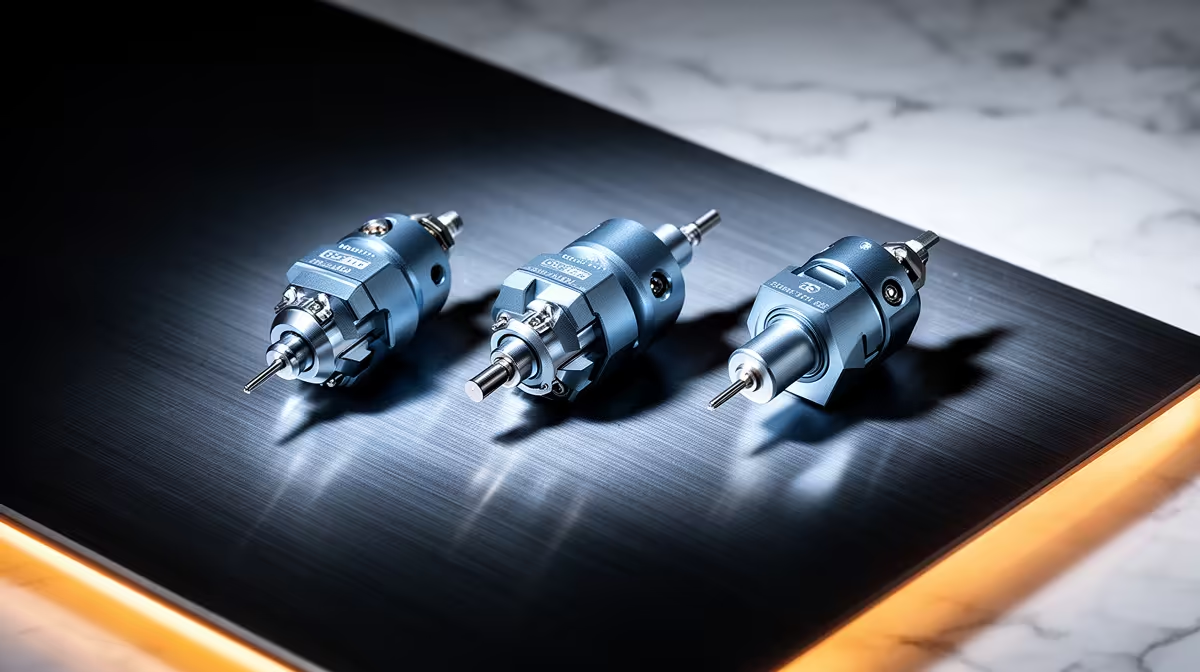
Pick the wrong levelling probe and you will fight your first layer on every print. The right choice is not about brand loyalty, it is about what your bed is made of and how much calibration you are willing to do. A BLTouch levelling probe works on glass, PEI and textured sheets alike, an inductive probe only reads metal, and a load-cell probe skips offset tuning entirely by sensing through the nozzle. Match the probe to the printer in front of you and bed levelling stops being a chore.
Quick Answer
Choose a BLTouch (or CR Touch clone) if your bed is glass or textured PEI, an inductive probe only if you run a bare metal bed and want zero moving parts, and a load-cell probe if you want true nozzle-to-bed measurement with no Z-offset calibration. Expect to budget roughly R350 to R900 for a BLTouch-style probe in South Africa.
How Each Probe Actually Senses the Bed
The three probe families read the bed in completely different ways, and that mechanism decides everything downstream.
A BLTouch and its CR Touch equivalent drop a small push-pin that physically touches the surface, then retracts. Because it is mechanical contact, it does not care what the bed is made of. Glass, mirror tile, spring steel with PEI, a textured powder-coated sheet: the pin taps it and triggers. That universality is why it became the default on so many machines.
An inductive probe senses the disturbance in an electromagnetic field caused by metal. It never touches anything, so there are no moving parts to wear out, but it can only see ferrous or conductive beds. Put a thick glass sheet on top and the probe reads the metal carriage beneath the glass, not the print surface, which throws your first layer off.
A load-cell probe takes a different route entirely. It uses the nozzle itself as the contact point and a strain gauge to detect the tiny force when the hotend touches the bed. Because the thing measuring is the thing printing, there is no separate offset between probe and nozzle to dial in.
Matching the Probe to Your Bed and Printer
Start with the bed. If you are running glass or any non-metal surface, an inductive probe is off the table and a BLTouch-style probe is the safe pick. If your machine ships with a bare aluminium or spring-steel bed and you value reliability over flexibility, an inductive probe gives you a sealed, solid-state sensor with nothing to break.
Load-cell probes tend to come built into newer high-speed CoreXY machines rather than as a bolt-on, though aftermarket kits exist. If you are building or heavily modifying a printer and want the cleanest possible calibration, a load-cell setup is worth the extra wiring complexity.
Offset Calibration: the Hidden Time Cost
This is where load-cell probes pull ahead. With a BLTouch or inductive probe, the sensor sits a few millimetres to the side of the nozzle and at a different height, so you must calibrate a Z-offset and keep it accurate as you swap nozzles or sheets. A load-cell probe measures at the nozzle tip, so that offset is effectively zero and re-tramming after a nozzle change is far quicker.
Mounting and Wiring Reality
A BLTouch needs a bracket positioned correctly relative to the nozzle and a servo-style signal wire plus power. An inductive probe needs a sturdy mount and correct trigger-height setup in firmware. Load-cell probes usually integrate into the toolhead, so the work is firmware configuration rather than fabrication. Factor in the bracket and any spare hotend parts when you plan the upgrade, and it helps to keep a few consumables on hand from the printer maintenance and accessories range while you are tinkering.
Firmware and Reliability Notes
Marlin and Klipper both support all three probe types, but the configuration differs. BLTouch uses deploy and stow commands, inductive probes are treated as a simple endstop trigger, and load-cell probes need their sensitivity threshold tuned so they trigger on nozzle contact without false readings.
Reliability ranking in real-world use: inductive probes rarely fail because they have no moving parts, BLTouch pins can bend or wear after heavy use, and load-cell probes are extremely repeatable but depend on firmware tuning. None of these is fragile if installed correctly. If you want to see what is currently stocked for printer upgrades and spares, the components catalogue is the place to confirm availability before you commit to a path, and you can browse current printer hardware through the Evetech 3D printer components listing to compare what ships with what. For brackets, nozzles and the small bits a probe swap needs, the Evetech accessories best sellers cover most of the consumables.
Frequently Asked Questions
Can I use a BLTouch on a glass bed?
Yes. Because the BLTouch pin physically taps the surface, it works on glass, mirror, PEI and textured sheets without any conductive layer. This is the main reason to pick it over an inductive probe.
Why does my inductive probe ignore my print surface?
An inductive probe senses metal, so if you add a glass sheet on top of a metal bed it reads the metal underneath rather than the glass surface you print on. Use it only on bare metal or magnetic spring-steel beds.
Do load-cell probes really skip Z-offset calibration?
They skip the probe-to-nozzle offset because the nozzle itself is the contact point. You still set an initial sensitivity threshold in firmware, but you avoid the repeated offset tuning that BLTouch and inductive probes require.
Is a CR Touch the same as a BLTouch?
Functionally yes. CR Touch is a clone of the BLTouch deploy-and-tap design, often with a metal push-pin, and it wires and configures almost identically in firmware.
Which probe lasts longest?
Inductive probes typically last longest because they have no moving parts. BLTouch pins can wear or bend over time, while load-cell probes are very durable but rely on stable firmware tuning to stay accurate.
Ready to upgrade your printer's levelling? Compare current probe-friendly hardware and spares in the Evetech 3D printer components range and get your first layer dialled in for good.










