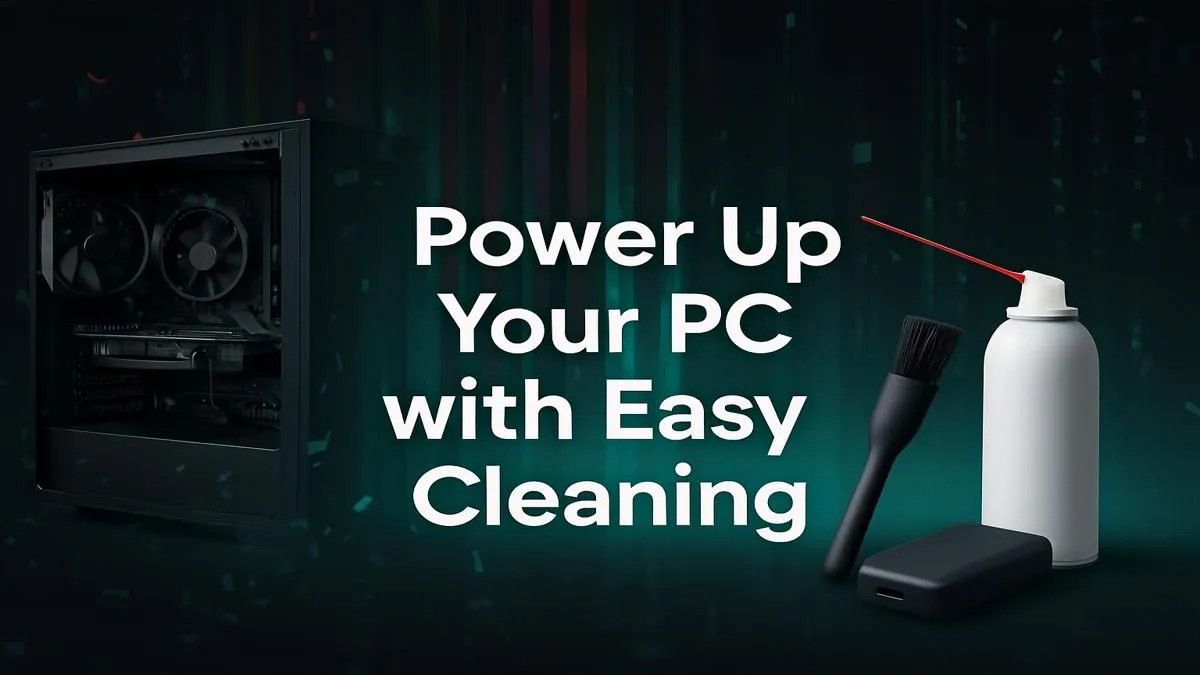
Is your gaming rig starting to feel a bit sluggish? Before you blame game updates or your internet, look inside your case. In South Africa, dust is a PC's worst enemy, clogging fans and choking components until your performance drops. A good clean is often the quickest, cheapest way to get your frames back. This guide will show you exactly how to clean your PC safely, restoring that out-of-the-box speed and keeping your machine happy.
Why Cleaning Your PC is Non-Negotiable
Think of dust as a thick blanket wrapped around your PC's most important parts—the CPU and GPU. These components generate a lot of heat, and they rely on fans and heatsinks to stay cool. When dust builds up, it traps heat.
This leads to thermal throttling, where your PC intentionally slows itself down to avoid overheating. The result? Stuttering gameplay, longer loading times, and a system that feels frustratingly slow. A regular clean isn't just about looks; it's essential maintenance to prolong the life of your hardware and maintain peak performance.
Your PC Cleaning Toolkit 🔧
Before you start, gather the right tools. Using the wrong stuff (like a household vacuum cleaner!) can create static electricity and permanently damage your components.
Here’s what you’ll need:
- Can of Compressed Air: Your primary weapon against dust.
- Microfibre Cloths: For wiping down the case exterior and non-sensitive parts.
- Isopropyl Alcohol (90%+): Excellent for cleaning stubborn grime, but use it sparingly.
- Cotton Swabs: For getting into tight corners.
- A Phillips Head Screwdriver: To open your case.
- An Anti-Static Wrist Strap (Optional but Recommended): A great safety precaution to prevent static discharge.
How to Clean Your PC: The Step-by-Step Guide
Ready to get started? Find a well-lit, ventilated area (doing this outside is even better) and set aside about 30 minutes.
Step 1: Power Down and Prep
This is the most important step. Completely shut down your PC. Don’t just put it to sleep. Switch it off at the wall plug and unplug the power cable from the back of the computer. Press the power button a few times to discharge any remaining electricity in the system. Disconnect all other cables like your monitor, keyboard, and mouse.
Step 2: Open the Case
Lay your PC tower on its side on a stable, non-carpeted surface. Use your screwdriver to remove the screws holding the main side panel in place (usually the left side as you look at it from the front). Slide the panel off and set it aside. Now you can see the battlefield. ✨
Step 3: The Great Dust-Out 💨
This is where the magic happens. Take your can of compressed air and get ready to evict those dust bunnies.
Pro Tip: Fan Safety ⚡
When spraying your fans (CPU cooler, GPU fans, case fans), use a finger to gently hold the blades in place. Letting them spin freely from the compressed air can damage the fan motor.
- Start from the Top: Work your way down, blowing dust out of the case, not deeper into it.
- Use Short Bursts: Don't hold the nozzle down continuously. Use controlled, short bursts of air. Keep the can upright to avoid spraying liquid propellant.
- Target Key Areas: Pay close attention to heatsinks, fan blades, the graphics card, and the power supply unit. Don't forget the nooks and crannies at the bottom of the case where dust settles.
Step 4: Final Touches and Reassembly
Once the heavy lifting is done, you can use a cotton swab lightly dampened with isopropyl alcohol to clean any stubborn grime off fan blades. Wipe down the inside of the side panel with your microfibre cloth before sliding it back on and securing it. Reconnect all your cables, and you're ready to power up!
When a Good Clean Isn't Enough
Sometimes, even the most thorough clean won't solve performance issues. If your PC is still struggling after you’ve cleaned it out, it might be a sign that your hardware is getting old and can no longer keep up with modern demands. An older CPU or a GPU with limited VRAM can be a major bottleneck.
If you're looking for an upgrade that offers fantastic performance without breaking the bank, exploring solid budget gaming PCs is a great next step. You'll find plenty of excellent options under R20k that can handle the latest titles with ease.
For those who demand uncompromising power for 4K gaming or content creation, upgrading to one of the more powerful rigs over R20k will make a world of difference. And if you simply want a hassle-free, expertly built machine, be sure to check out our current great pre-built PC deals. Keeping your machine clean is vital, but knowing when it's time for a fresh start is key to enjoying the best gaming PC deals and the performance you deserve.
Ready for a Real Performance Boost?
A clean PC is a fast PC, but nothing beats brand-new hardware. If your rig is showing its age, explore our massive range of gaming PCs and find the perfect machine to conquer your world.
Browse the Best Gaming PC Deals in South Africa