


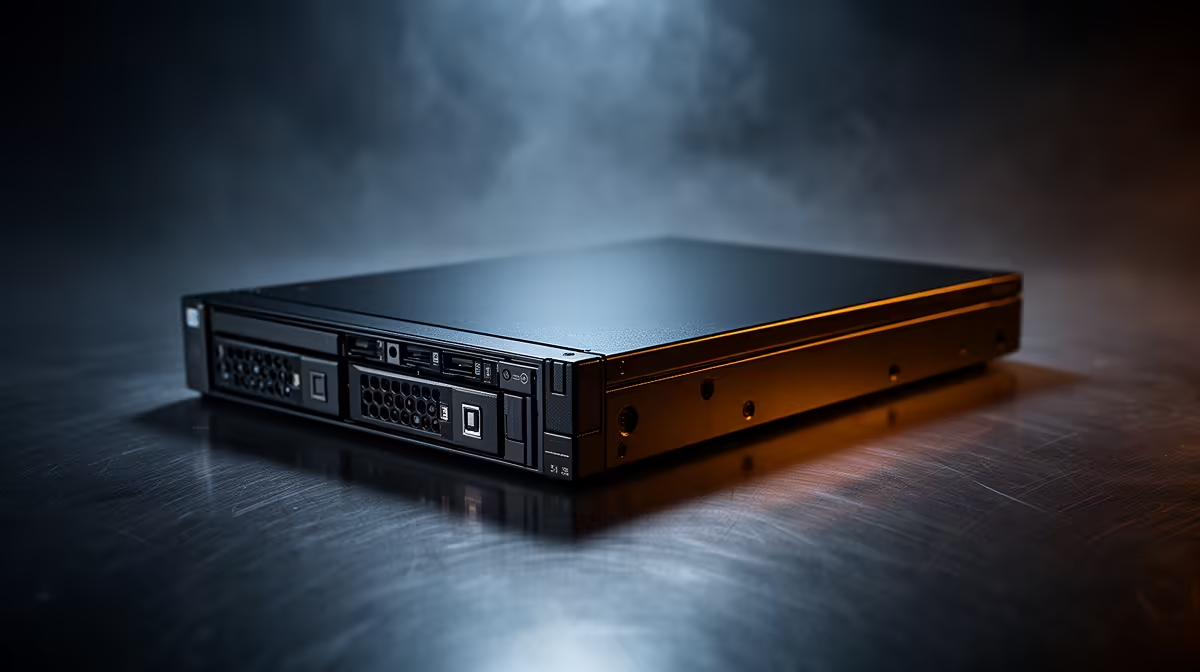
Most installers get halfway through wiring a 64-channel NVR before realising the storage maths does not add up. A surveillance hard drive built for consumer desktops chokes long before the cameras do, which is exactly the gap Seagate built the SkyHawk AI to close. Getting the physical install right on day one saves an awkward return trip to site three weeks later.
Quick Answer
The Seagate SkyHawk AI 24TB drops into any standard NVR bay using a single SATA 6Gb/s data cable and a spare power connector, and at R19,499 it is priced as one drive rather than a multi-bay array. Budget an extra ten minutes for BIOS or NVR recognition of a drive this large, and confirm the enclosure supports 24TB before you commit to the purchase.
🔌 Physical Installation and Cabling
Mounting the drive is no different to fitting any 3.5-inch SATA unit: four screws into the tray, one SATA 6Gb/s data lead to the motherboard or NVR controller, and one SATA power lead from the supply. Where people trip up is cable choice. Older SATA II cables will still physically connect but throttle bandwidth well below what 64 simultaneous HD feeds demand, so use a rated SATA 6Gb/s cable end to end.
Route the power and data cables away from case fans before closing up. Vibration from nearby fans is a minor factor over the life of a 7200RPM platter, and a tidy build also makes future drive swaps faster if you scale the installation later.
🖥 Configuring NVR Channels for 64 HD Streams
Once the drive is detected, the real setup work happens in the NVR software, not the BIOS. The SkyHawk AI supports up to 64 HD video streams alongside 32 AI analytics streams, so channel allocation should be planned before cameras go live rather than adjusted after the fact. Group high-priority cameras such as entrances and tills onto the AI-analytics channels first, and leave standard corridor or perimeter feeds on the plain HD allocation.
Assigning Stream Priority
Most NVR platforms let you set recording priority per channel. Cameras covering cash points or access doors should get first claim on bitrate headroom, while wide-area overview cameras can run at a lower priority since footage quality matters less there.
Testing Before Full Deployment
Bring cameras online in batches of eight to sixteen rather than all 64 at once. This makes it far easier to spot a misconfigured stream or a camera pushing an unexpectedly high bitrate before it eats into the drive's overall headroom.
⚙ Firmware, Workload Rating and Long-Term Health
The SkyHawk AI ships with ImagePerfect AI firmware, which is tuned specifically for continuous surveillance duty rather than general desktop file access. Leave this firmware as-is; there is no user-facing setup step here beyond confirming the drive identifies correctly in your NVR's storage menu.
Where setup does matter is workload awareness. This drive carries a 550TB/year workload rating, which comfortably covers 24/7 recording across 64 HD plus 32 AI streams, backed by a 2.5 million hour MTBF. Sites running well below this workload ceiling, such as a small retail branch with sixteen cameras, have plenty of headroom; sites pushing every channel at maximum bitrate around the clock should monitor drive health more closely through the NVR's SMART reporting tools if available.
🛡 Why CMR Construction Simplifies Setup
Because the SkyHawk AI uses CMR rather than shingled recording, there is no special RAID or write-caching configuration needed to avoid slowdowns during simultaneous writes. Each track is written independently, so the drive behaves predictably under sustained 24/7 recording without the extra tuning that shingled drives sometimes require in surveillance setups.
If you are speccing out a full storage build rather than a single-drive upgrade, Evetech's internal hard drive range is worth browsing alongside this model to compare bay counts and cache sizes across similar drives.
Frequently Asked Questions
Do I need a special SATA controller for a 24TB drive?
No. Any motherboard or NVR controller supporting SATA 6Gb/s and large-capacity drives will recognise the SkyHawk AI without extra hardware.
How long does initial drive recognition take?
Most systems detect a 24TB drive within a normal boot cycle, though the very first full format can take longer than smaller drives simply due to capacity.
Can I mix this drive with smaller surveillance drives in the same NVR?
Yes, as long as each drive is assigned its own channels or storage pool rather than combined into a single volume that assumes identical drive geometry.
Does the 64-stream figure include audio channels?
The 64 HD and 32 AI stream figures describe video channel capacity; audio handling depends on your NVR software rather than the drive itself.
Is RAID required for a single SkyHawk AI installation?
No, RAID is optional and depends on your redundancy needs. A single drive setup works fine for straightforward recording without redundancy.
Where can I buy this exact drive locally?
The 24TB SkyHawk AI listing at Evetech has current pricing and stock availability, and Evetech's broader hard drive range is there if you want to compare capacities before deciding.
Ready to build an NVR setup that never drops a frame? Grab the Seagate SkyHawk AI 24TB from Evetech's surveillance storage lineup and give your AI NVR a drive built for continuous recording.











