


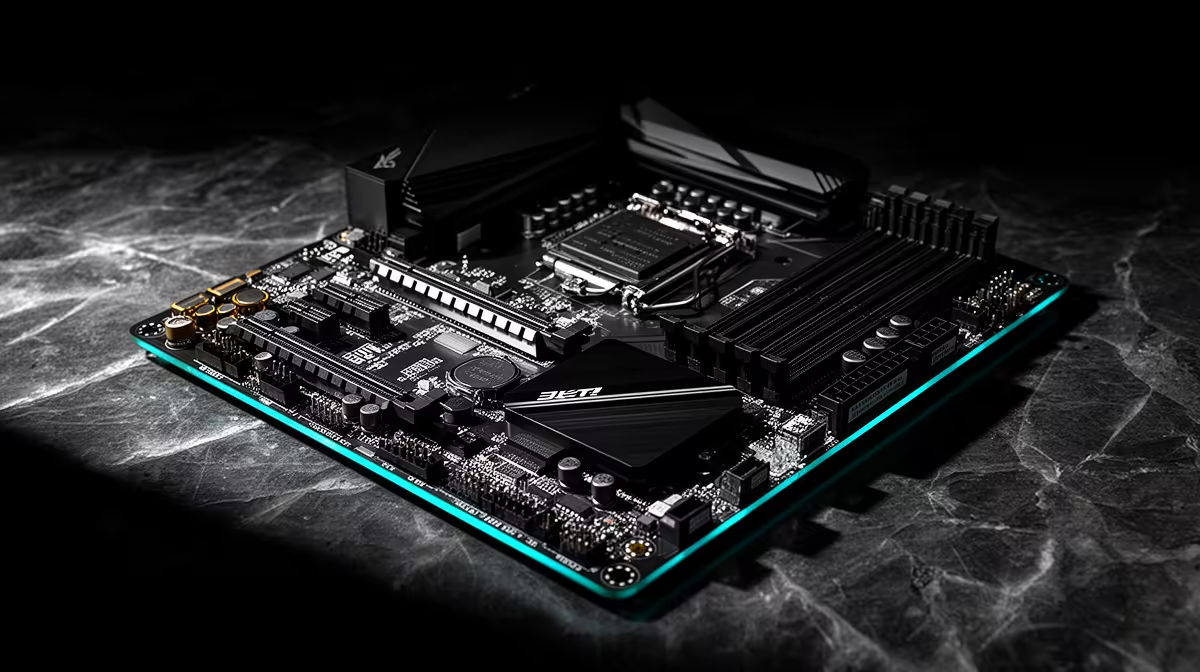
Colour banding after a X870E motherboard change almost always traces back to the signal chain rather than the new part itself. South African builders tend to notice visible gradient steps in skies, dark scenes and loading screens right after a hardware swap because Windows HDR, the GPU output range, the cable or the monitor's bit-depth setting quietly reset at the same time. Work the display path in a fixed order so each test tells you something useful.
Quick Answer
Fix colour banding on a X870E motherboard setup by forcing full RGB range, switching the desktop to 10-bit colour, and matching Windows HDR to the content you are viewing. Set the output to 10 bpc at your native resolution in the GPU control panel, confirm the cable supports it, then reboot. Most banding clears once the output bit depth and RGB range stop fighting each other.
The fixed order that clears banding
- Reset the monitor to its default picture mode and turn off aggressive dynamic-contrast or 'eco' presets. 2. In the NVIDIA or AMD control panel, set Output colour format to RGB, Output dynamic range to Full, and Output colour depth to 10 bpc. 3. Toggle Windows HDR off for SDR desktop work, since SDR content shown through an HDR pipeline bands heavily. 4. Update the GPU driver and, on the X870E motherboard, the chipset and BIOS so the display engine runs current firmware. Change one item, look at a known dark gradient, then move on, so you can see which step actually helped.
iGPU output versus the graphics card on X870E
X870E boards expose Ryzen integrated-graphics video outputs as well as the GPU's, and plugging the monitor into the wrong port routes display through the weaker iGPU path, which can band. Connect the cable to the graphics card's DisplayPort, not the motherboard's rear I/O, unless you have no discrete GPU. After a BIOS update, re-check that PCIe primary display is set to the slot, not the iGPU. A quality X870E board at Evetech runs from about R6,500 and holds these display settings through firmware updates.
FAQ
Why did banding only appear after the X870E motherboard change?
A new part usually resets the display pipeline, so RGB range, bit depth or HDR flips back to a default that bands. Re-applying full RGB and 10-bit output restores the smooth gradients you had before.
Is the banding a sign of a faulty panel?
Rarely. True panel faults show as dead zones or tint shifts, while banding is a settings and bit-depth issue you can fix in software. Only suspect hardware once full RGB, 10-bit output and a known-good cable still band.
Does updating the X870E BIOS fix colour banding?
A current BIOS keeps the display engine and PCIe link stable, which can resolve banding tied to firmware. Update the chipset driver too, then re-apply 10-bit output and full RGB range after the flash.
Quick check
Open a full-screen grey-to-black gradient image after each change. If the steps vanish, the last setting you touched was the culprit.











