A no-signal screen is one of the most common post-build headaches, and ninety percent of cases are solved without opening a wallet, just by tracing the cable and driver chain.
Quick Answer
A no-signal screen on a ryzen 7 9800x3d setup is almost always a wrong input, a tired cable, the motherboard port, or a driver state, not a dead card. Trace the physical signal path first, then check Windows and drivers; budget around R8,500 to R19,000 only if a part truly fails. If a part does turn out to be faulty, expect roughly R8,500 to R19,000 for a like-for-like swap, which is reason enough to test before you buy.
Test with a second screen or cable
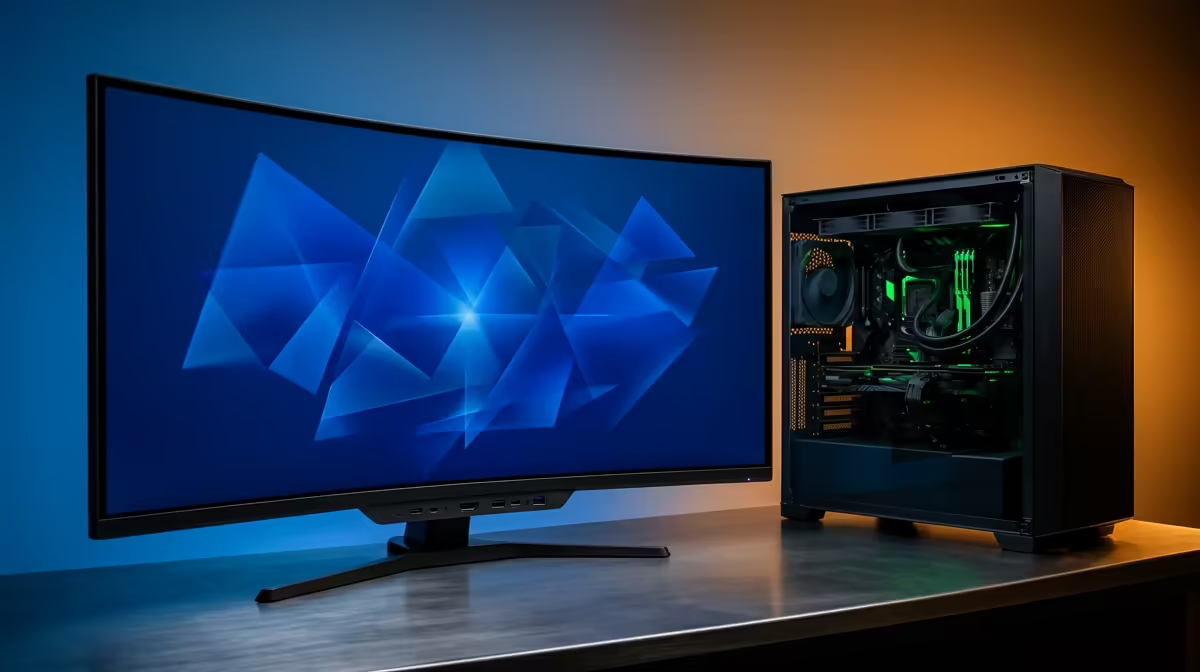
Borrow a known-good cable and a second display to split the problem in two. If the spare screen lights up, the original monitor or its cable is the suspect; if it stays dark, the output side is where to look. This single swap saves hours of guessing and stops you returning healthy parts.
Check power and seating in the case
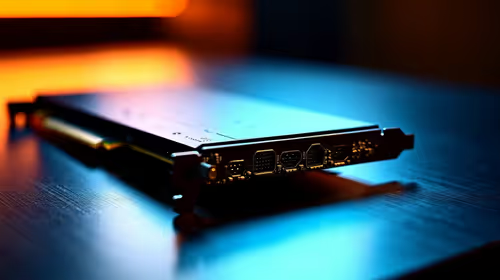
Power down, pull the plug, and confirm the Ryzen 7 9800X3D is firmly seated with every power lead clicked home and the support bracket holding the card level. A slightly lifted slot or an unplugged auxiliary connector can leave a build at no-signal even when fans spin. Reseat once, then retest before assuming a part is dead.
Confirm Windows actually sees the panel
Once any picture appears, open display settings and press Detect, then check whether the layout is set to duplicate, extend, or single. A driver update can silently save the wrong arrangement so a working monitor reads as missing. Device Manager will also flag a generic or warning-marked display adapter that needs a clean driver reinstall.
FAQ
Is it safe to keep using the rig while I troubleshoot?
For display and settings issues, yes, it is safe to keep testing. If you see heat warnings, repeated shutdowns, or burning smells, power down and inspect before continuing, since those point at power or thermal faults rather than software.
Why does my screen work on the motherboard port but not the card?
That means video is leaving through onboard graphics instead of the discrete card, usually because of a BIOS display priority or a cable in the wrong socket. Move the cable to the card and set the PCIe slot as the primary output.
Does a driver update fix a no-signal screen?
Sometimes, because a corrupt or generic display driver can stop Windows from waking the panel. Get any picture first, then do a clean driver reinstall to lock in the fix.
Pro Tip
Keep one known-good cable and a spare display port mapped before you build, so the next time the Ryzen 7 9800X3D goes quiet you confirm the signal path in under five minutes instead of swapping parts.