


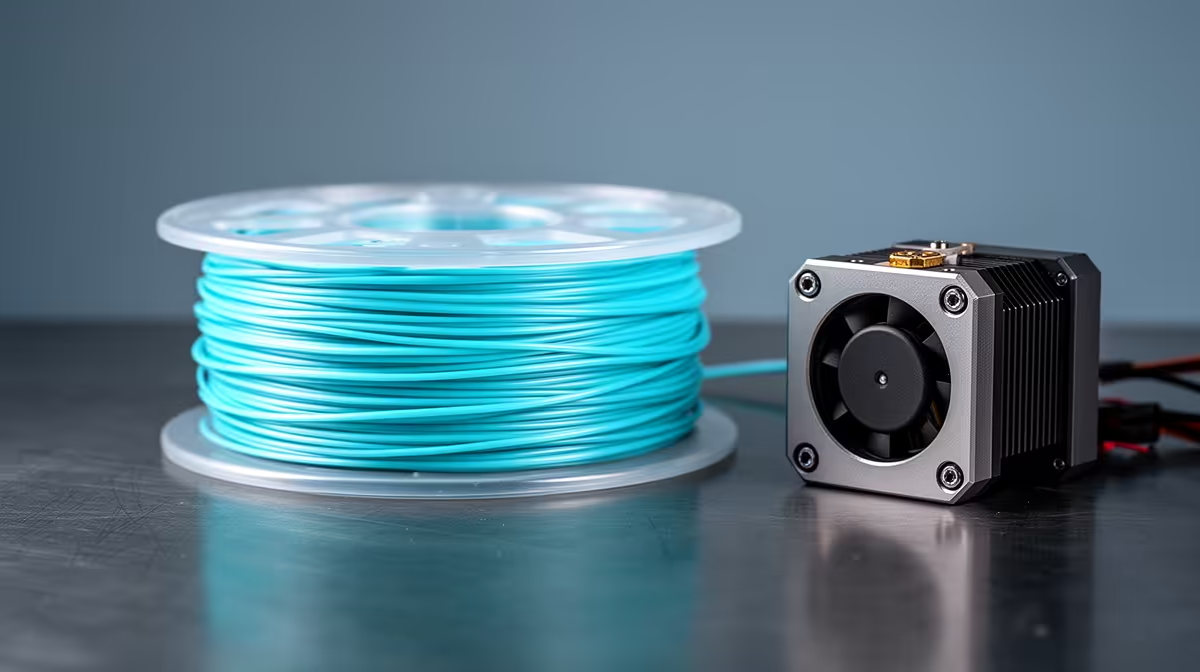
Flexible filament punishes a printer set up for rigid plastic. TPU buckles inside long filament paths, soaks up moisture from the air in hours, and turns stringy the moment you push the speed. Get three things right and it becomes one of the most rewarding materials you can run: a short, well-gripped filament path, a slow and steady flow, and bone-dry spool.
Quick Answer
Print standard 95A TPU at 20 to 30 mm/s on a direct-drive extruder, dry the spool first at roughly 55 to 70 degrees for several hours, and keep retraction short at around 0.5 to 1.5 mm. Wet TPU crackles, strings, and delaminates, so drying is not optional.
Why Direct-Drive Beats Bowden for TPU
A direct-drive extruder grips the filament right at the hotend, leaving almost no gap for soft TPU to flex and coil. On a Bowden setup the motor sits far back and pushes the filament through a long PTFE tube, and flexible material compresses inside that tube like a spring instead of advancing cleanly. You can run TPU on Bowden hardware, but you will fight under-extrusion, blobs, and clogs the whole way. If you are choosing a machine specifically for flexibles, browsing the 3D printer range at Evetech and filtering for direct-drive machines saves you the headache before it starts.
Drying: The Step Most People Skip
TPU draws water out of the surrounding air faster than almost any common filament -- it is one of the most moisture-sensitive materials in a standard maker's kit. A spool left open on the shelf for a week can absorb enough moisture to ruin prints. When the molten plastic hits the nozzle, trapped water flashes to steam and you hear a popping or crackling sound, followed by rough surfaces, heavy stringing, and weak layers.
Dry the spool before every serious print. A range of 55 to 60 degrees for four to six hours suits most TPU, and stiffer or higher-temperature blends tolerate up to about 70 degrees for around seven hours. Once dry, print straight from the dryer or seal the spool in an airtight box with desiccant, because TPU re-absorbs moisture quickly in a humid coastal climate like Cape Town's.
Dialling In Speed and Retraction
Slow is the rule. Walls at 15 to 20 mm/s and infill at 25 to 30 mm/s give the soft filament time to flow without buckling. High-flow TPU variants are tuned to handle 60 to 80 mm/s on a well-set-up direct-drive machine, but treat that as a bonus once your basics are solid, not a starting point.
Keep retraction tiny. Standard TPU does well with 0.5 to 1.5 mm of retraction at a gentle 20 to 30 mm/s. Long, fast retractions yank the soft filament out of shape inside the extruder and cause skipping or clogs. If you still see fine strings, drop the print temperature a few degrees and confirm the spool is truly dry before changing anything else.
Bed Adhesion and First Layers
TPU sticks well to a clean PEI or textured sheet with light tack, and it generally needs no glue. Slow the first layer right down, keep the bed in the 40 to 50 degree band, and give the nozzle enough height that the line is squished but not scraping. A wobbly first layer on flexible parts usually traces back to speed rather than temperature. When you are stocking up on a heat-resistant storage box, desiccant, or a spare nozzle, the accessories best sellers at Evetech carry the small bits that keep flexible printing reliable and repeatable.
Frequently Asked Questions
Can I print TPU on a Bowden printer at all?
Yes, but expect a steeper learning curve. Slow the print right down, shorten retraction as much as the slicer allows, and accept more stringing. A direct-drive extruder remains the far easier path for consistent flexible parts.
What does wet TPU actually look like?
Listen and look for popping sounds at the nozzle, fuzzy or pitted surfaces, heavy fine strings between features, and layers that peel apart easily. All of these point to moisture, and a proper drying cycle usually fixes them.
What speed should a beginner start at?
Begin at 20 mm/s for the whole print until you trust the result, then raise infill speed first. Walls and overhangs are the most sensitive areas, so keep those slow longest.
Do I need an enclosure for TPU?
No. TPU is not especially prone to warping and prints fine in the open. An enclosure mainly helps with consistency and keeping dust off a dried spool, but it is not a requirement like it is for ABS.
How long does dried TPU stay usable?
In a sealed container with fresh desiccant, several weeks is realistic. Left out in humid air it can degrade within a day or two, so reseal the spool the moment a print finishes.
Ready to print flexible parts that actually work? Browse the direct-drive 3D printers at Evetech and pair them with the right drying and storage gear so your TPU lands clean on the first try: https://www.evetech.co.za/components/3d-printers-130










