


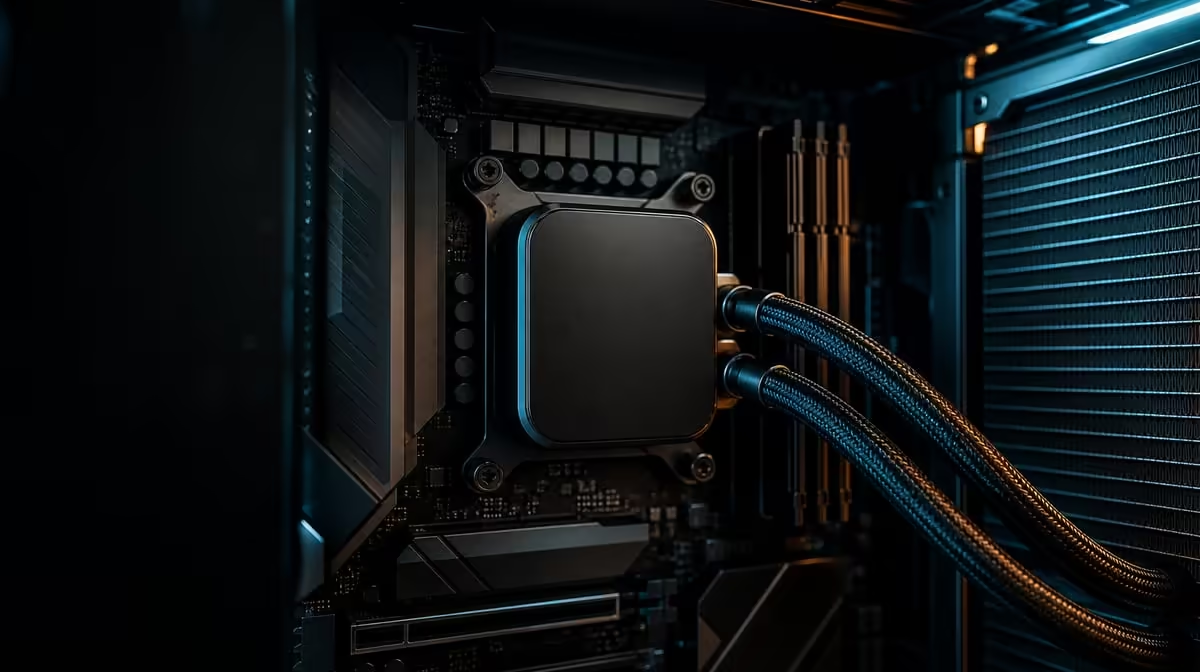
Lower CPU temperatures should come from correcting cooling and airflow before limiting the processor that was purchased for performance. To reduce CPU temperatures without sacrificing performance, establish a repeatable load, verify the LQ360 installation and adjust controls gradually. The R38,999 kit already provides a defined cooling system for its 9950X3D.
Quick Answer
Check the DeepCool LQ360 mount, pump and fan operation, case airflow and room conditions before changing CPU performance controls. Use the same workload to compare each correction. The R38,999 kit's 9950X3D is specified up to 5.7GHz, but that peak is not a sustained all-core requirement; the goal is stable representative performance with appropriate temperature behaviour.
🌡️ Establish a trustworthy baseline
Choose one normal game and one sustained work task. Record ambient conditions, temperature trend, clocks and fan behaviour after each load has settled.
Confirm that monitoring is repeatable. A single momentary peak is less useful than a consistent pattern across several runs.
The DeepCool LQ360 should be detected and operating plausibly. If temperature climbs abnormally quickly, stop heavy testing and inspect installation.
🔧 Check physical cooling first
Inspect cold-plate mounting, pump connection, radiator fans and blocked airflow. Follow the cooler and Dark Hero instructions rather than changing software to hide a physical problem.
Confirm the case supports the radiator in its current position and that cables, filters or panels do not obstruct fans. Consider graphics-card heat in the airflow map.
Clean visible dust with an appropriate method and verify that a fan has not changed direction or become restricted.
Use Evetech's AMD motherboard category for exact platform context when checking connections.
🎚️ Optimise controls one at a time
Start from the working pump and fan baseline. Adjust one curve, repeat the same workload and compare temperature with noise.
An aggressive fan profile may lower readings without changing application performance. Decide whether the acoustic cost is worthwhile.
Keep memory tuning separate. The 48GB KLEVV DDR5-7200 target requires its own stability checks, and changing it simultaneously can confuse the temperature test.
Do not chase 5.7GHz continuously. Up to 5.7GHz is maximum boost capability influenced by workload, active cores, temperature and power.
✅ Confirm performance was preserved
Repeat the game and work task after each successful cooling change. Compare completion time, frame consistency and clock behaviour, not temperature alone.
If performance stays stable and temperatures improve, keep the setting and document it. If a change reduces required performance, return to the baseline.
Compare processor options in Evetech's AMD CPU range and complete packages through Evetech's AMD upgrade kit selection.
Stop testing if the system becomes unstable or shows abnormal thermal behaviour. Check current availability only after diagnosis proves a hardware change is needed.
Inspect the full air path with the system off. Identify where cool air enters, where the LQ360 radiator exchanges heat and where graphics heat exits. Remove avoidable obstructions and confirm that filters or panels are seated as intended. A fan curve cannot overcome a blocked path.
Run a mount-confidence check without repeatedly disturbing a working cooler. If temperatures are normal and repeatable, keep the mount. If they are abnormal, inspect hardware, contact and connections using the model instructions. Unnecessary remounting can introduce a new variable.
Create three baseline rows: idle, normal game and sustained work. Let each state settle, then record temperature, clock behaviour and noise. A curve change should improve one of those rows without causing a critical regression in another.
Adjust the least disruptive item first. Removing an obstruction or correcting fan direction is preferable to reducing CPU performance. Only after the cooling system operates correctly should advanced processor controls be considered, and any such change should preserve the required workload result.
Repeat the complete test after the room warms. South African ambient conditions can shift temperature behaviour, so a cool-morning baseline should not be treated as a universal reading. The comparison remains useful when the environment is written beside it.
Document the final configuration. Note pump and fan behaviour, room context, workload and performance result. If temperatures change later, inspect dust, fan operation, software load and room conditions against this record before purchasing another cooler.
Repeat the accepted profile after a normal restart and confirm the same game and work tasks remain stable before closing the build log.
Add a graphics-load check because GPU heat changes the enclosure. Run the normal game long enough for both CPU and graphics temperatures to settle, then compare the work task. A cooling change that helps one component while trapping heat around another needs a revised airflow plan.
Inspect fan direction and case pressure after moving the radiator. Keep the test panels, filters and fan speeds consistent. An open panel can diagnose restriction but should not become the permanent benchmark state without a deliberate case decision.
Once the platform passes, avoid unnecessary performance limits. The goal is to remove preventable thermal constraints while preserving the workload result the 9950X3D was selected to deliver.
Frequently Asked Questions
Which checks come before CPU limits?
Verify LQ360 mounting, pump and fan operation, radiator airflow, case ventilation and ambient conditions.
Which cooler is paired with the CPU?
The R38,999 package includes a DeepCool LQ360 for the 9950X3D.
Why test with real workloads?
They show thermal and performance behaviour in the games and applications the owner uses.
How can case airflow affect liquid cooling?
Restricted intake or exhaust can reduce the radiator's ability to move heat out of the enclosure.
Can fan curves lower temperature without reducing clocks?
They can when airflow was limiting, but the same load must be repeated to confirm the outcome.
What does up to 5.7GHz mean?
It is a peak boost specification rather than a permanent frequency for every core.
When should heavy testing stop?
Stop if temperature rises unexpectedly, cooling hardware appears not to operate or instability begins.
Does one temperature target suit every build?
No. Workload, room conditions, case design and control settings differ.
Ready to lower temperatures by fixing the cooling path before limiting performance? Explore Evetech AMD platforms and validate the LQ360 baseline around the R38,999 kit step by step.











