


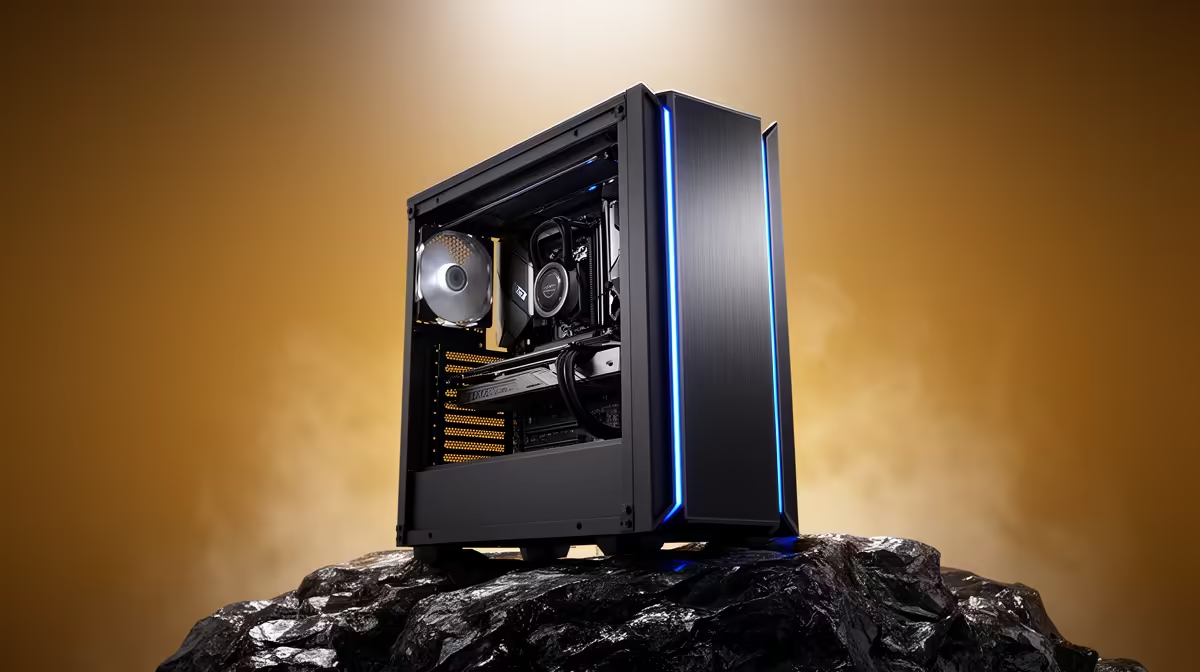
Pasting a medical result, a contract clause or your banking details into a cloud chatbot means handing that text to someone else's servers. For anything genuinely sensitive, that is a risk you do not have to take. You can run a private AI entirely on your own machine, where every prompt is processed on-device and nothing is logged, transmitted or used to train a far-off model. The setup is simpler than most people assume, and the privacy payoff is total.
Quick Answer
Run a private AI by installing a privacy-first, on-device app such as Jan, which has zero telemetry and processes every prompt locally with no external calls. You download a model once, then run it offline, so sensitive medical, legal or financial text never leaves your computer. A capable modern PC handles a useful local model comfortably.
Why On-Device Beats Cloud For Sensitive Data
Cloud AI tools send your input to a remote server, process it there, and may store it or use it to improve the provider's models. For casual questions that is an acceptable arrangement. For medical records, legal documents or financial information, it amounts to sharing sensitive data with a third party you cannot fully audit.
A local AI removes that exposure entirely. The model file sits on your drive, the processing happens on your own hardware, and a properly chosen app makes no network calls at all. There is nothing to intercept, nothing to leak, and nothing to subpoena. Your private data stays as private as the rest of the files on your disk.
Step 1: Pick A Zero-Telemetry App
The app you choose matters as much as the model. Some local AI tools still phone home with usage data, which defeats the point. Choose one designed for privacy, such as Jan, that explicitly runs with zero telemetry and keeps everything on-device. Before trusting any app with sensitive text, confirm it does not send analytics or prompts anywhere by default.
The goal is an app that you can run with your network disconnected and have it still work perfectly. If it breaks offline, it was talking to a server you cannot see.
Step 2: Install And Download A Model
Install the app, then download a model through it. Local AI apps offer a range of open models in different sizes. Smaller models are faster and run on modest hardware; larger ones are more capable but demand more memory and a stronger machine. For sensitive note-taking, summarising and question-answering, a mid-sized model strikes a good balance.
The model download is a one-time step. Once it is on your drive, you never need to fetch it again, and you can use it with the internet switched off entirely.
Step 3: Verify It Runs Offline
This is the test that proves your privacy. Disconnect from Wi-Fi or unplug the network cable, then ask the model a question. If it answers normally, the processing is genuinely local and nothing is leaving your machine. If it fails, the app was relying on a remote service, and you should reconsider your choice.
Running this check once gives you real confidence rather than a vague hope that your data is safe.
Step 4: Use It For The Sensitive Work
Now you can paste in the material you would never trust to the cloud:
- Summarising medical letters or test results into plain language.
- Drafting or reviewing legal and contract wording.
- Organising financial notes, budgets and confidential records.
- Working through personal documents you want to keep entirely private.
Everything you type and everything the model produces stays on your hardware.
What Hardware You Need
Local models lean on your machine, mainly memory and processing power. A smaller model runs on a modest modern laptop, while larger, more capable models want plenty of RAM and benefit from a strong CPU or a capable graphics card to respond quickly. The more memory you have, the bigger the model you can run smoothly.
If you do this kind of private work often, a machine built for on-device AI makes a real difference to speed and the model sizes you can handle. The AI PC range at Evetech covers hardware specced specifically for running local models, and to compare full builds the PC best sellers at Evetech show what current buyers are choosing for this kind of workload.
A Note On Realistic Limits
A local model is private, but be sensible about its output. For medical, legal or financial decisions it is a helpful drafting and summarising tool, not a substitute for a qualified professional. Use it to organise and understand your information, then take important decisions to the right expert. Privacy and good judgement work together.
Frequently Asked Questions
What does zero telemetry actually mean?
It means the app does not send usage data, analytics or your prompts to any external server. Everything stays on your device, which is essential when you are working with sensitive personal information.
How do I confirm my AI is truly running locally?
Disconnect from the internet and ask it a question. If it answers normally, the processing is happening on your machine. If it fails offline, it was relying on a remote service and is not truly private.
What hardware do I need to run a private AI?
A modern PC with a good amount of RAM runs a useful model comfortably. Larger, more capable models want more memory and benefit from a strong CPU or a capable graphics card for faster responses.
Can I use a private AI for medical or legal text?
Yes, for summarising, organising and understanding such documents privately. Treat it as a drafting and comprehension aid, though, not a replacement for advice from a qualified medical or legal professional.
Is a local model as good as a cloud one?
Smaller local models are less capable than the largest cloud services, but mid-sized models handle summarising, drafting and question-answering well. For sensitive work, the complete privacy is usually worth the trade-off.
Want hardware that runs a private AI smoothly and keeps your sensitive data on your own machine? Explore systems built for local models in the AI PC range at Evetech and pick a build with the memory and power your workload needs.








