


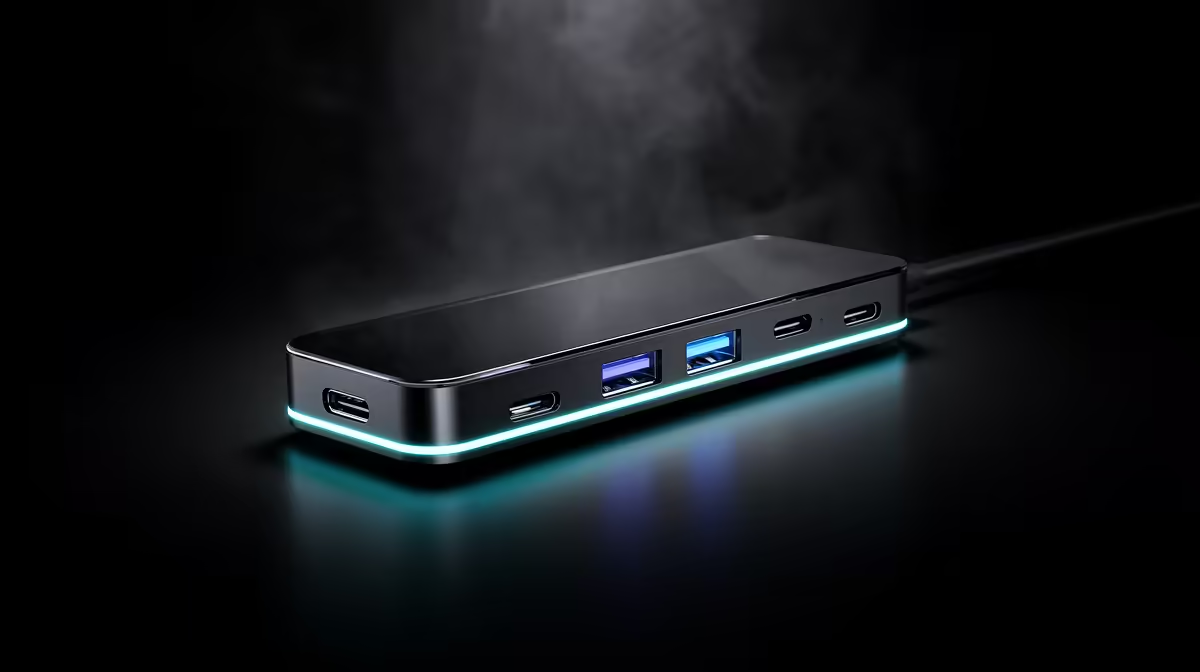
One cable doing two completely different jobs still surprises people the first time they plug an external SSD into a port and get 20Gbps transfers, then plug a monitor into the same port and get a picture instead. That is exactly what the USB-C port on this b860m motherboard is built to do, since it carries both high-speed data and DisplayPort video over a single connector.
Quick Answer
A 20Gbps USB-C connector doing double duty for DisplayPort output is the party trick built into the ASUS B860M MAX Gaming AX, so the same port handles fast external storage one moment and a monitor connection the next. At R4,499, that flexibility comes from a single port rather than needing separate USB and video headers for each use.
💾 Using the Port for Fast Data Transfers
At 20Gbps, this USB-C port comfortably outpaces older USB 3.0 ports for moving large files to and from an external SSD, which matters for anyone regularly backing up projects or moving game installs between drives. Compatible external drives and enclosures rated for this speed will show the full benefit, while slower USB 2.0 or basic USB 3.0 devices simply run at their own rated speed without any downside from being plugged into the faster port.
🖥 Using the Same Port for a Display
Because the port carries DisplayPort output alongside its data capability, a monitor with a USB-C or DisplayPort-over-USB-C input can connect directly to this port instead of the graphics card, which is useful for a secondary monitor setup or for using integrated graphics output during troubleshooting before a discrete GPU is installed. Checking that the monitor's cable and input support DisplayPort Alt Mode over USB-C is worth doing before assuming any USB-C monitor cable will carry video correctly.
Switching Between Data and Display Use
The port does not need to be reconfigured to switch between the two uses, since the connected device and cable determine whether it behaves as a data link or a video connection at any given moment. Unplugging an external drive and plugging in a monitor cable, or the reverse, works without any BIOS or driver change.
🔌 Where This Fits Into a Build
Having one high-speed, multi-purpose USB-C port frees up other rear ports for permanent peripherals, since a builder does not need a separate dedicated video output just for a secondary monitor if this port is already available. Combined with the board's 2.5Gb Ethernet and other rear I/O, this port rounds out a connectivity set built with content-creation and streaming setups in mind, where fast external storage and flexible display options both come up regularly.
🎥 Streaming and Content-Creation Use Cases
For anyone recording footage to an external drive during a stream or edit session, having a 20Gbps connection available means less waiting between capture and export compared with a standard USB 3.0 port. The same port's display capability also means a capture monitor or reference display can be added without hunting for a spare video output, which suits the board's stated focus on streaming and content-creation builds.
A Practical Example Setup
A streamer running a single GPU for gaming and a second monitor for chat overlays could connect that second monitor through this USB-C port instead of routing a second cable from the graphics card, freeing up a GPU display output for a higher-refresh main monitor instead.
Why This Matters More on a Compact Board
Being built to a Micro-ATX footprint rather than a full-size ATX layout means rear I/O space is naturally tighter here than on a larger board with room for extra headers and slots. A single USB-C port that covers both fast storage and a display connection stretches that limited rear panel further, which counts for more on a compact, content-creation-focused build than it would on a full-size board with ports to spare.
Confirm the rest of the port layout on this model's own listing before finalising a build around it. Should a different port mix suit you better, other B860 boards Evetech stocks are worth a look, and the wider Intel motherboard range covers every other chipset generation on offer.
Frequently Asked Questions
Can the 20Gbps USB-C port on this board be used for a monitor?
Yes, it carries DisplayPort output alongside its data capability, so a compatible monitor can connect directly to this port.
Do I need to change any settings to switch between data and display use?
No, the port automatically behaves according to whatever device and cable are connected, without needing a BIOS or driver change.
Will a basic USB flash drive work at 20Gbps in this port?
The port supports up to 20Gbps, but an individual device only transfers as fast as its own rated speed, so a basic flash drive will not reach the port's maximum.
Does using this port for a monitor affect other USB devices?
No, it functions independently from the board's other USB ports, so connecting a monitor here does not reduce data speeds elsewhere on the board.
What cable is needed to use DisplayPort output over this USB-C port?
A USB-C cable or monitor input that specifically supports DisplayPort Alt Mode is required, since not every USB-C cable carries video signal.
Does being a Micro-ATX board limit how useful this port is?
No, if anything a compact board benefits more from one port doing two jobs, since Micro-ATX rear panels generally have less room for extra dedicated connectors.
Ready to plug in a display straight from USB-C? The ASUS B860M MAX Gaming AX sits among the Intel B860 motherboard category, set to carry both data and DisplayPort video over one 20Gbps USB-C port.











