Ever dreamed of soaring over the Drakensberg or banking around Table Mountain without leaving home? For many South African aviation enthusiasts, that dream is closer than ever. Building the ultimate flight sim setup is a journey, not just a purchase. It’s about crafting an immersive experience piece by piece. Whether you're a seasoned virtual pilot or just getting your wings, let’s explore how to build your dream cockpit right here in SA. ✈️
The Heart of Your Flight Sim Setup: The PC
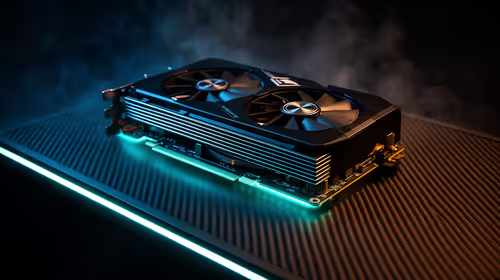
Before you can even think about yokes and pedals, you need an engine powerful enough to render the world in stunning detail. Modern simulators like Microsoft Flight Simulator 2020 are notoriously demanding, requiring a potent CPU for physics and complex calculations, and a top-tier GPU to handle breathtaking visuals.
A shaky framerate can ruin the immersion completely. To ensure a smooth takeoff, you need a balanced system. While building your own is rewarding, a great starting point is looking at specialised Microsoft Flight Simulator gaming PCs that are pre-configured and optimised to handle the heavy load, letting you get into the air faster.
Your Window to the World: Choosing the Right Monitor
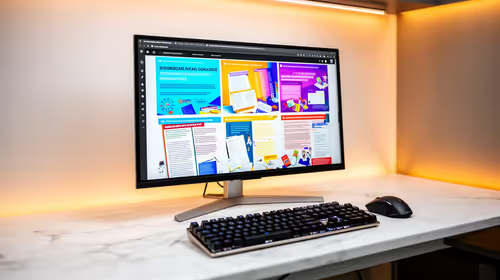
What’s the point of a powerful PC if your view is limited to a tiny screen? Your monitor is your cockpit window, and it's crucial for immersion. For the ultimate flight sim setup in South Africa, many pilots are choosing between two popular options: an ultrawide monitor or a triple-screen setup.
An ultrawide gives you incredible peripheral vision, making those landings and taxiing manoeuvres feel far more natural. The gentle wrap-around of immersive curved monitors can pull you right into the experience, creating a seamless view without the bezels of multiple screens. Of course, if a single ultrawide isn't in the budget, you can still achieve a fantastic setup; explore our full range of PC monitors to find the perfect size and resolution for your space.
Taking Control: Essential Flight Sim Peripherals
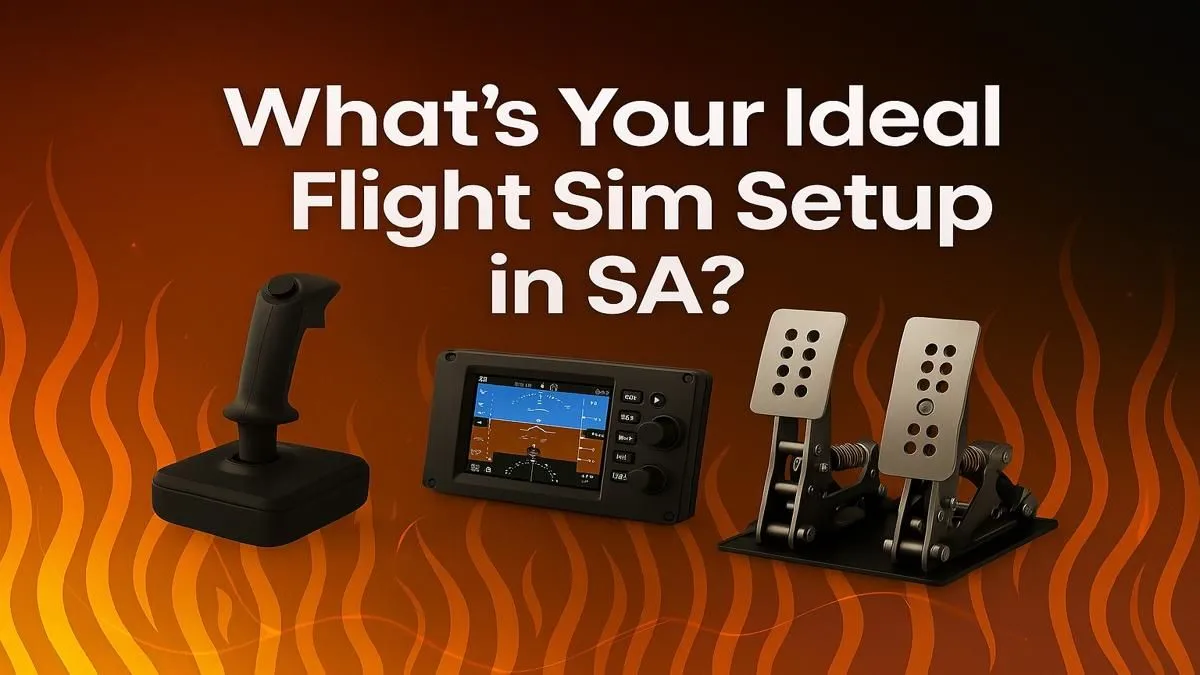
This is where your setup transforms from a desktop PC into a realistic cockpit. Moving away from a mouse and keyboard is the single biggest step toward true flight simulation. The core components you’ll want to consider are a yoke (or stick), a throttle quadrant, and rudder pedals.
A yoke and throttle combination gives you that authentic Boeing or Cessna feel, while a HOTAS (Hands-On Throttle-And-Stick) is perfect for fighter jets or Airbus planes. Brands like Thrustmaster have become legendary in the community for their quality and realism. Investing in a set of high-quality Thrustmaster peripherals provides the tactile feedback that makes you feel connected to the aircraft. You'll feel every adjustment as you line up for your final approach into O.R. Tambo. ✨
Yoke vs. Stick: Which is for you? ✈️
If you primarily fly commercial airliners like the Airbus A320 or Boeing 747, a yoke is your most realistic choice. For fighter jets, aerobatics, or even modern Airbus sidestick controls, a HOTAS system offers more precise and responsive control. Match your hardware to your favourite aircraft for maximum immersion!
The Final Piece: Your Captain's Chair
You wouldn't expect a pilot to fly for hours on a wobbly dining chair, would you? Long-haul flights from Cape Town to Dubai require comfort and support. An ergonomic chair is a critical, often overlooked, part of your flight sim setup.
It's not just about comfort; it's about maintaining a proper posture that allows you to easily reach your yoke, pedals, and throttles without straining. A quality gaming chair offers the adjustability and lumbar support needed for those extended sessions in the virtual sky, serving as the perfect captain's seat for your new cockpit. 🔧