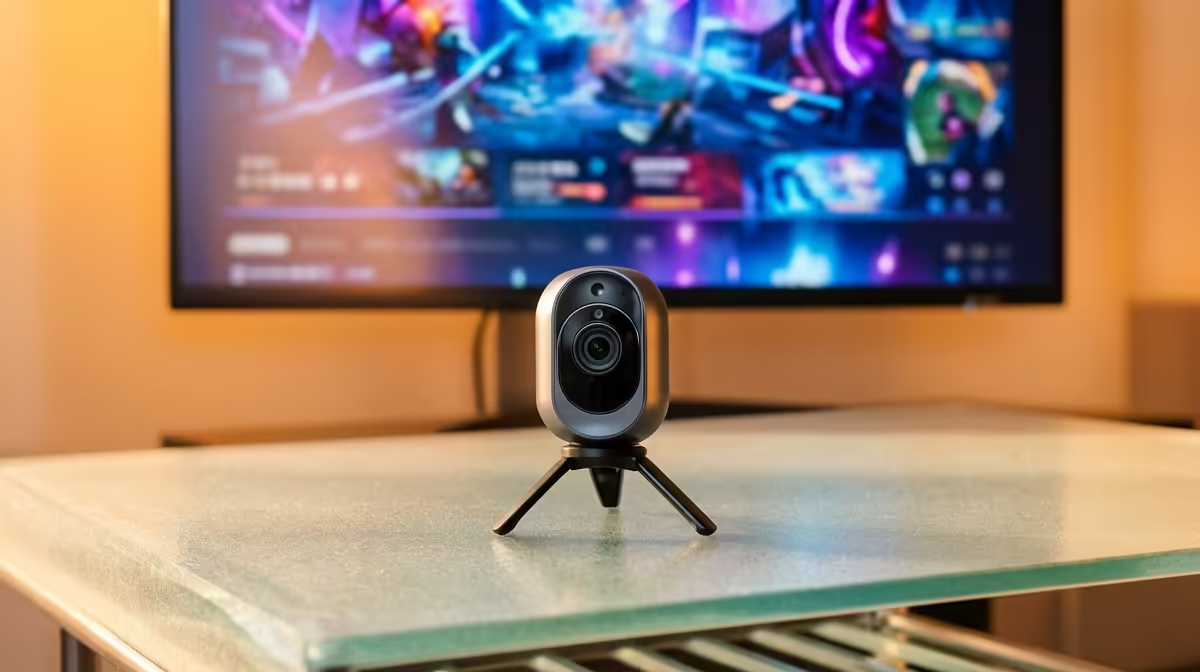
An indoor pet camera can be useful for a first-time PC buyer who also needs to check an animal while away from home. It is not a PC accessory, and the two purchases should be assessed separately. Camera placement, privacy and dependable Wi-Fi matter more than computer performance.
Define the pet-safety question
Choose the room, behaviour and person who will respond to an alert. Test wireless signal and power at the intended position. Keep the camera away from water, chewing reach and direct sunlight, and avoid capturing neighbours or private household areas unnecessarily.
The TP-Link Tapo C212 pan-and-tilt Wi-Fi camera is listed at R451. Confirm its current resolution, app requirements, storage options, power arrangement, mounting parts and warranty. Do not assume a cloud plan, memory card or pet-specific detection is included unless the exact listing confirms it.
Use a unique password and stronger sign-in protection where supported. Set a narrow motion zone, test alerts at different times and decide how long clips should remain stored. Give other household members appropriate notice and remove old account access when someone leaves.
Buy the camera when it answers a clear welfare or security need. Select the first PC by study, work or gaming requirements, without allowing an unrelated smart-home purchase to distort that budget.
Pro Tip ⚡
Checking on a pet indoors? > Compare Evetech Wi-Fi cameras and verify current storage features.