


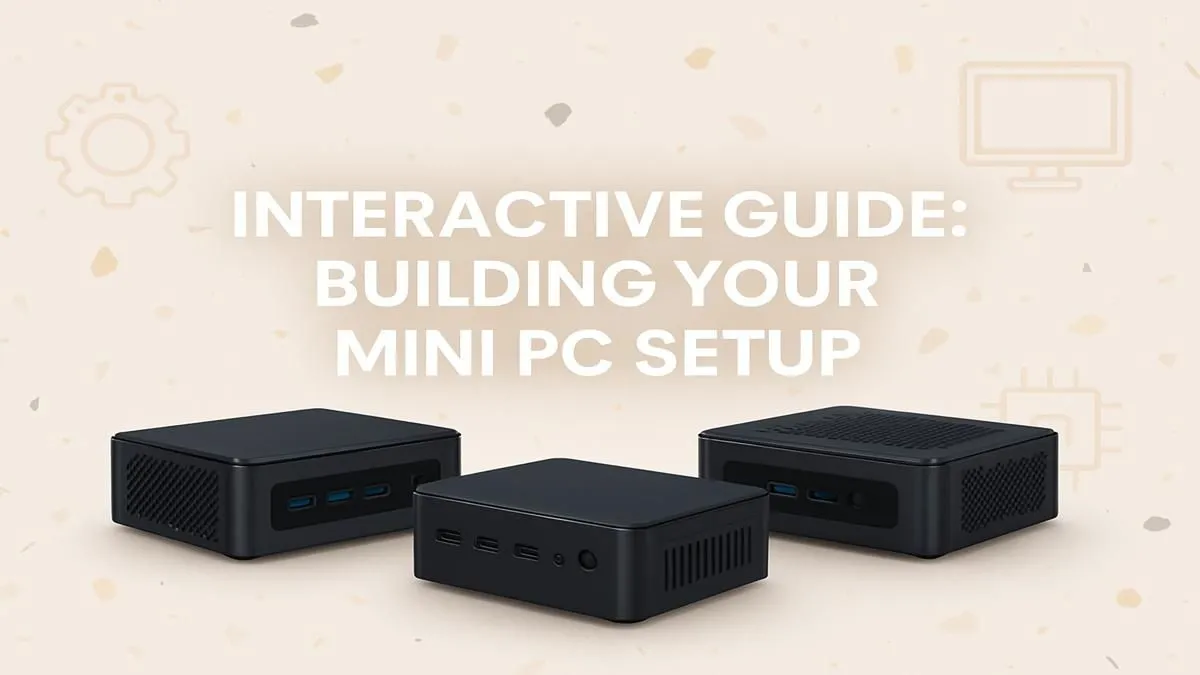
Thinking of building a PC but dreading the thought of a giant tower taking over your desk space? You're not alone. The era of massive, noisy rigs is making way for something sleeker, smarter, and surprisingly powerful. A mini PC build offers the customisation and performance you crave in a package that fits almost anywhere. This interactive, step-by-step guide will show you exactly how to assemble your own compact powerhouse in South Africa. Let's get building! 🚀
Why Go Mini? The Pint-Sized Power Revolution
Before we grab our screwdrivers, let's quickly cover why a mini PC setup is such a brilliant choice. The most obvious benefit is the tiny footprint. It frees up valuable desk real estate, making for a cleaner, more minimalist workspace or entertainment area.
But it's not just about size. Modern mini PCs are incredibly power-efficient, which is a welcome bonus with today's electricity costs. They run cool and quiet, making them perfect for a home theatre PC (HTPC) or an always-on home server. And don't let their size fool you... many can pack enough punch for 1080p gaming, demanding creative work, and heavy multitasking.
Your Mini PC Build Guide: Choosing Your Path
When it comes to your mini PC build, you generally have two main options. Neither is better than the other; it just depends on how hands-on you want to be.
Path 1: The Barebones Kit Adventure
This is the classic DIY route and the focus of our step-by-step guide. A barebones kit gives you the essentials: the case, motherboard, and power supply, all perfectly matched. Your job is to add the "big three" components: RAM (memory), an SSD (storage), and your operating system. This approach offers great customisation and is a fantastic introduction to PC building. Exploring barebones mini PC kits is the best place to start your journey.
Path 2: The Ready-to-Go Rig
Don't have the time or desire to build it yourself? No problem. You can get powerful, pre-built mini PCs that are ready to use straight out of the box. You get all the performance benefits without any of the assembly. Just plug it in, install your favourite apps, and you're good to go. It’s the ultimate in convenience.
The Interactive Step-by-Step Setup 🔧
Right, let's get to the fun part! We'll assume you've chosen a barebones kit. The process is surprisingly simple and usually takes less than 30 minutes.
Step 1: Prepare Your Workspace
Find a clean, well-lit table. Unbox your mini PC kit, RAM, and M.2 SSD. If you have an anti-static wrist strap, now is the time to use it. If not, just make sure you touch a large metal object (like a PC case or table leg) before you handle the components to discharge any static electricity.
Step 2: Open the Case & Install the RAM
Most mini PC cases open up with just a few screws on the bottom panel. Once inside, you'll see the motherboard. Locate the RAM slots—they look like small, rectangular sockets with clips on either side.
- Align the notch on your RAM stick with the notch in the slot.
- Push the RAM stick down into the slot at a slight angle.
- Gently press down on the other end until the side clips click into place, securing the stick.
- If you have two sticks, repeat for the second slot. Easy!
Quick Memory Tip ⚡
Always check your mini PC's manual to see if it supports dual-channel memory. If it does, using two smaller RAM sticks (e.g., two 8GB sticks) will often give you better performance than one larger stick (e.g., one 16GB stick). It's a simple way to get a free performance boost!
Step 3: Fit the M.2 NVMe SSD
The M.2 slot is even easier. It's a small, horizontal slot that will have a tiny screw or a plastic clip at the opposite end.
- Slide the M.2 SSD into its slot at a slight angle, ensuring the gold contacts go all the way in.
- Gently press the other end down towards the motherboard.
- Secure it in place with the provided screw or by snapping the plastic latch over it. Don't overtighten the screw... just snug is perfect.
Step 4: Close Up and Connect
That's it for the hardware! Seriously. Now, simply screw the bottom panel back onto the case. Connect your monitor, keyboard, mouse, and the power adapter. You've officially completed the core part of your mini PC build guide. ✨
Bringing It to Life: OS and Drivers
With the hardware assembled, the final step is installing an operating system like Windows or Linux. You'll need to create a bootable USB drive on another computer first.
Once your OS is installed, head to the manufacturer's website for your specific model to download the latest drivers. Top-tier manufacturers like Minisforum provide dedicated support pages with all the drivers you need for Wi-Fi, graphics, and audio, ensuring everything runs perfectly. Install them, run your updates, and your compact beast is ready for action.
Ready to Find Your Compact Powerhouse? Whether you're excited by the hands-on satisfaction of a DIY build or prefer the plug-and-play convenience of a pre-configured machine, the world of mini PCs has an option for you. Explore our massive range of Mini PCs and find the perfect small-form-factor machine to conquer your desk space.










